All sport levels Joomla Template


Edit Template Offline
2. Create new page and search for id 4751585
Edit Template Online
Create Awesome Websites


Free Nicepage Builder
Keywords
Activity Categories and Membership Regions Fit a CMS Content Structure
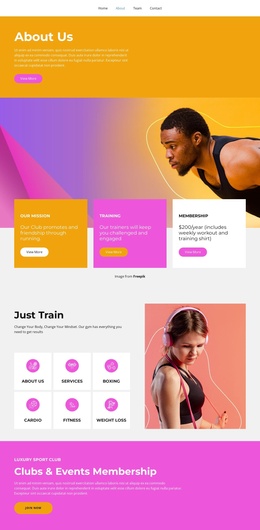
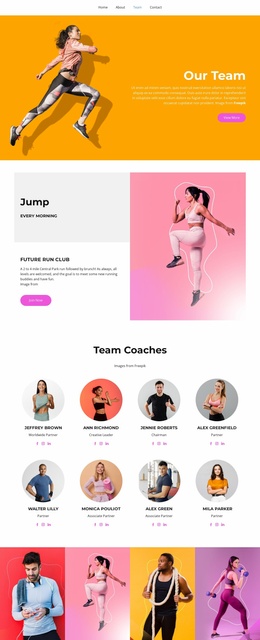
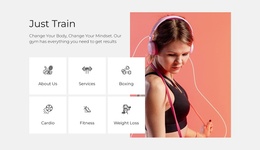
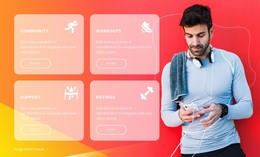
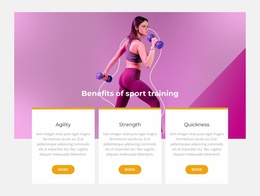
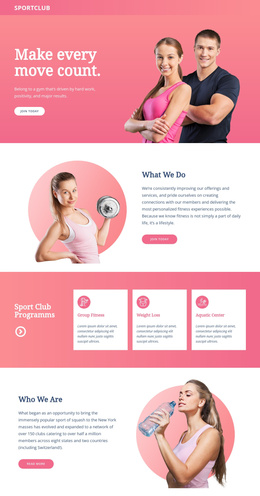
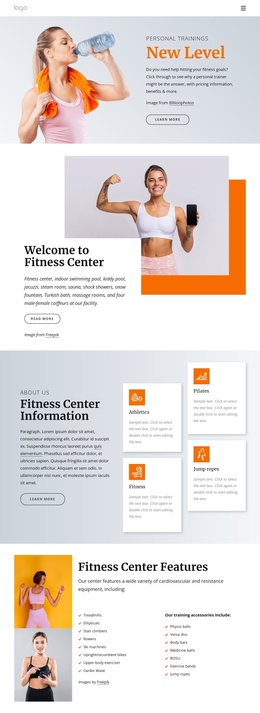
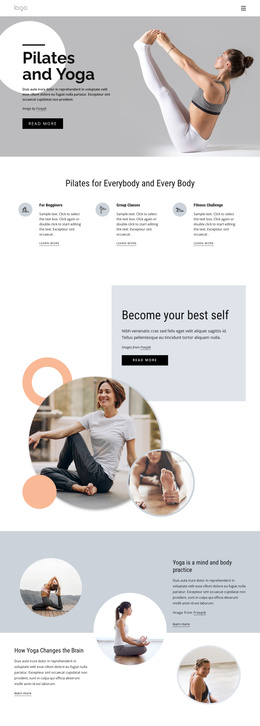
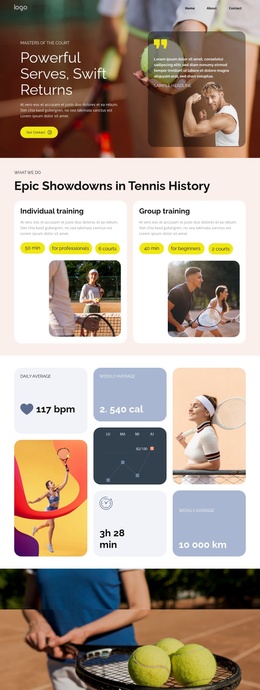
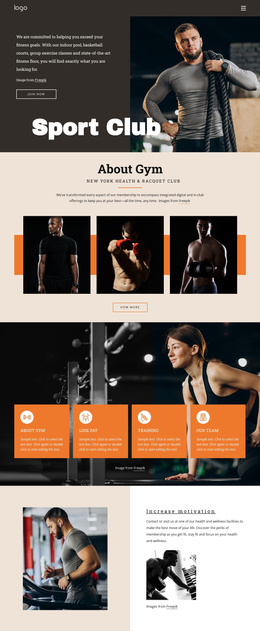
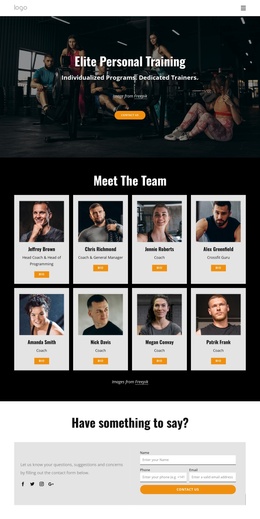
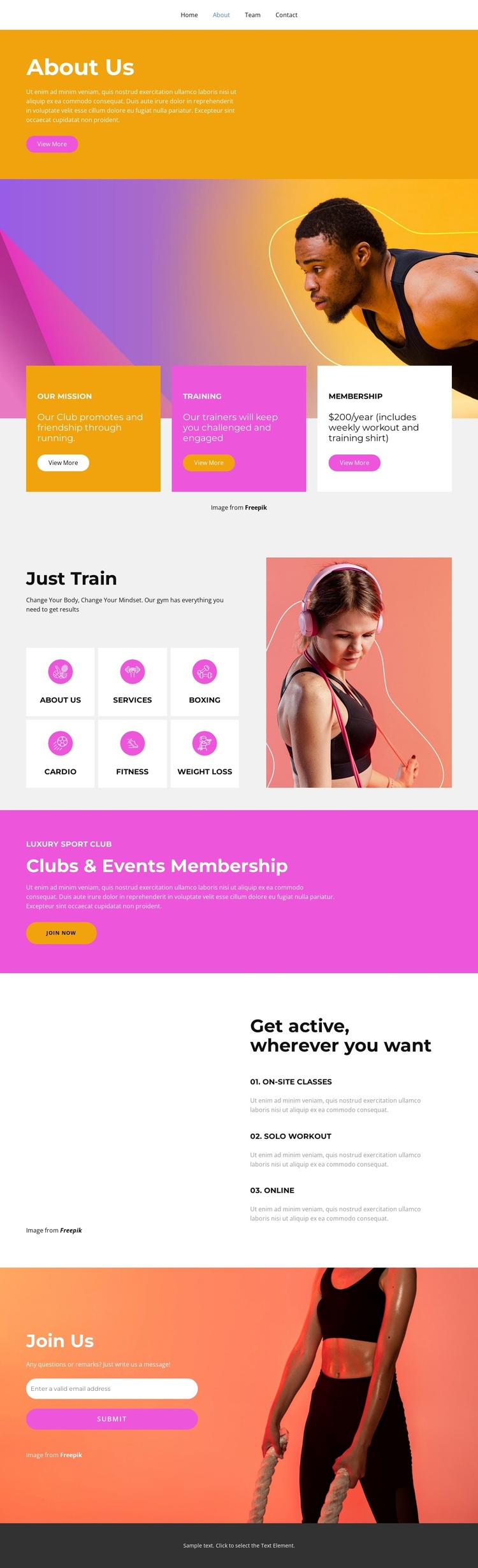
The three highlight cards separate the club’s mission, training, and membership into recurring informational regions, while the Just Train section organizes the activity offer into six compact categories. Boxing, Cardio, Fitness, and Weight Loss are especially useful as structured subject areas, because each can be treated as a distinct piece of club information without disturbing the surrounding visual system. The main navigation—Home, About, Team, and Contact—adds a shared route between these areas and the wider site structure.
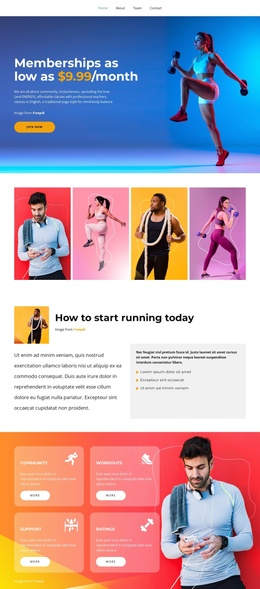
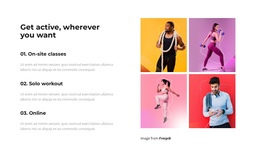
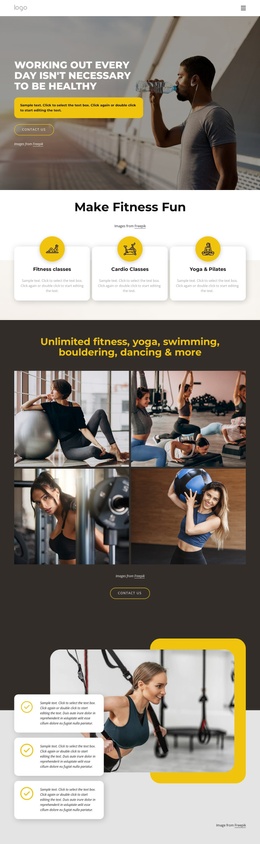
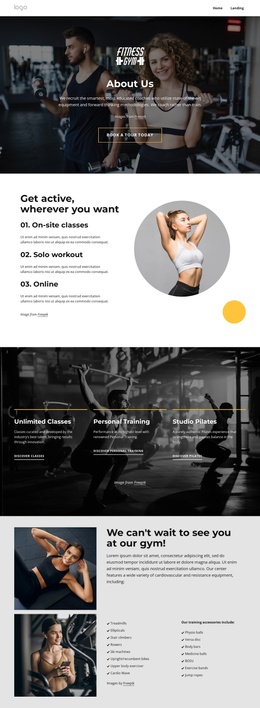
The gallery and workout list provide a different kind of content relationship. Four fitness images establish a visual section, while On-site classes, Solo workout, and Online explain three participation formats beside it. This makes the design suitable for a Joomla-managed fitness site where structured information, navigation, visual content, and contact details need to remain coordinated. The pink Clubs & Events Membership block can serve as a prominent site region for current membership messaging, while its Join now button preserves a direct route toward participation.
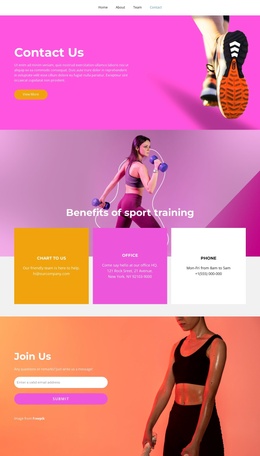
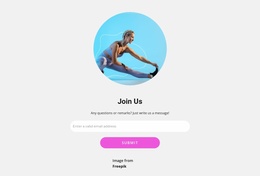
The Join Us area supplies the clearest contact region, with an email input and submit action placed over a fitness photograph. It gives the page a defined destination for membership questions or sign-up interest. In a Joomla project, these distinct regions can be mapped to managed club content and reusable site navigation while retaining the page’s original sequence from introduction, through activities and membership, to contact.
Customize with Nicepage
Open this ready-made template in the Joomla Page Builder and customize it visually in the Nicepage editor. Replace demo content, edit page sections, and adapt the design to your project without rebuilding the template from scratch.
Work With This Template in Joomla
Customize and Install the Joomla Template
Start with this ready-made template instead of building the Joomla design from scratch. Customize its layout, content, typography, images, sections, and other design elements visually in the Nicepage application, then export and install the Joomla Template, Nicepage Extension, and supported content on your Joomla website.
Edit the Template Directly in Joomla
After installation, you can edit the Joomla Template directly in Joomla with the Nicepage Joomla Extension. Customize the Header, Footer, Colors, Fonts, typography, and Page Templates from the Joomla workflow while keeping the site design connected with your CMS content.
Edit Joomla Articles Visually
Use the Nicepage Joomla Extension to open and edit Joomla Articles visually from the Joomla Administrator. Change text, images, sections, layouts, and other page content in the Nicepage editor while continuing to manage the Articles through Joomla.
Joomla Content and Template Integration
Use the customized template together with Joomla Articles, module Positions, menus, forms, Blog Pages, and other supported CMS elements. With the Nicepage Extension used as the Site Style Source, shared design settings can be applied across Joomla Articles while Joomla continues to provide the CMS environment for managing site content.
This workflow combines a ready-made Joomla Template with visual customization, direct template editing in Joomla, and continued content management through the Nicepage Joomla Extension.