The best beauty salon in NYC Joomla Template



Edit Template Offline
2. Create new page and search for id 6003447
Edit Template Online
Create Awesome Websites


Free Nicepage Builder
Keywords
Structured Salon Content from Services to Contact
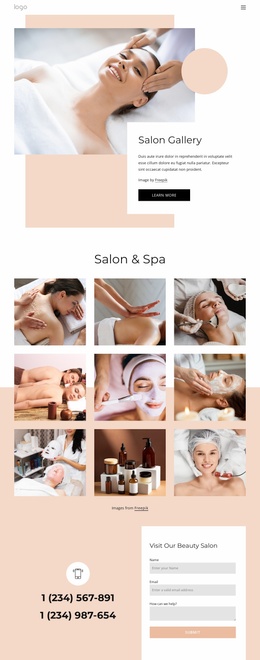
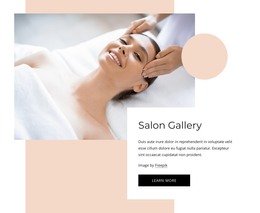
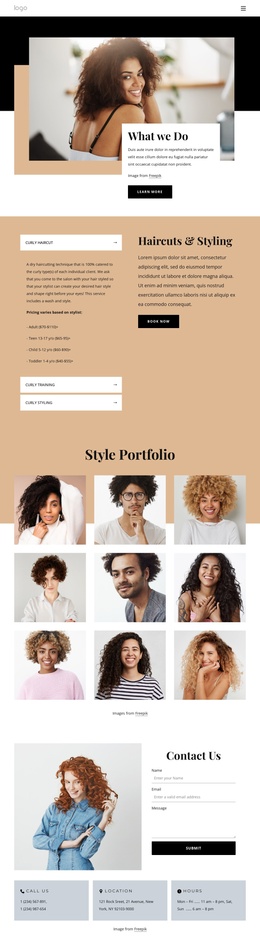
The eight service categories divide the page into clear informational areas that suit a structured CMS content model. Body, Massages, Spa Packages, Couples, IV Therapy, Microblading, Gift Cards, and products are presented as repeated cards, giving a Joomla project a recognizable way to organize related salon information while preserving a common visual treatment. The category group is distinct from the opening hero, which introduces the salon through an image and overlapping promotional text panel.
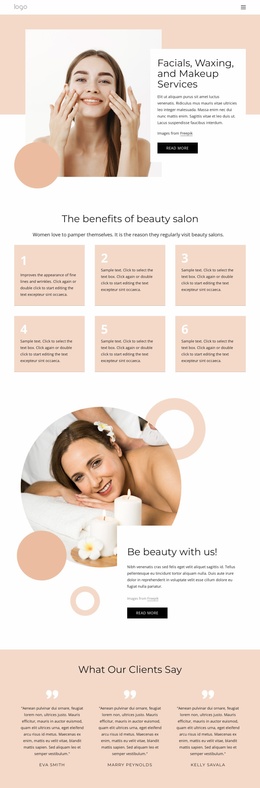
Other sections provide different kinds of content regions. The new-client promotion can stand apart as an offer area, while the two-slide testimonial carousel supplies compact customer-oriented material. The six numbered benefits add another repeated informational group, and the treatment-menu section combines a Download action with four images. These relationships are useful when a site needs to keep service content, promotional material, supporting information, and visual treatment content clearly separated.
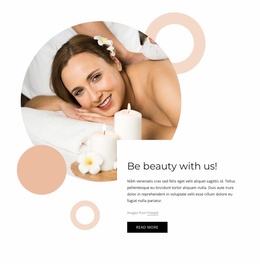
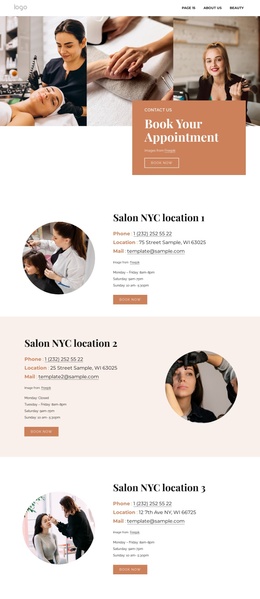
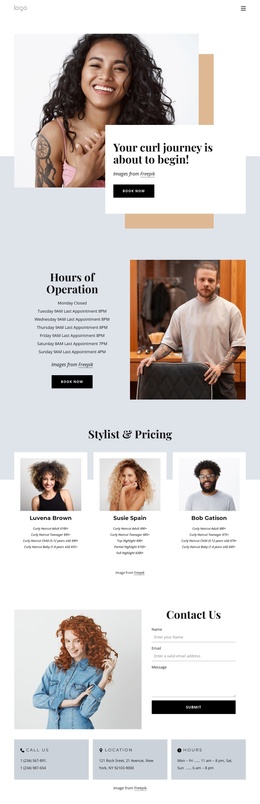
The lower blocks establish the site's contact structure. The appointment section pairs a booking message with a prominent action, and the final contact area places two phone channels beside an inquiry form. That arrangement gives navigation and content a logical destination: visitors can move from service categories toward appointment or contact information. In a Joomla implementation, the design can therefore act as a coordinated presentation for structured salon content rather than merely as a decorative landing screen.
Customize with Nicepage
Open this ready-made template in the Joomla Page Builder and customize it visually in the Nicepage editor. Replace demo content, edit page sections, and adapt the design to your project without rebuilding the template from scratch.
Work With This Template in Joomla
Customize and Install the Joomla Template
Start with this ready-made template instead of building the Joomla design from scratch. Customize its layout, content, typography, images, sections, and other design elements visually in the Nicepage application, then export and install the Joomla Template, Nicepage Extension, and supported content on your Joomla website.
Edit the Template Directly in Joomla
After installation, you can edit the Joomla Template directly in Joomla with the Nicepage Joomla Extension. Customize the Header, Footer, Colors, Fonts, typography, and Page Templates from the Joomla workflow while keeping the site design connected with your CMS content.
Edit Joomla Articles Visually
Use the Nicepage Joomla Extension to open and edit Joomla Articles visually from the Joomla Administrator. Change text, images, sections, layouts, and other page content in the Nicepage editor while continuing to manage the Articles through Joomla.
Joomla Content and Template Integration
Use the customized template together with Joomla Articles, module Positions, menus, forms, Blog Pages, and other supported CMS elements. With the Nicepage Extension used as the Site Style Source, shared design settings can be applied across Joomla Articles while Joomla continues to provide the CMS environment for managing site content.
This workflow combines a ready-made Joomla Template with visual customization, direct template editing in Joomla, and continued content management through the Nicepage Joomla Extension.