Professional nail art Joomla Template



Edit Template Offline
2. Create new page and search for id 220790
Edit Template Online
Create Awesome Websites


Free Nicepage Builder
Keywords
Service Categories and Studio Regions Divide the Salon Content Naturally
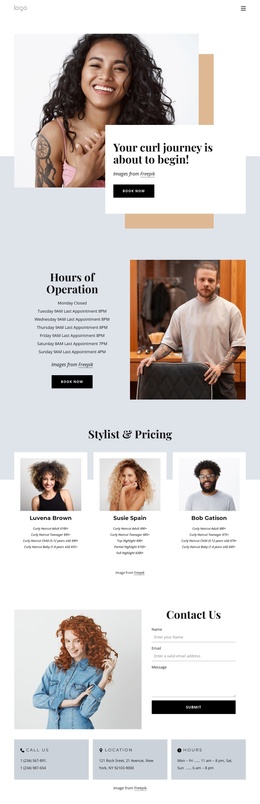
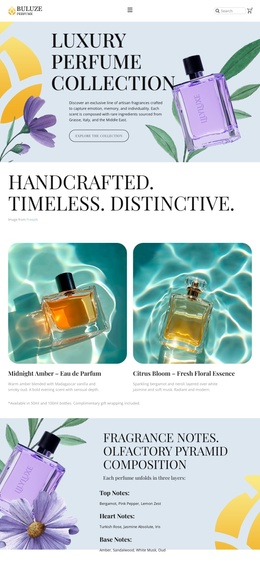
The service menu and treatment collection give this design a useful content hierarchy for a Joomla-managed salon site. Four priced entries establish a focused nail-service area, while the eight image-led categories broaden the information into hand care, foot care, spa packages, massages, body care, natural nails, waxing, and products. These are different kinds of content, but the page keeps them within one coordinated visual direction, making the distinction understandable without fragmenting the visitor experience.
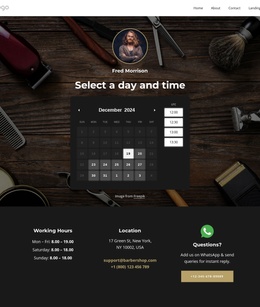
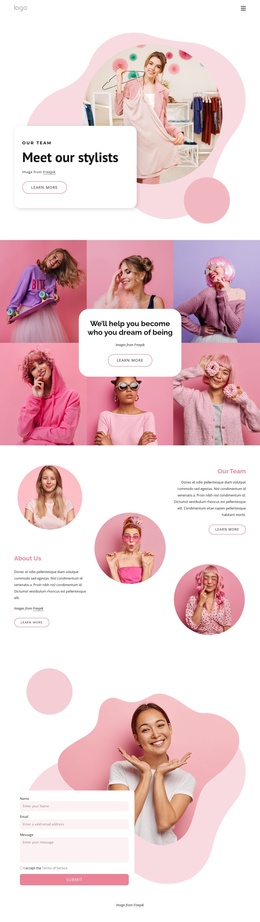
The About Studio section can carry more enduring information about the salon, while the Deluxe Manicure feature and What Do You Need? prompt provide focused areas for service presentation. The Our Team and Testimonials sections add recurring people and feedback content, and the final location block groups address details with social links. Together, these regions resemble the practical divisions a salon site needs: navigation, services, supporting information, trust content, and contact context. The sample names, prices, and address remain placeholders, but they show where managed content can be placed.
For Joomla, the design is therefore best interpreted as a set of structured site regions rather than only a static visual page. Navigation can connect the major areas, while service and studio content can remain organized as the project develops. The template’s shared visual treatment helps recurring information stay coherent without requiring every section to communicate the same message.
Customize with Nicepage
Open this ready-made template in the Joomla Page Builder and customize it visually in the Nicepage editor. Replace demo content, edit page sections, and adapt the design to your project without rebuilding the template from scratch.
Work With This Template in Joomla
Customize and Install the Joomla Template
Start with this ready-made template instead of building the Joomla design from scratch. Customize its layout, content, typography, images, sections, and other design elements visually in the Nicepage application, then export and install the Joomla Template, Nicepage Extension, and supported content on your Joomla website.
Edit the Template Directly in Joomla
After installation, you can edit the Joomla Template directly in Joomla with the Nicepage Joomla Extension. Customize the Header, Footer, Colors, Fonts, typography, and Page Templates from the Joomla workflow while keeping the site design connected with your CMS content.
Edit Joomla Articles Visually
Use the Nicepage Joomla Extension to open and edit Joomla Articles visually from the Joomla Administrator. Change text, images, sections, layouts, and other page content in the Nicepage editor while continuing to manage the Articles through Joomla.
Joomla Content and Template Integration
Use the customized template together with Joomla Articles, module Positions, menus, forms, Blog Pages, and other supported CMS elements. With the Nicepage Extension used as the Site Style Source, shared design settings can be applied across Joomla Articles while Joomla continues to provide the CMS environment for managing site content.
This workflow combines a ready-made Joomla Template with visual customization, direct template editing in Joomla, and continued content management through the Nicepage Joomla Extension.