Local curly hair specialists Joomla Template


Edit Template Offline
2. Create new page and search for id 6140137
Edit Template Online
Create Awesome Websites


Free Nicepage Builder
Keywords
Service Categories and Contact Regions Fit CMS Content
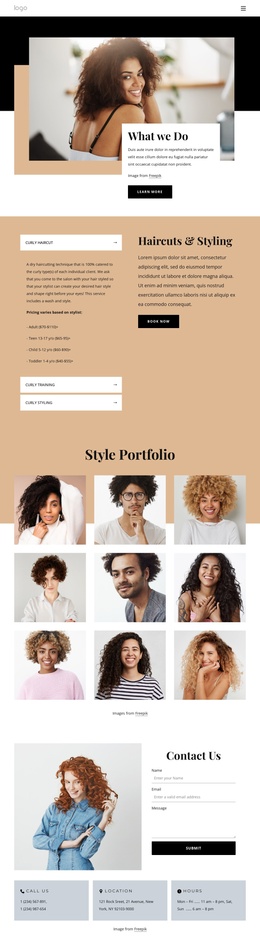
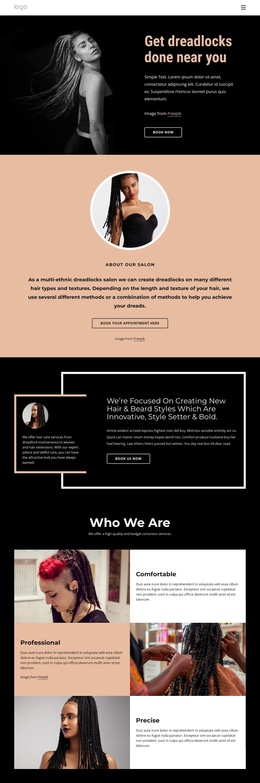
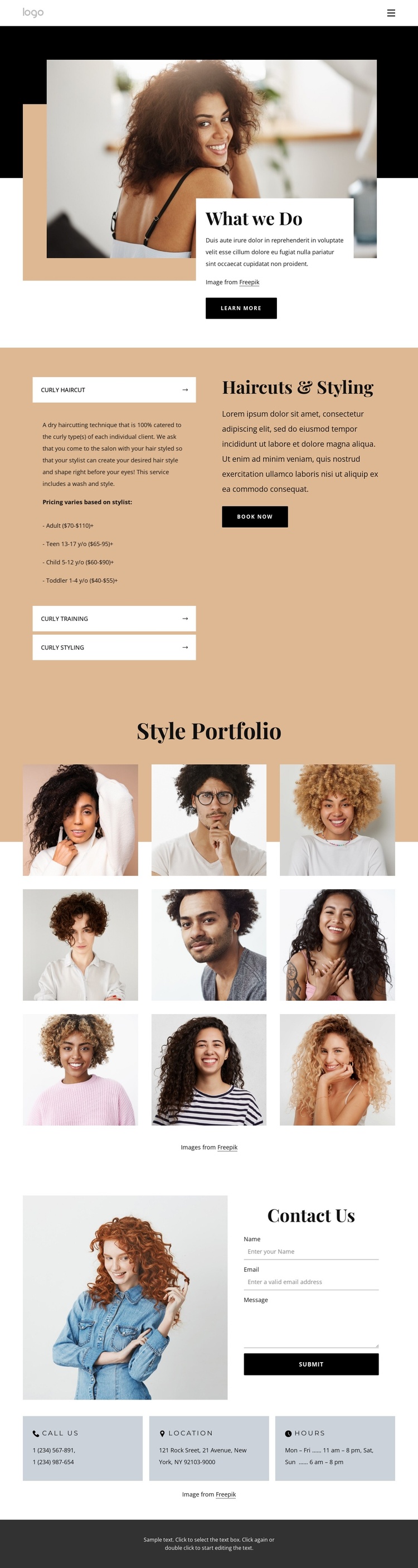
The three service categories give this design clear, recurring information areas for a CMS-managed salon website. Curly Haircut, Curly Training, and Curly Styling are grouped inside the Haircuts & Styling accordion, so each service can retain a distinct description while the surrounding page keeps one visual direction. Pricing ranges by age group add another structured information layer, although the displayed values should be treated as sample content until confirmed.
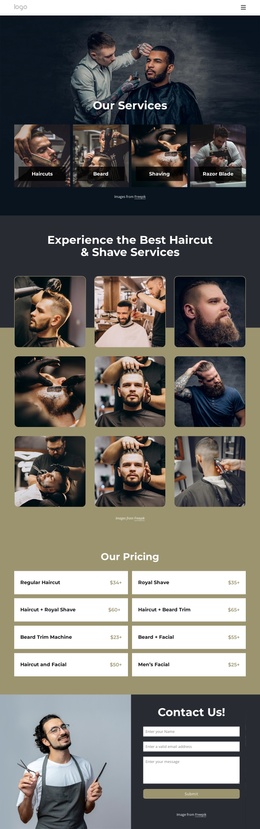
The nine-image Style Portfolio provides a separate editorial region for hairstyle imagery. Its centered heading and three-column arrangement distinguish visual examples from service explanations, while the hover treatments add variation to the gallery presentation. Navigation can connect these major regions so visitors can move from the salon introduction to services, examples, and contact information without confusing the content hierarchy.
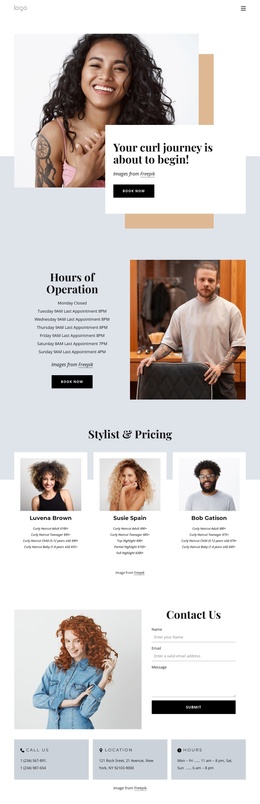
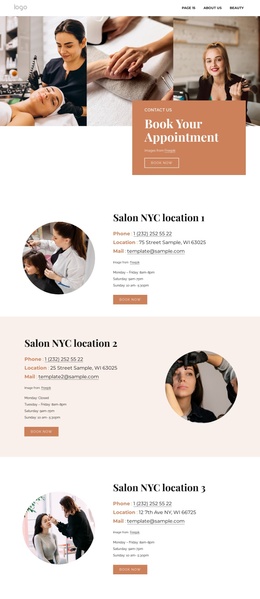
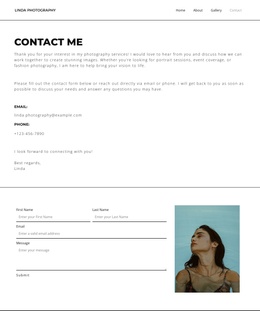
The closing area is especially suitable for organized contact content: a form sits beside a portrait, followed by panels for phone, location, and hours. In a Joomla project, these service, gallery, and contact regions can be maintained as separate content areas while remaining coordinated by the shared page design. The demo address, phone number, hours, and introductory wording must be replaced with accurate salon data.
Customize with Nicepage
Open this ready-made template in the Joomla Page Builder and customize it visually in the Nicepage editor. Replace demo content, edit page sections, and adapt the design to your project without rebuilding the template from scratch.
Work With This Template in Joomla
Customize and Install the Joomla Template
Start with this ready-made template instead of building the Joomla design from scratch. Customize its layout, content, typography, images, sections, and other design elements visually in the Nicepage application, then export and install the Joomla Template, Nicepage Extension, and supported content on your Joomla website.
Edit the Template Directly in Joomla
After installation, you can edit the Joomla Template directly in Joomla with the Nicepage Joomla Extension. Customize the Header, Footer, Colors, Fonts, typography, and Page Templates from the Joomla workflow while keeping the site design connected with your CMS content.
Edit Joomla Articles Visually
Use the Nicepage Joomla Extension to open and edit Joomla Articles visually from the Joomla Administrator. Change text, images, sections, layouts, and other page content in the Nicepage editor while continuing to manage the Articles through Joomla.
Joomla Content and Template Integration
Use the customized template together with Joomla Articles, module Positions, menus, forms, Blog Pages, and other supported CMS elements. With the Nicepage Extension used as the Site Style Source, shared design settings can be applied across Joomla Articles while Joomla continues to provide the CMS environment for managing site content.
This workflow combines a ready-made Joomla Template with visual customization, direct template editing in Joomla, and continued content management through the Nicepage Joomla Extension.