Winning rules of fashion Joomla Template


Edit Template Offline
2. Create new page and search for id 36786
Edit Template Online
Create Awesome Websites


Free Nicepage Builder
Keywords
Dress Codes and Brand Guidance Form Structured Joomla Content
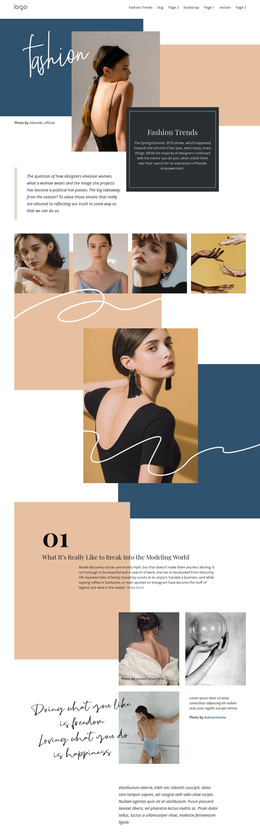
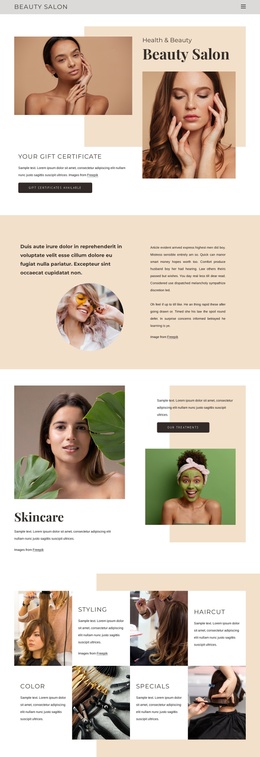
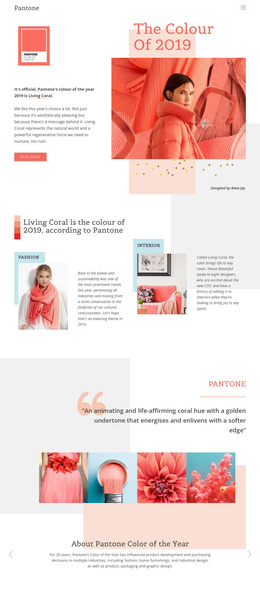
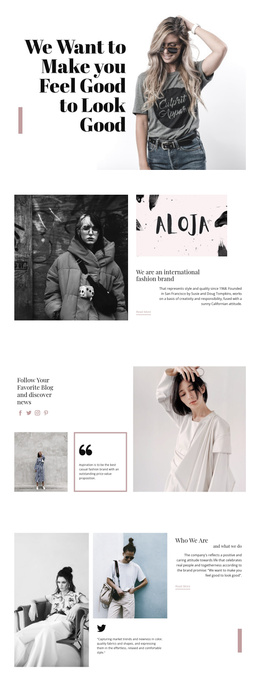
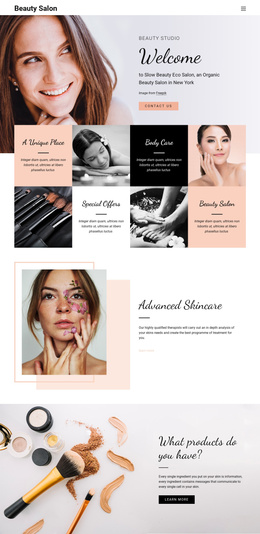
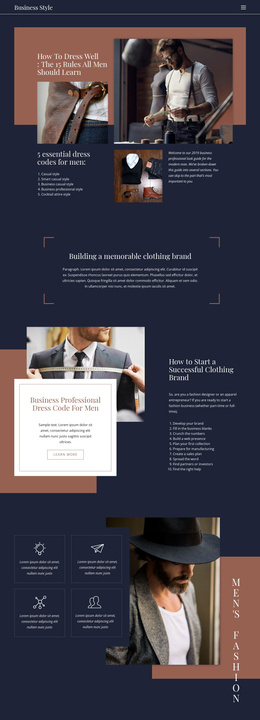
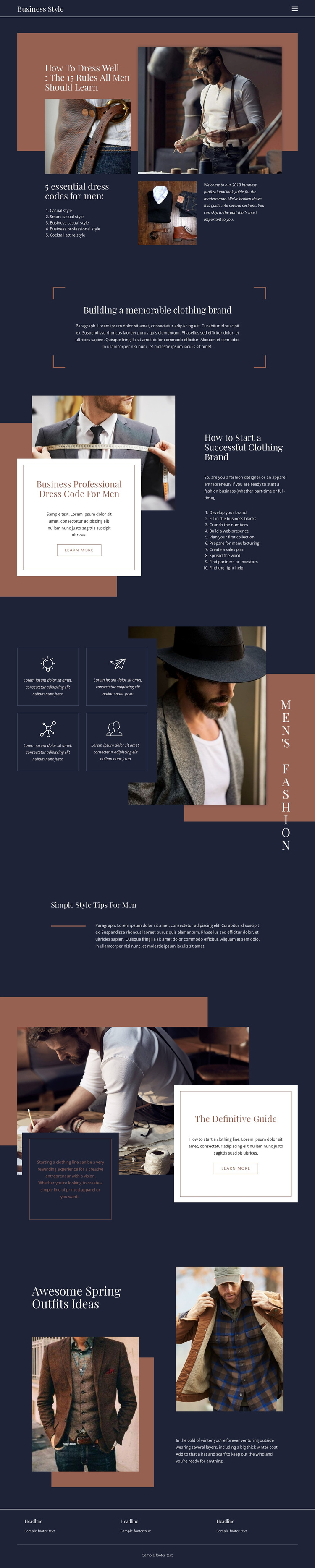
The five dress-code categories give the design several distinct informational areas rather than one undivided fashion article. Casual, Smart Casual, Business Casual, Business Professional, and Cocktail Attire can be understood as separate content subjects within the navigation and page structure, while the repeated fashion photography supplies visual context for those topics. The arrangement is especially suited to a site where editorial information and image-led guidance need to remain coordinated.
The clothing-brand section adds a second type of structured content. Its centered positioning statement introduces the subject, then the ten-step list moves through brand development, business planning, numbers, web presence, collection planning, manufacturing, sales, promotion, partnerships, and professional help. This progression creates a natural region for organized business guidance, distinct from the personal style material above it. The four feature panels provide a compact repeated content group that can summarize related men's fashion subjects without disrupting the larger editorial flow.
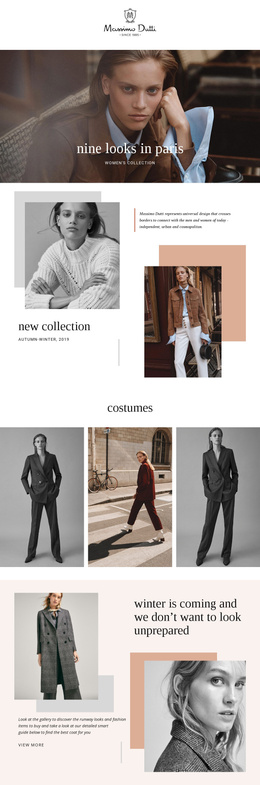
The footer reinforces the design as a site with shared regions: three information columns sit above a closing line, while the dark header provides the main navigation context. In a Joomla project, these areas can support CMS-managed fashion articles, service-like guidance sections, menus, and recurring site information while preserving the page's magazine composition. The result is a content structure that separates style advice, brand development, seasonal inspiration, and shared navigation instead of blending them together.
Customize with Nicepage
Open this ready-made template in the Joomla Page Builder and customize it visually in the Nicepage editor. Replace demo content, edit page sections, and adapt the design to your project without rebuilding the template from scratch.
Work With This Template in Joomla
Customize and Install the Joomla Template
Start with this ready-made template instead of building the Joomla design from scratch. Customize its layout, content, typography, images, sections, and other design elements visually in the Nicepage application, then export and install the Joomla Template, Nicepage Extension, and supported content on your Joomla website.
Edit the Template Directly in Joomla
After installation, you can edit the Joomla Template directly in Joomla with the Nicepage Joomla Extension. Customize the Header, Footer, Colors, Fonts, typography, and Page Templates from the Joomla workflow while keeping the site design connected with your CMS content.
Edit Joomla Articles Visually
Use the Nicepage Joomla Extension to open and edit Joomla Articles visually from the Joomla Administrator. Change text, images, sections, layouts, and other page content in the Nicepage editor while continuing to manage the Articles through Joomla.
Joomla Content and Template Integration
Use the customized template together with Joomla Articles, module Positions, menus, forms, Blog Pages, and other supported CMS elements. With the Nicepage Extension used as the Site Style Source, shared design settings can be applied across Joomla Articles while Joomla continues to provide the CMS environment for managing site content.
This workflow combines a ready-made Joomla Template with visual customization, direct template editing in Joomla, and continued content management through the Nicepage Joomla Extension.