Alicia Keys Joomla Template


Edit Template Offline
2. Create new page and search for id 12861
Edit Template Online
Create Awesome Websites


Free Nicepage Builder
Keywords
Related Coverage and Shared Content Regions Suit a Structured CMS Article
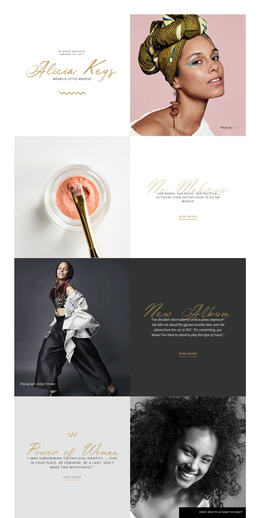
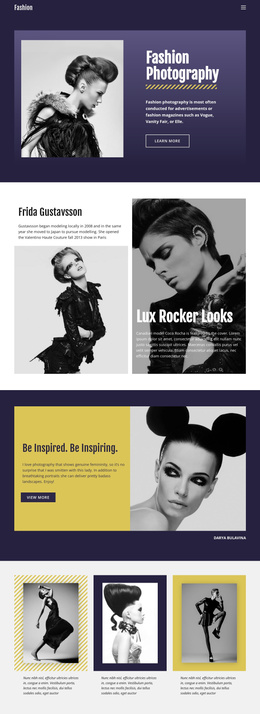
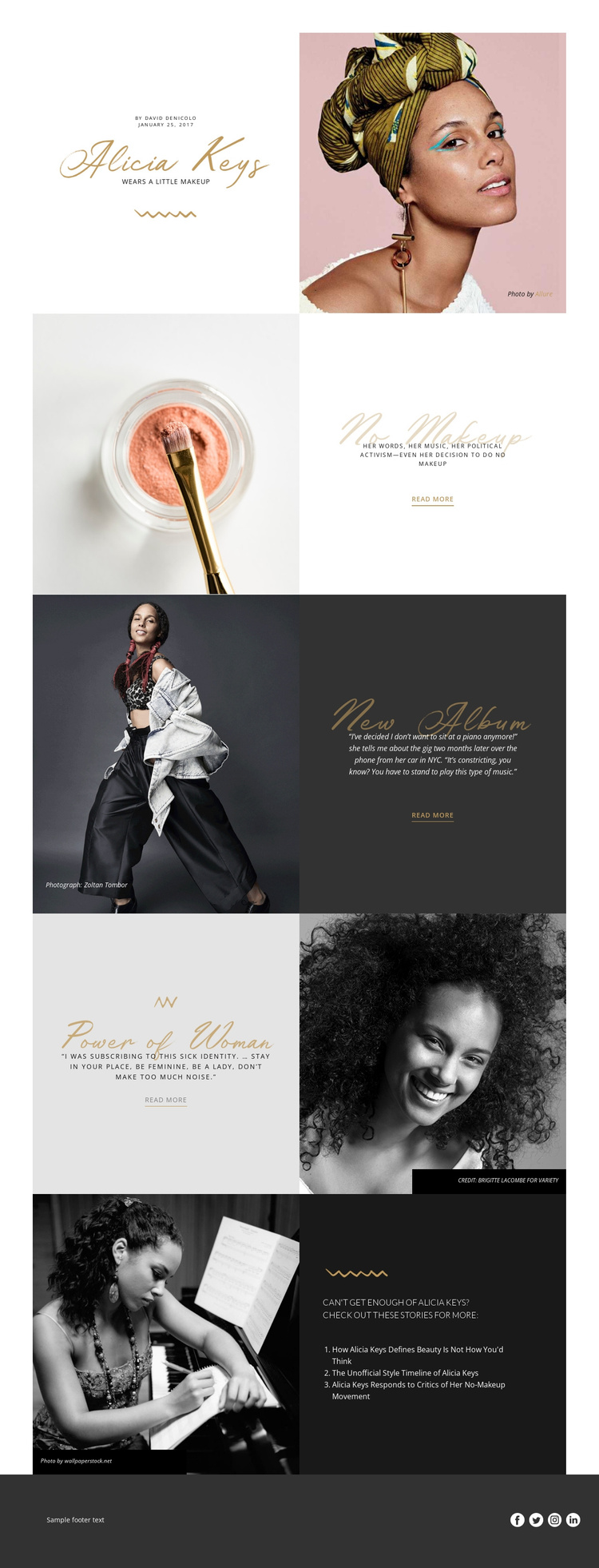
The Alicia Keys page divides its editorial material into clear content regions that can be understood independently while remaining visually connected. The opening area identifies the subject through the wordmark, “Wears A Little Makeup” headline, author information, January 25, 2017 date, and portrait. Subsequent split sections separate beauty and identity commentary from the monochrome music quotation, allowing each subject area to retain its own image, text treatment, credit, and Read more destination.
The closing Blog Posts block provides another structured region: a heading invites further reading and three related Alicia Keys story titles appear beside a performance photograph. This makes the page suitable for a CMS-oriented editorial arrangement in which the main feature, supporting quotations, related coverage, and shared footer can remain distinct parts of the same presentation. The footer’s Facebook, Twitter, Instagram, and LinkedIn links also establish a reusable ending for the page rather than an isolated visual flourish.
For Joomla content, the value lies in this division between article information, supporting media, onward-reading links, and shared site elements. A Joomla project could preserve the page’s visual relationships while organizing the editorial material through its own content structure. The design therefore offers more than a portrait page: it provides a coordinated set of regions for subject coverage, quotations, recommendations, credits, and social access.
Customize with Nicepage
Open this ready-made template in the Joomla Page Builder and customize it visually in the Nicepage editor. Replace demo content, edit page sections, and adapt the design to your project without rebuilding the template from scratch.
Work With This Template in Joomla
Customize and Install the Joomla Template
Start with this ready-made template instead of building the Joomla design from scratch. Customize its layout, content, typography, images, sections, and other design elements visually in the Nicepage application, then export and install the Joomla Template, Nicepage Extension, and supported content on your Joomla website.
Edit the Template Directly in Joomla
After installation, you can edit the Joomla Template directly in Joomla with the Nicepage Joomla Extension. Customize the Header, Footer, Colors, Fonts, typography, and Page Templates from the Joomla workflow while keeping the site design connected with your CMS content.
Edit Joomla Articles Visually
Use the Nicepage Joomla Extension to open and edit Joomla Articles visually from the Joomla Administrator. Change text, images, sections, layouts, and other page content in the Nicepage editor while continuing to manage the Articles through Joomla.
Joomla Content and Template Integration
Use the customized template together with Joomla Articles, module Positions, menus, forms, Blog Pages, and other supported CMS elements. With the Nicepage Extension used as the Site Style Source, shared design settings can be applied across Joomla Articles while Joomla continues to provide the CMS environment for managing site content.
This workflow combines a ready-made Joomla Template with visual customization, direct template editing in Joomla, and continued content management through the Nicepage Joomla Extension.