We are a sport club Joomla Template



Edit Template Offline
2. Create new page and search for id 4751488
Edit Template Online
Create Awesome Websites


Free Nicepage Builder
Keywords
Services, Training Options, and Contact Content Form Clear Joomla Regions
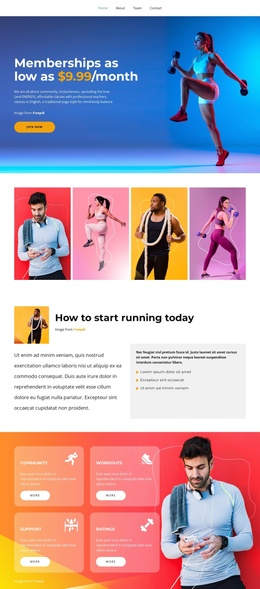
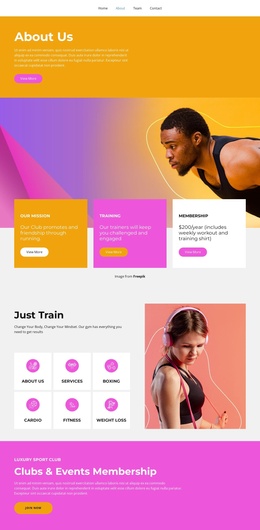
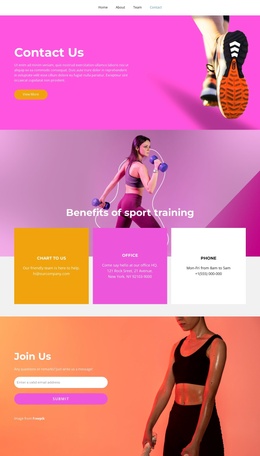
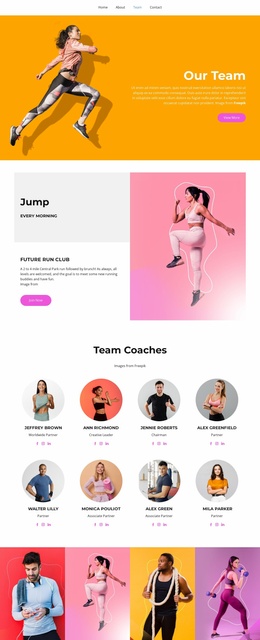
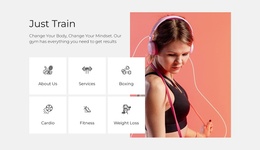
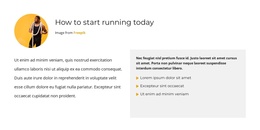
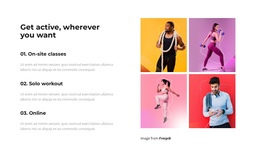
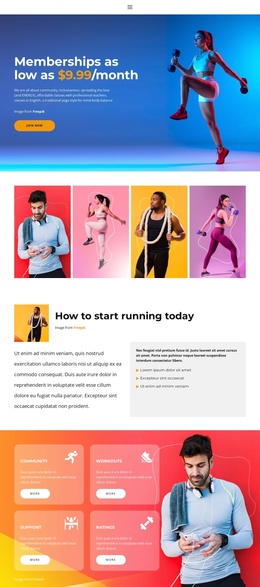
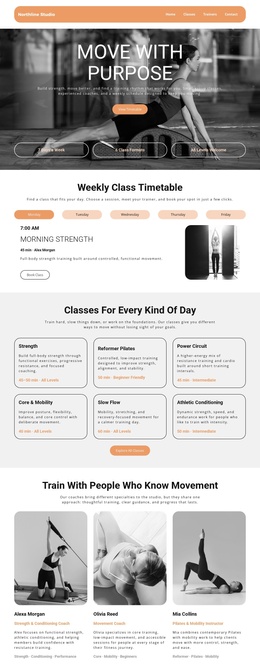
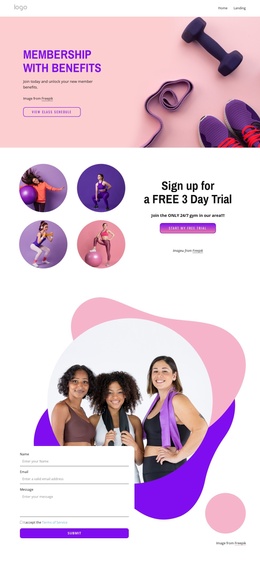
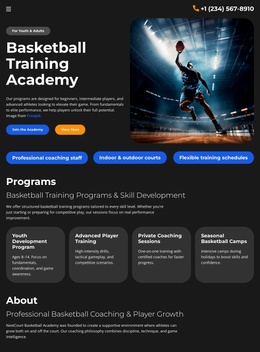
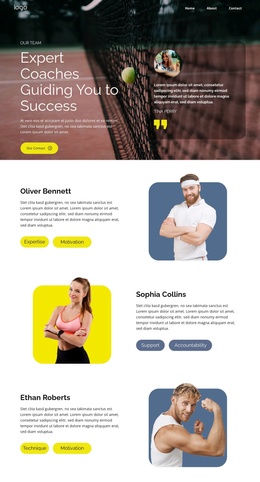
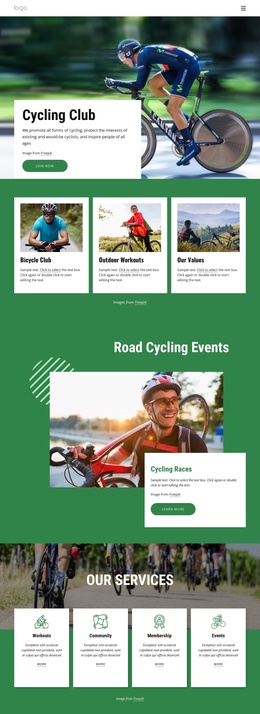
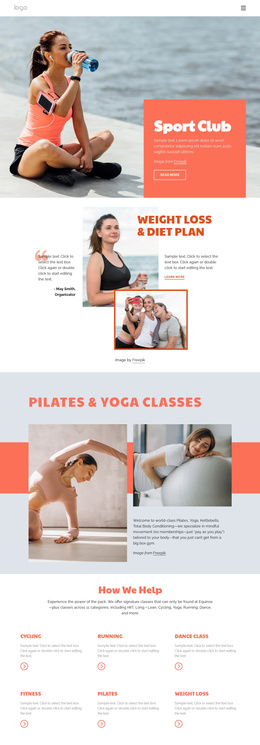
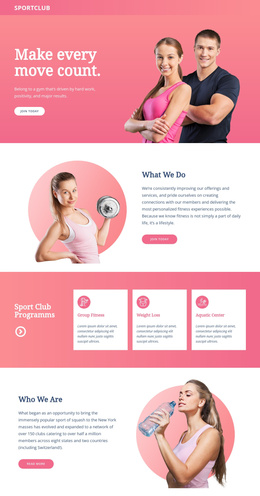
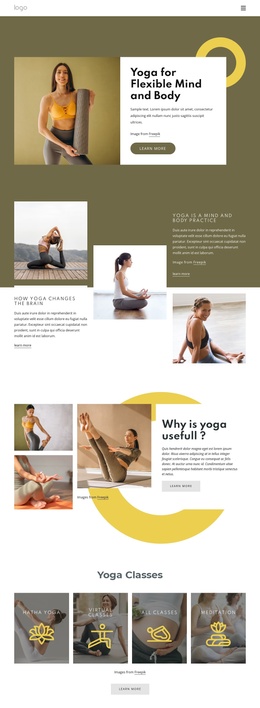
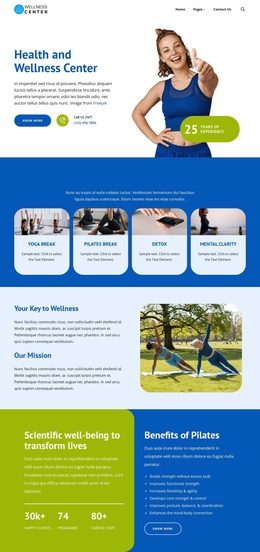
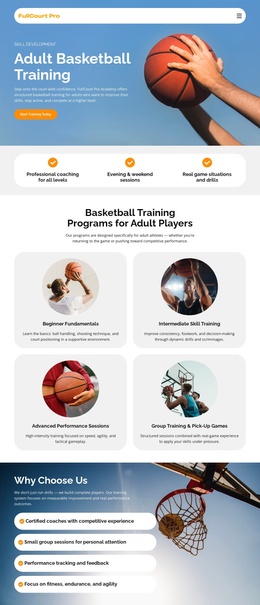
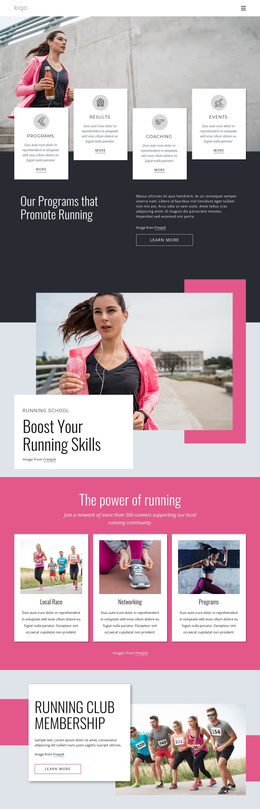
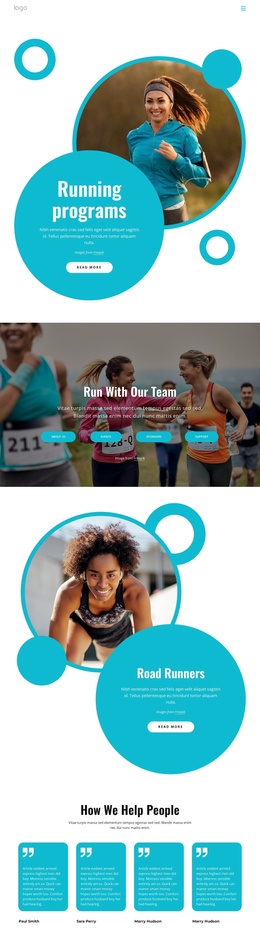
The page divides its fitness message into recurring information areas that can be interpreted as organized CMS content. The running guidance section provides an article-like explanation, while the four feature labels—community, workouts, support, and ratings—form a structured group of membership information. Separate sections then distinguish clubs and events from the three listed training options: one-on-one classes, solo workout, and online. This separation helps preserve meaning when content is revised or expanded inside a Joomla-managed site.
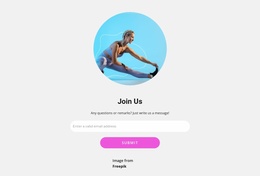
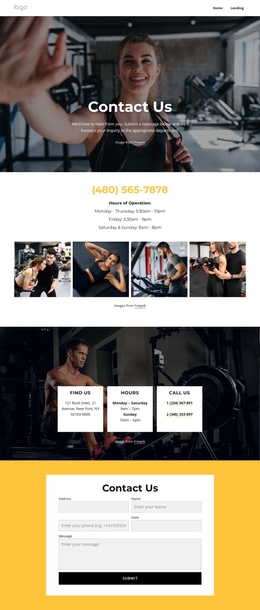
Navigation and shared page framing connect these areas into one recognizable design, but the content itself has distinct roles. The $59.99-per-month offer and repeated JOIN NOW buttons provide promotional entry points; the running section supplies useful subject matter; and the closing Join Us region supplies an email-based response point. The four-image activity strip and athlete photography can support the visual presentation of those content regions without being treated as factual business credentials.
The result is a useful Joomla-oriented foundation for structured sports content: informational guidance, membership benefits, training categories, event promotion, and contact content remain visually coordinated. The template analysis confirms the design areas, but it does not claim that Joomla Articles, modules, or other CMS objects already exist in the page.
Customize with Nicepage
Open this ready-made template in the Joomla Page Builder and customize it visually in the Nicepage editor. Replace demo content, edit page sections, and adapt the design to your project without rebuilding the template from scratch.
Work With This Template in Joomla
Customize and Install the Joomla Template
Start with this ready-made template instead of building the Joomla design from scratch. Customize its layout, content, typography, images, sections, and other design elements visually in the Nicepage application, then export and install the Joomla Template, Nicepage Extension, and supported content on your Joomla website.
Edit the Template Directly in Joomla
After installation, you can edit the Joomla Template directly in Joomla with the Nicepage Joomla Extension. Customize the Header, Footer, Colors, Fonts, typography, and Page Templates from the Joomla workflow while keeping the site design connected with your CMS content.
Edit Joomla Articles Visually
Use the Nicepage Joomla Extension to open and edit Joomla Articles visually from the Joomla Administrator. Change text, images, sections, layouts, and other page content in the Nicepage editor while continuing to manage the Articles through Joomla.
Joomla Content and Template Integration
Use the customized template together with Joomla Articles, module Positions, menus, forms, Blog Pages, and other supported CMS elements. With the Nicepage Extension used as the Site Style Source, shared design settings can be applied across Joomla Articles while Joomla continues to provide the CMS environment for managing site content.
This workflow combines a ready-made Joomla Template with visual customization, direct template editing in Joomla, and continued content management through the Nicepage Joomla Extension.