Basketball Training School Joomla Template



Edit Template Offline
2. Create new page and search for id 6641016
Edit Template Online
Create Awesome Websites


Free Nicepage Builder
Keywords
Programs, reviews, and contact details form clear CMS content regions
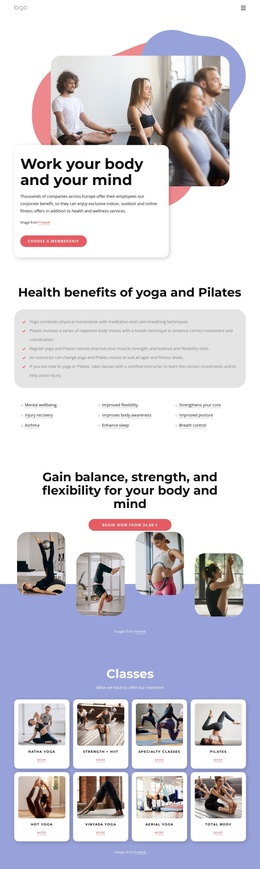
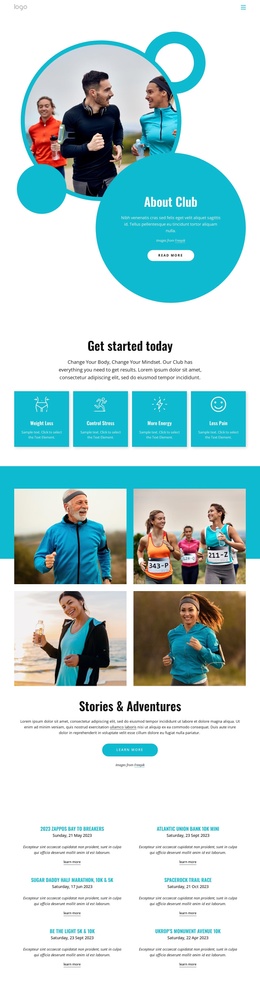
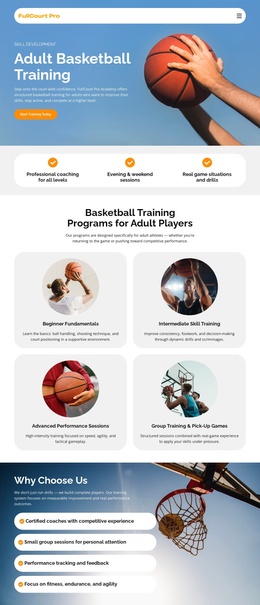
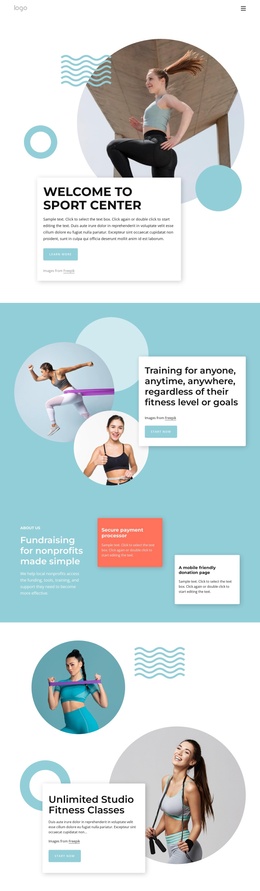
The page divides the academy story into structured information areas that can be interpreted naturally in a Joomla-managed site. The four program cards separate Youth Development, Advanced Training, Private Coaching Sessions, and Seasonal Basketball Camps into recurring content groups. The About section supplies a different informational region, connecting the academy description with individual skill development, teamwork and communication, and physical conditioning and agility.
The coaching photograph and three testimonial cards add further content roles. The image presents the coaching team without verified individual names, while the testimonials provide a distinct review area rather than another program list. At the end, the contact region gathers address information, a phone number, training hours for weekdays and weekends, and the free trial registration action into one practical site area. The shared dark header and narrow footer help these regions remain visually connected.
This structure is useful for Joomla projects because navigation, recurring informational areas, reviews, and contact content can be treated as related parts of a managed site rather than as one undifferentiated block. Nicepage’s Joomla Extension supports creating and designing Joomla Articles, but this page does not prove that Joomla Articles or module positions already exist. The relevant fit comes from the template’s clear content regions and reusable site areas.
Customize with Nicepage
Open this ready-made template in the Joomla Page Builder and customize it visually in the Nicepage editor. Replace demo content, edit page sections, and adapt the design to your project without rebuilding the template from scratch.
Work With This Template in Joomla
Customize and Install the Joomla Template
Start with this ready-made template instead of building the Joomla design from scratch. Customize its layout, content, typography, images, sections, and other design elements visually in the Nicepage application, then export and install the Joomla Template, Nicepage Extension, and supported content on your Joomla website.
Edit the Template Directly in Joomla
After installation, you can edit the Joomla Template directly in Joomla with the Nicepage Joomla Extension. Customize the Header, Footer, Colors, Fonts, typography, and Page Templates from the Joomla workflow while keeping the site design connected with your CMS content.
Edit Joomla Articles Visually
Use the Nicepage Joomla Extension to open and edit Joomla Articles visually from the Joomla Administrator. Change text, images, sections, layouts, and other page content in the Nicepage editor while continuing to manage the Articles through Joomla.
Joomla Content and Template Integration
Use the customized template together with Joomla Articles, module Positions, menus, forms, Blog Pages, and other supported CMS elements. With the Nicepage Extension used as the Site Style Source, shared design settings can be applied across Joomla Articles while Joomla continues to provide the CMS environment for managing site content.
This workflow combines a ready-made Joomla Template with visual customization, direct template editing in Joomla, and continued content management through the Nicepage Joomla Extension.