Masters of the Court Joomla Template



Edit Template Offline
2. Create new page and search for id 6428945
Edit Template Online
Create Awesome Websites


Free Nicepage Builder
Keywords
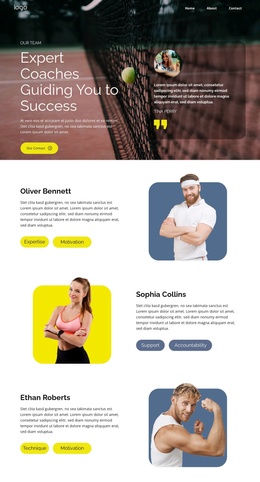
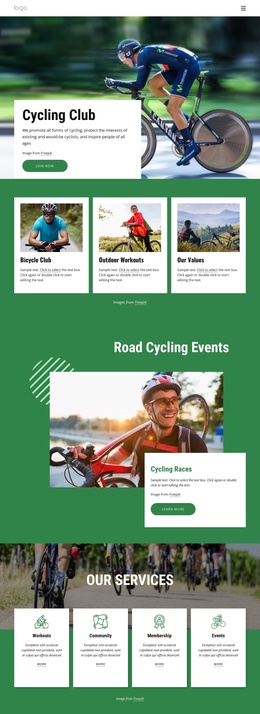
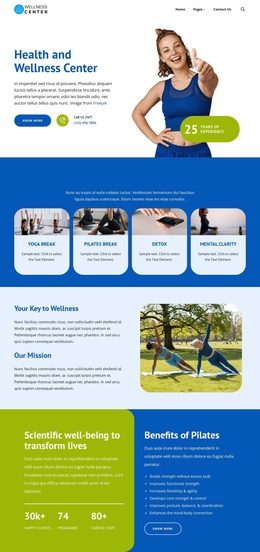
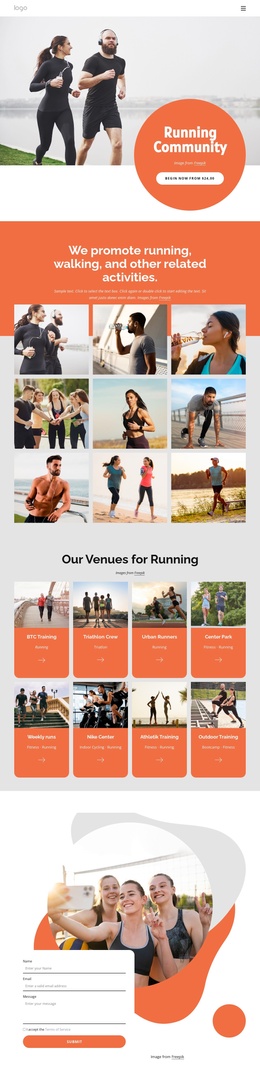
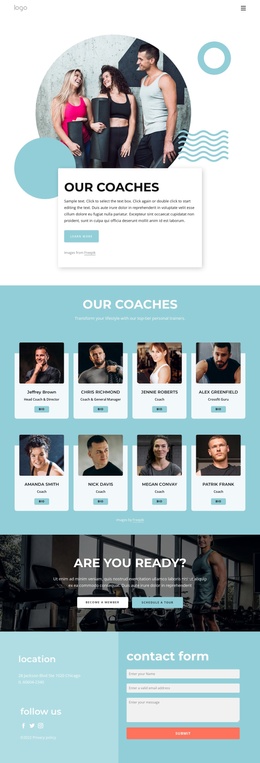
Training Cards and Member Benefits Create Structured Club Content
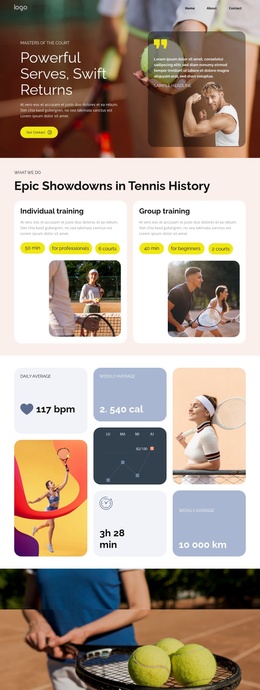
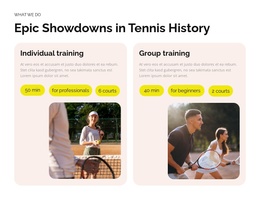
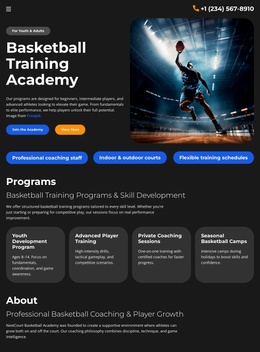
The individual and group training cards divide the central offer into two clear informational areas. Each card combines an image with descriptive content, duration or audience labeling, and a yellow action pill, so the distinction between personal instruction and group participation remains visible. In a Joomla-managed project, these areas could represent recurring service information while the surrounding page keeps the same visual relationship between image, text, and action.
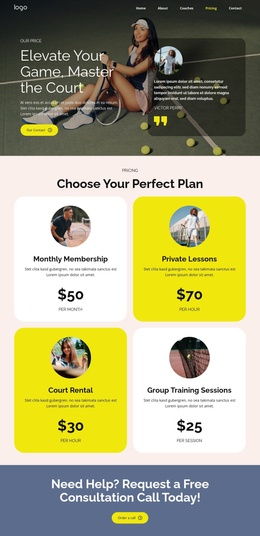
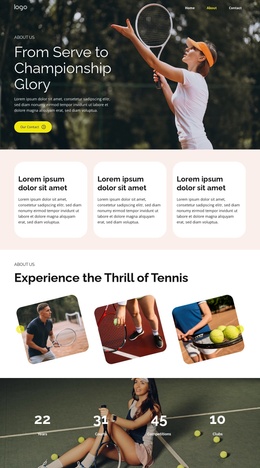
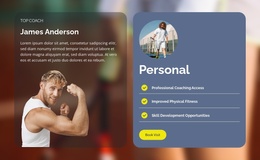
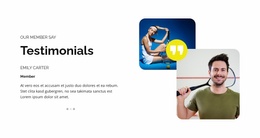
The six membership benefit cards provide a second layer of structured content. Professional Coaching Access, Improved Physical Fitness, Skill Development Opportunities, Social Connection Benefits, Exclusive Member Events, and Year-Round Play are separate labeled topics rather than one undifferentiated paragraph. Their repeated arrangement could support organized club information, especially when the site needs to present several membership advantages under a shared navigation and page style. The testimonial and pricing sections add member perspective and plan comparison to that structure.
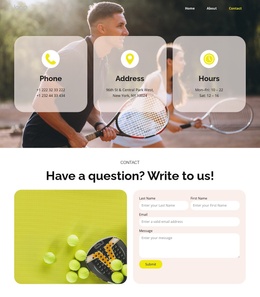
The contact banner and compact footer complete the page’s shared regions. The banner connects the informational sections to a Contact Us response, while the dark footer creates a clear closing boundary. Joomla capability is not being used as evidence that these elements already exist as Articles or module positions; the template analysis confirms only the visible design. Nicepage documentation confirms that a Joomla template can work with Joomla content through the Joomla Extension, but the useful starting point here is the design’s existing division into training, benefits, proof, plans, and contact content.
Customize with Nicepage
Open this ready-made template in the Joomla Page Builder and customize it visually in the Nicepage editor. Replace demo content, edit page sections, and adapt the design to your project without rebuilding the template from scratch.
Work With This Template in Joomla
Customize and Install the Joomla Template
Start with this ready-made template instead of building the Joomla design from scratch. Customize its layout, content, typography, images, sections, and other design elements visually in the Nicepage application, then export and install the Joomla Template, Nicepage Extension, and supported content on your Joomla website.
Edit the Template Directly in Joomla
After installation, you can edit the Joomla Template directly in Joomla with the Nicepage Joomla Extension. Customize the Header, Footer, Colors, Fonts, typography, and Page Templates from the Joomla workflow while keeping the site design connected with your CMS content.
Edit Joomla Articles Visually
Use the Nicepage Joomla Extension to open and edit Joomla Articles visually from the Joomla Administrator. Change text, images, sections, layouts, and other page content in the Nicepage editor while continuing to manage the Articles through Joomla.
Joomla Content and Template Integration
Use the customized template together with Joomla Articles, module Positions, menus, forms, Blog Pages, and other supported CMS elements. With the Nicepage Extension used as the Site Style Source, shared design settings can be applied across Joomla Articles while Joomla continues to provide the CMS environment for managing site content.
This workflow combines a ready-made Joomla Template with visual customization, direct template editing in Joomla, and continued content management through the Nicepage Joomla Extension.