An ocean of experiences Joomla Template


Ocean Cruises and Sea Beaches Form a Structured Joomla Content Region
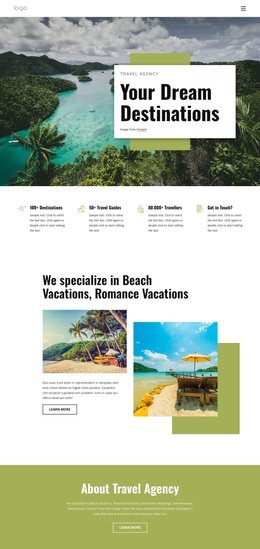
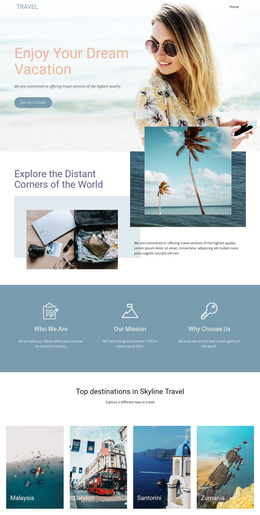
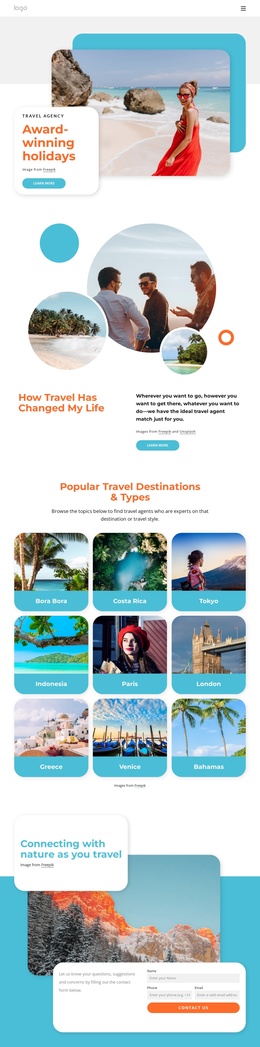
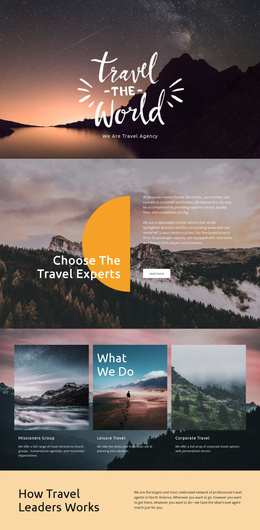
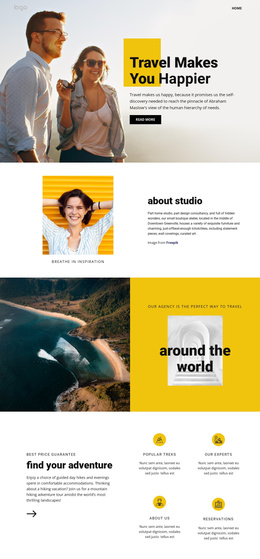
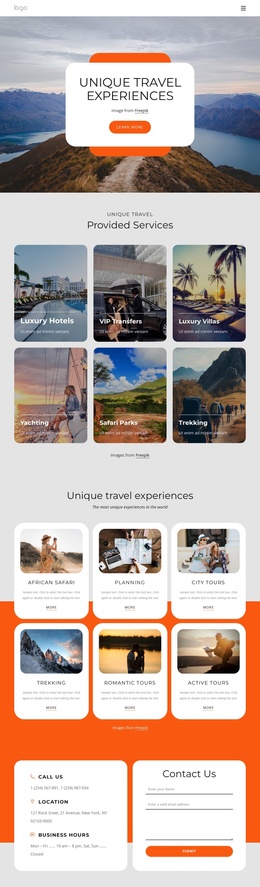
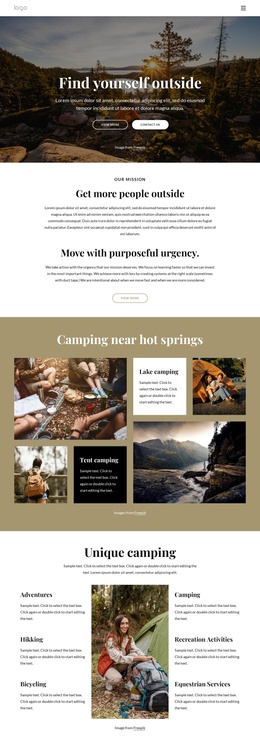
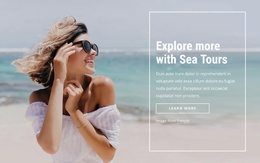
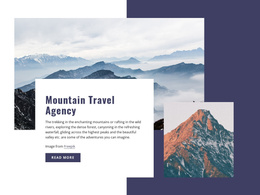
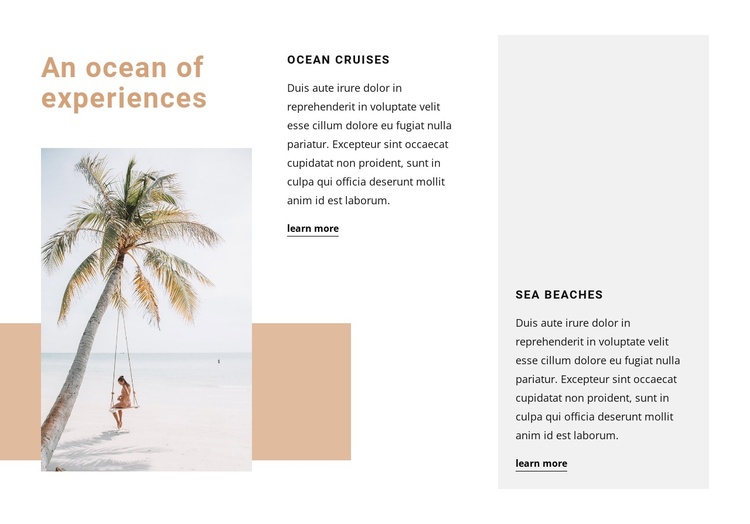
The left heading and tropical beach photograph establish the subject before the two offering columns carry the detail. Ocean Cruises occupies the center, while Sea Beaches sits in a light gray panel on the right. Each column pairs an uppercase offering title with descriptive copy and a learn more link, so the block separates two related seaside experiences without breaking the shared theme introduced at the left.
In a Joomla-managed page, this arrangement can serve as a structured travel-information region inside a broader site. The two offerings read as distinct content units: one can explain cruise experiences, while the other can introduce beach destinations or activities. Their matching title, paragraph, and link pattern gives the section a consistent content rhythm, while the contrasting right-hand panel creates a clear visual boundary for the second unit. The three-column structure also lets the image-led introduction and text-led offerings remain visible together rather than turning the section into a long sequence.
The block can therefore support a Joomla page that organizes travel information into recognizable service or destination areas. Related articles, menus, booking content, or additional site regions would surround this section; the block itself remains focused on presenting these two seaside choices. The light gray panel, warm tan accent, and strong vertical separation can help the content region retain its own identity while fitting into the wider Joomla-managed page.
Customize with Nicepage
Open this ready-made template in the Joomla Page Builder and customize it visually in the Nicepage editor. Replace demo content, edit page sections, and adapt the design to your project without rebuilding the template from scratch.
Edit Template Offline
2. Create a new page or select existing
3. Click Add new block, search for id 1162350 and click enter
Edit Template Online
Create Awesome Websites


Free Nicepage Builder
Keywords
Work With This Template in Joomla
Customize and Install the Joomla Template
Start with this ready-made template instead of building the Joomla design from scratch. Customize its layout, content, typography, images, sections, and other design elements visually in the Nicepage application, then export and install the Joomla Template, Nicepage Extension, and supported content on your Joomla website.
Edit the Template Directly in Joomla
After installation, you can edit the Joomla Template directly in Joomla with the Nicepage Joomla Extension. Customize the Header, Footer, Colors, Fonts, typography, and Page Templates from the Joomla workflow while keeping the site design connected with your CMS content.
Edit Joomla Articles Visually
Use the Nicepage Joomla Extension to open and edit Joomla Articles visually from the Joomla Administrator. Change text, images, sections, layouts, and other page content in the Nicepage editor while continuing to manage the Articles through Joomla.
Joomla Content and Template Integration
Use the customized template together with Joomla Articles, module Positions, menus, forms, Blog Pages, and other supported CMS elements. With the Nicepage Extension used as the Site Style Source, shared design settings can be applied across Joomla Articles while Joomla continues to provide the CMS environment for managing site content.
This workflow combines a ready-made Joomla Template with visual customization, direct template editing in Joomla, and continued content management through the Nicepage Joomla Extension.