Expeditions and tours to active volcanoes Joomla Template



Edit Template Offline
2. Create new page and search for id 1644444
Edit Template Online
Create Awesome Websites


Free Nicepage Builder
Keywords
Home, Portfolio, and Inquiry Content Form a Structured Joomla Foundation
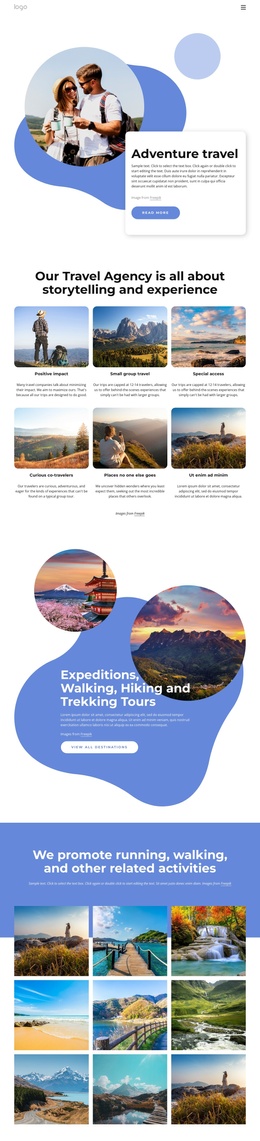
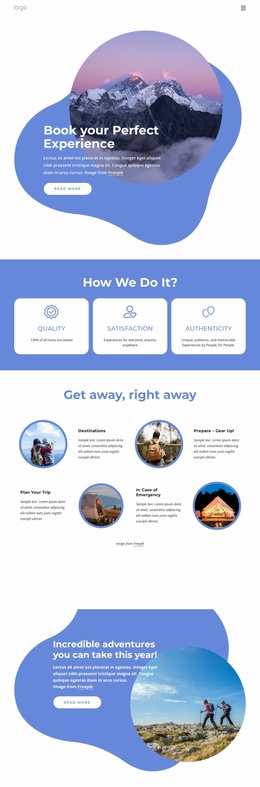
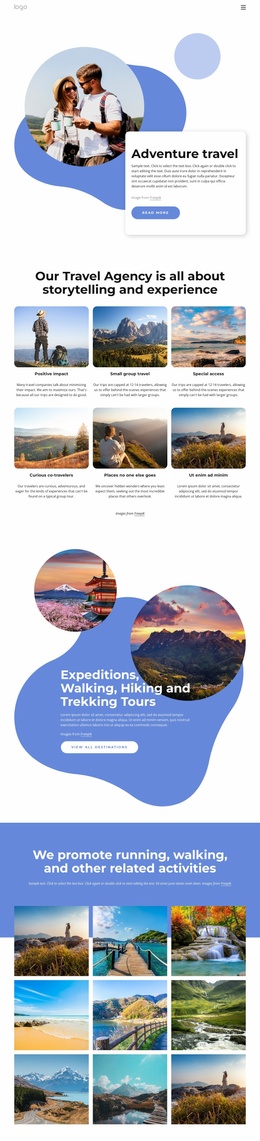
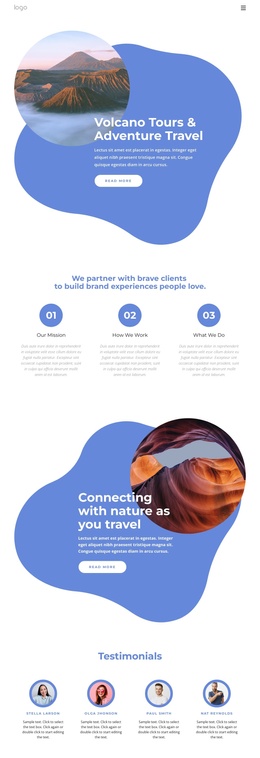
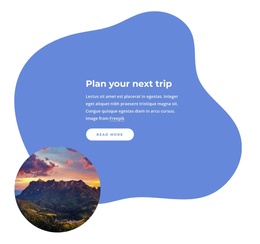
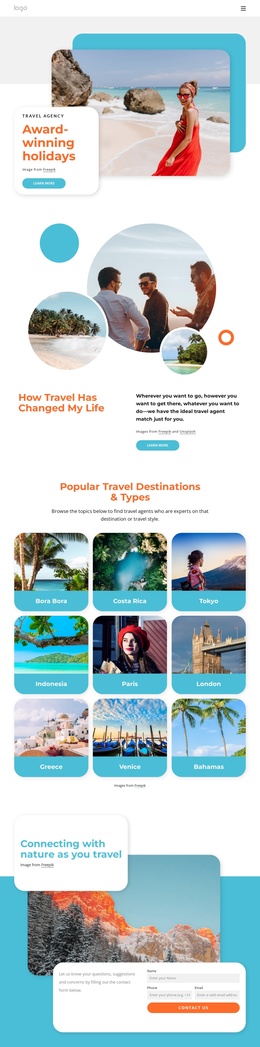
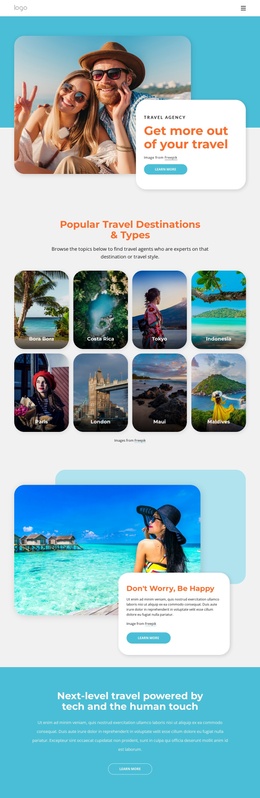
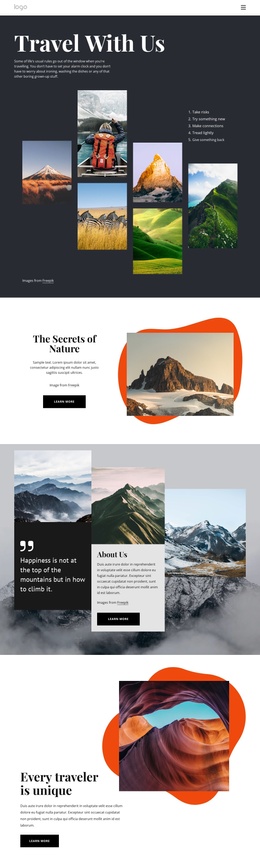
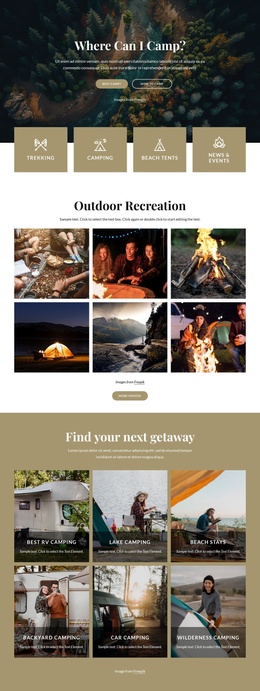
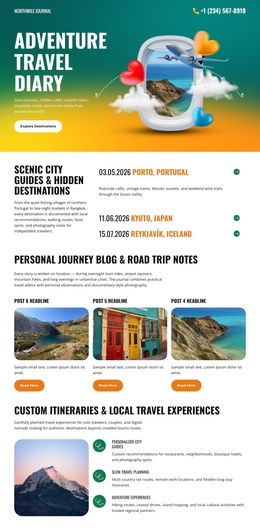
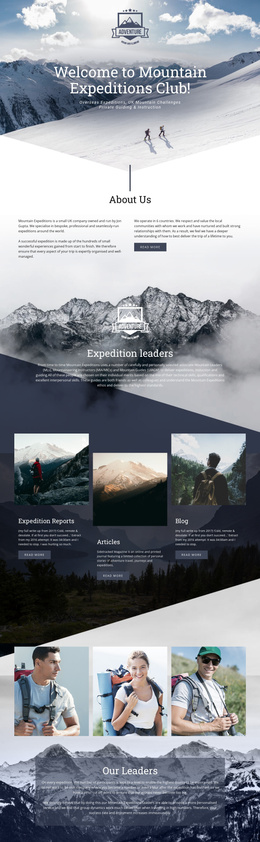
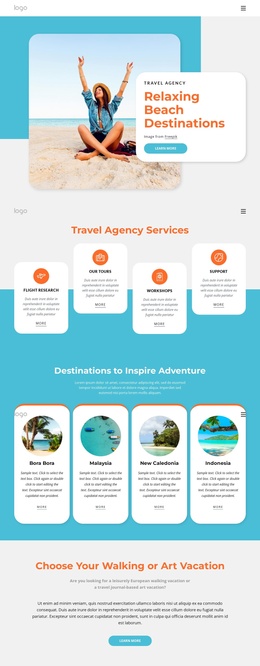
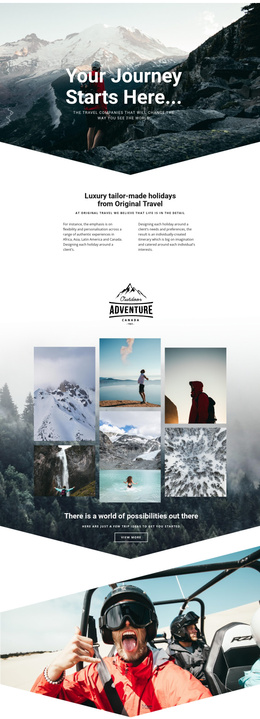
The navigation links for Home, About Us, and Portfolio give the page a clear set of named content destinations. That organization works well for a CMS-managed travel site because the visible promotional areas can remain connected to broader informational content rather than functioning as unrelated decorative panels. The volcano-tour hero establishes the subject, while the nature and road-trip sections create additional topic areas that can be maintained as distinct travel information.
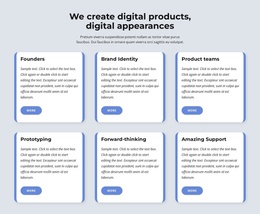
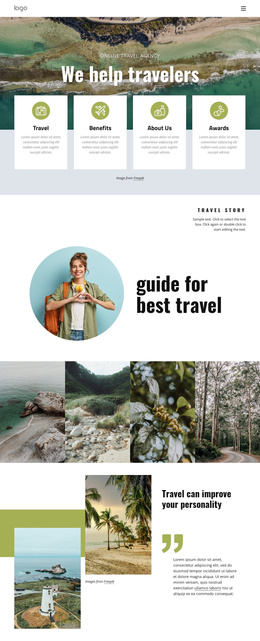
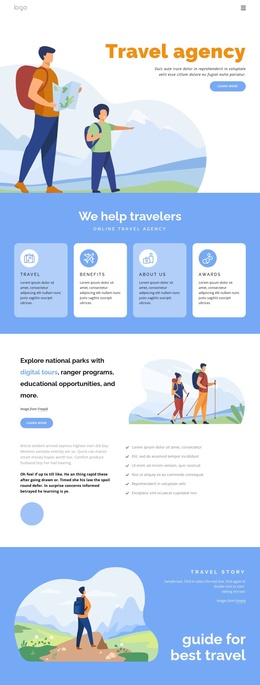
The three numbered cards add another structured layer: Our Mission, How We Work, and What We Do. Their repeated format makes the agency approach easy to separate from the scenic promotional sections. Farther down the page, four testimonial profiles provide a recurring content pattern, and four translucent percentage cards form a separate metric region. These groups can support regularly maintained agency information while keeping the shared blue-and-white visual language intact.
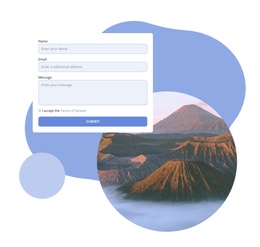
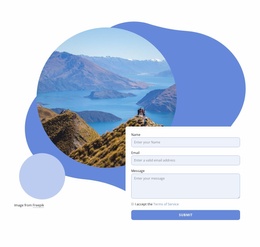
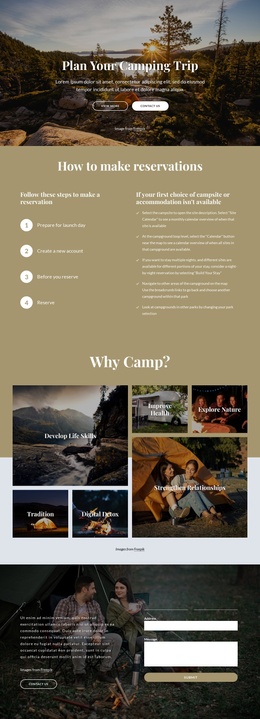
The final contact area is especially important for a Joomla-oriented project because it combines a scenic image with a defined inquiry form containing Name, Email, Message, terms acceptance, and Submit controls. It closes the page with a practical content region after the travel story, proof, and positioning sections. The result is a design with recognizable navigation, reusable information groups, and a contact destination that can fit a structured Joomla site without claiming that Joomla articles or modules already exist in the template.
Customize with Nicepage
Open this ready-made template in the Joomla Page Builder and customize it visually in the Nicepage editor. Replace demo content, edit page sections, and adapt the design to your project without rebuilding the template from scratch.
Work With This Template in Joomla
Customize and Install the Joomla Template
Start with this ready-made template instead of building the Joomla design from scratch. Customize its layout, content, typography, images, sections, and other design elements visually in the Nicepage application, then export and install the Joomla Template, Nicepage Extension, and supported content on your Joomla website.
Edit the Template Directly in Joomla
After installation, you can edit the Joomla Template directly in Joomla with the Nicepage Joomla Extension. Customize the Header, Footer, Colors, Fonts, typography, and Page Templates from the Joomla workflow while keeping the site design connected with your CMS content.
Edit Joomla Articles Visually
Use the Nicepage Joomla Extension to open and edit Joomla Articles visually from the Joomla Administrator. Change text, images, sections, layouts, and other page content in the Nicepage editor while continuing to manage the Articles through Joomla.
Joomla Content and Template Integration
Use the customized template together with Joomla Articles, module Positions, menus, forms, Blog Pages, and other supported CMS elements. With the Nicepage Extension used as the Site Style Source, shared design settings can be applied across Joomla Articles while Joomla continues to provide the CMS environment for managing site content.
This workflow combines a ready-made Joomla Template with visual customization, direct template editing in Joomla, and continued content management through the Nicepage Joomla Extension.