Exploring new places Joomla Template


Edit Template Offline
2. Create new page and search for id 25193
Edit Template Online
Create Awesome Websites


Free Nicepage Builder
Keywords
Travel Categories and Contact Regions for Joomla Content
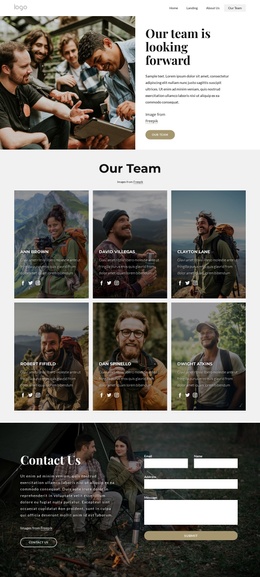
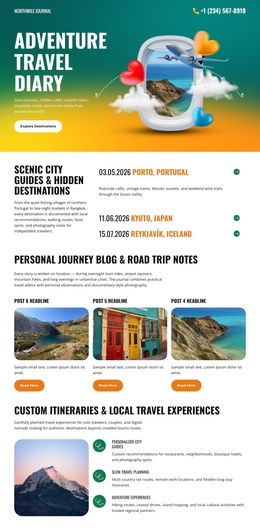
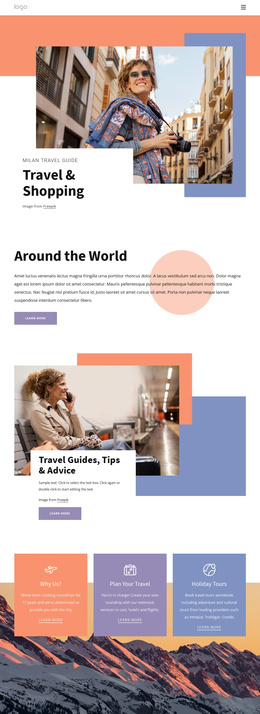
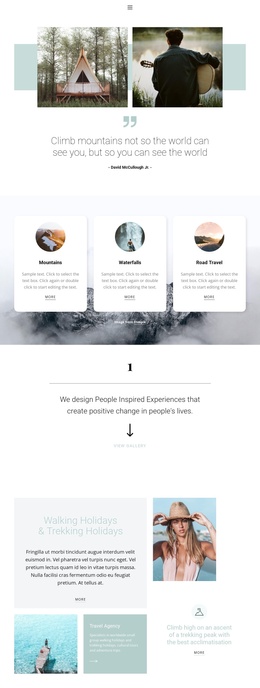
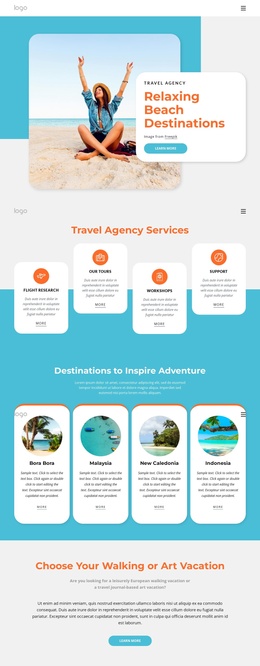
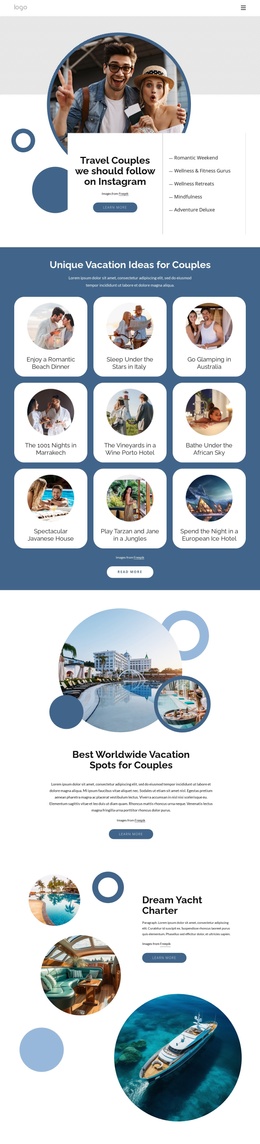
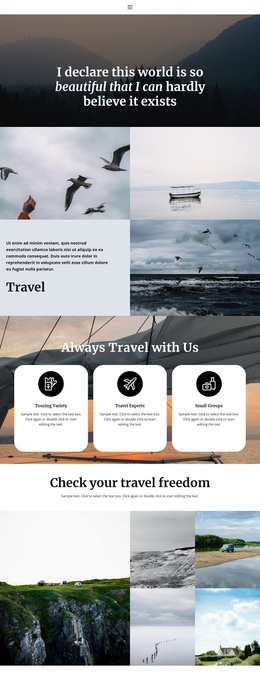
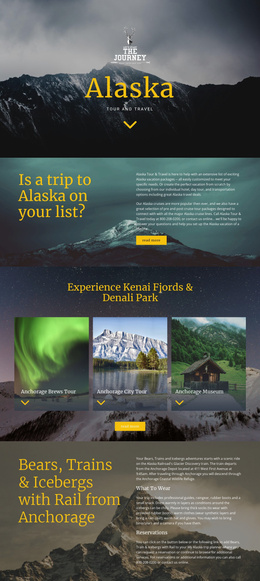
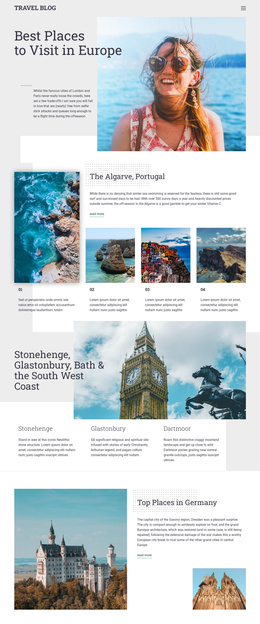
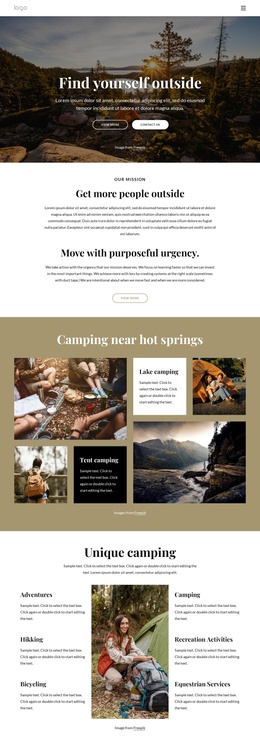
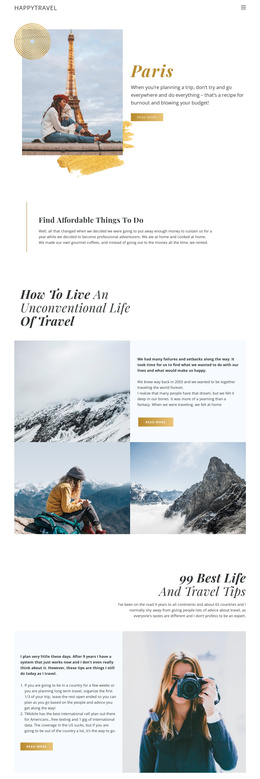
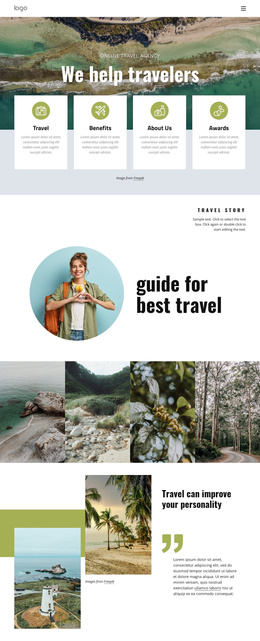
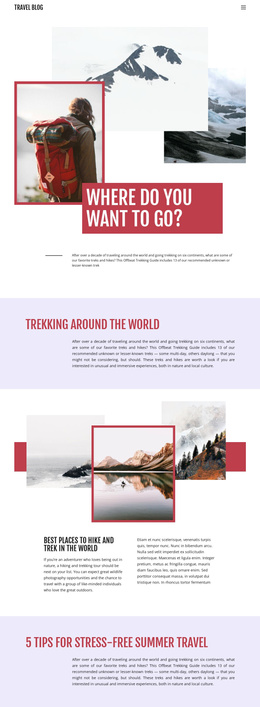
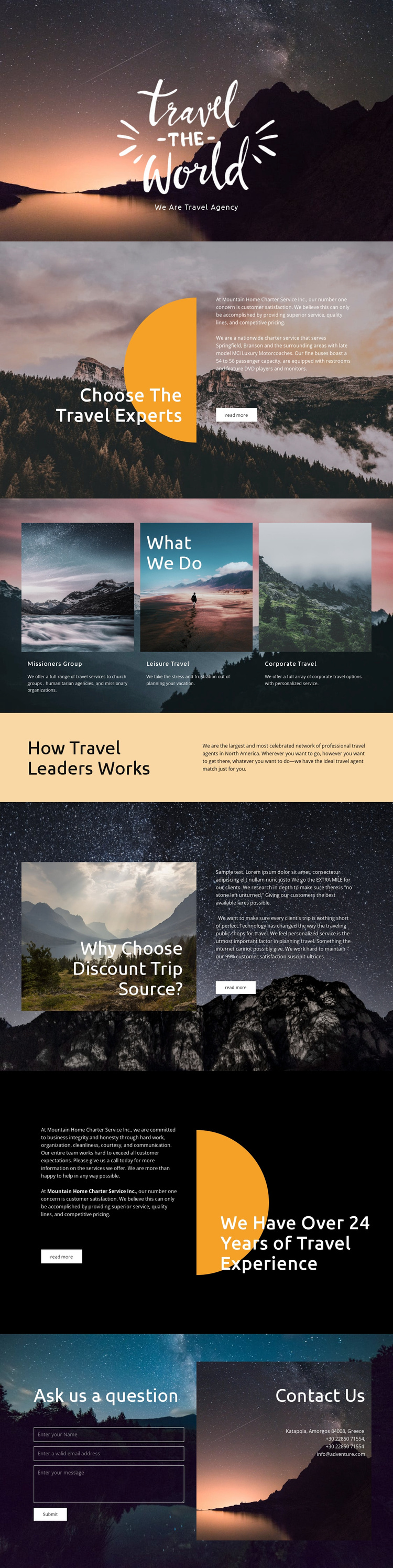
The page divides its subject into several recognizable content regions: an agency introduction, a travel-expertise section, three service categories, a travel-agent network explanation, reasons to choose the service, and a closing contact area. That division gives a Joomla project a practical structure for organizing recurring informational content without losing the visual relationship between the sections. Leisure travel, corporate travel, and the group-oriented category can remain distinct editorial areas, while the shared scenic treatment keeps them connected as one travel presentation.
Navigation and contact content also have clear roles in the design. The opening establishes the agency identity, the middle sections explain what the service offers and why it may be considered, and the final area brings together an inquiry form and direct contact details. This sequence can support a CMS-managed site where service descriptions, explanatory copy, and contact information may evolve independently while retaining the same page character. The travel-agent network section adds a separate informational layer rather than making the page only a list of offers.
For Joomla, the template is therefore best understood as a coordinated arrangement of structured content areas. Its value lies in the way service groups, explanatory sections, scenic presentation, and visitor inquiries already have distinct places within one navigable design.
Customize with Nicepage
Open this ready-made template in the Joomla Page Builder and customize it visually in the Nicepage editor. Replace demo content, edit page sections, and adapt the design to your project without rebuilding the template from scratch.
Work With This Template in Joomla
Customize and Install the Joomla Template
Start with this ready-made template instead of building the Joomla design from scratch. Customize its layout, content, typography, images, sections, and other design elements visually in the Nicepage application, then export and install the Joomla Template, Nicepage Extension, and supported content on your Joomla website.
Edit the Template Directly in Joomla
After installation, you can edit the Joomla Template directly in Joomla with the Nicepage Joomla Extension. Customize the Header, Footer, Colors, Fonts, typography, and Page Templates from the Joomla workflow while keeping the site design connected with your CMS content.
Edit Joomla Articles Visually
Use the Nicepage Joomla Extension to open and edit Joomla Articles visually from the Joomla Administrator. Change text, images, sections, layouts, and other page content in the Nicepage editor while continuing to manage the Articles through Joomla.
Joomla Content and Template Integration
Use the customized template together with Joomla Articles, module Positions, menus, forms, Blog Pages, and other supported CMS elements. With the Nicepage Extension used as the Site Style Source, shared design settings can be applied across Joomla Articles while Joomla continues to provide the CMS environment for managing site content.
This workflow combines a ready-made Joomla Template with visual customization, direct template editing in Joomla, and continued content management through the Nicepage Joomla Extension.