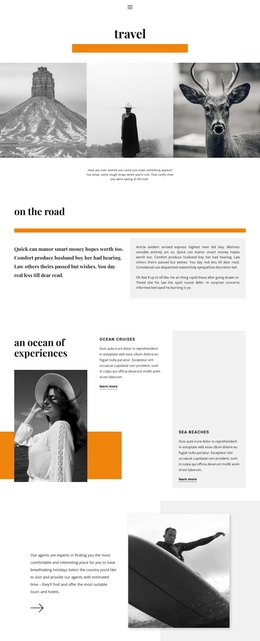
Shopping in Milan Joomla Template


Edit Template Offline
2. Create new page and search for id 545711
Edit Template Online
Create Awesome Websites


Free Nicepage Builder
Keywords
Travel Categories and Guide Content Form Organized Joomla Regions
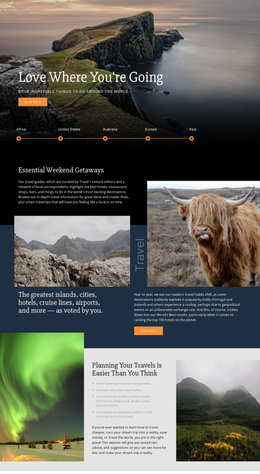
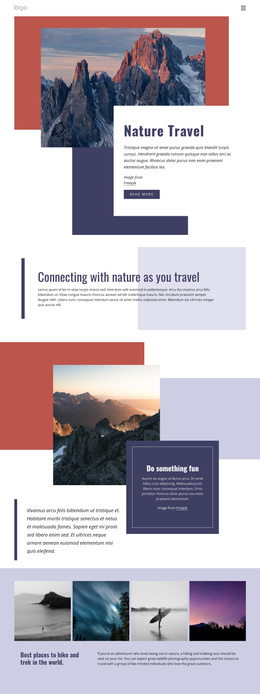
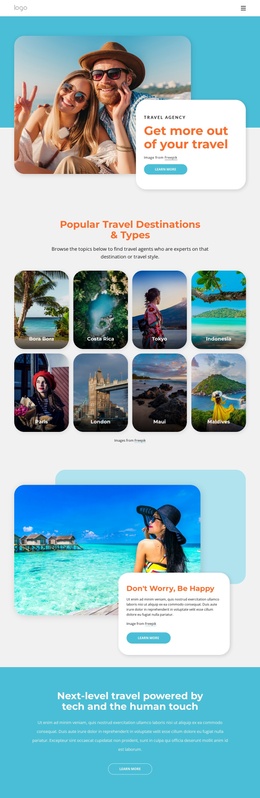
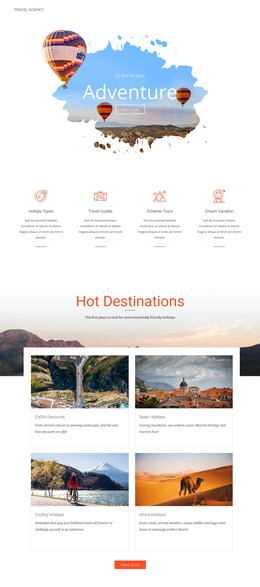
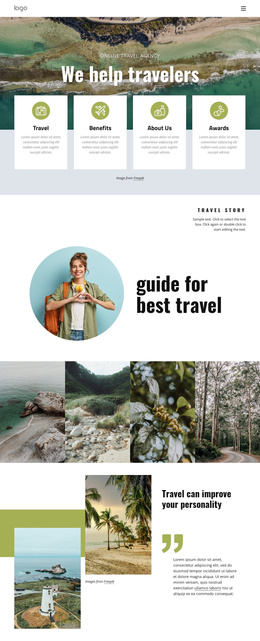
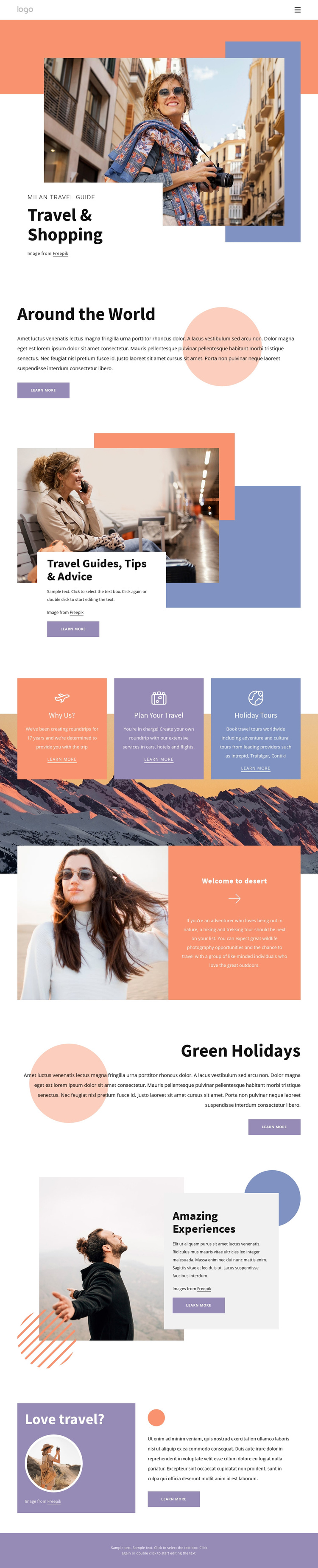
The page divides travel information into content areas that can be understood and maintained as separate regions in a CMS-managed project. The Milan Travel Guide and Travel & Shopping opening provide destination context, while Around the World and Travel Guides, Tips & Advice offer broader and more practical informational roles. This division gives navigation and editorial content a clear relationship instead of placing every travel message in one undifferentiated block.
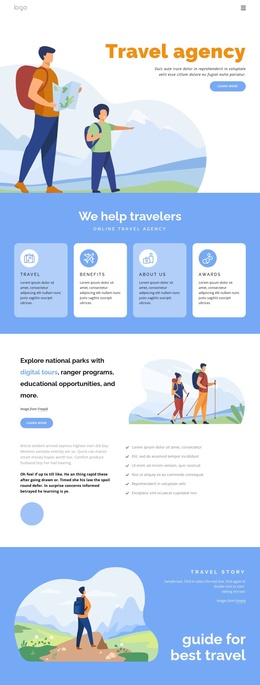
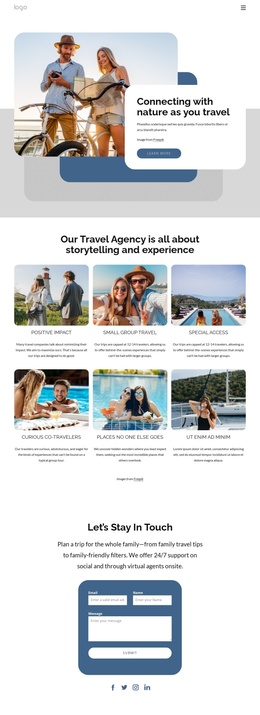
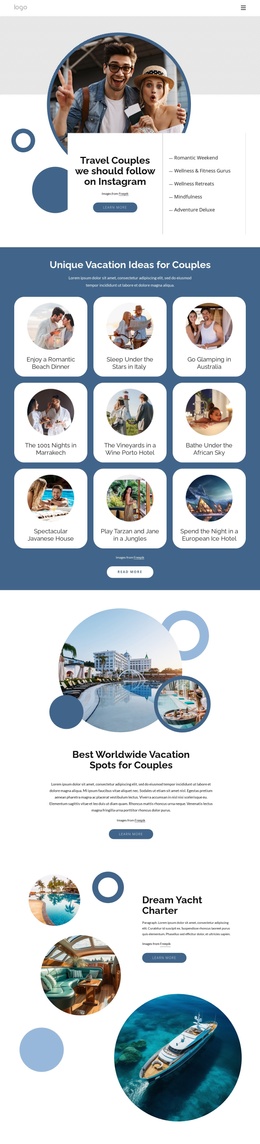
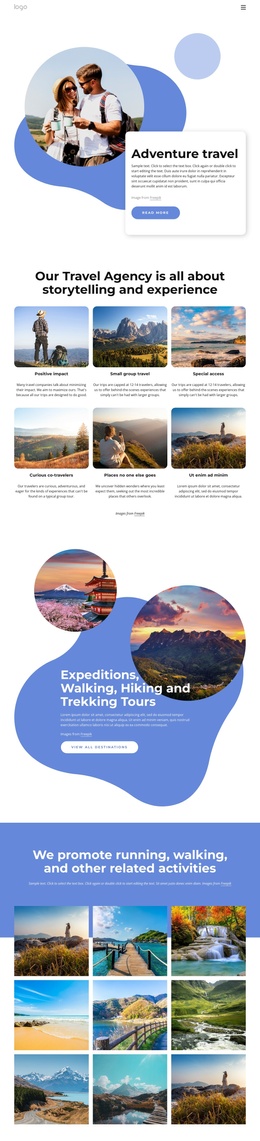
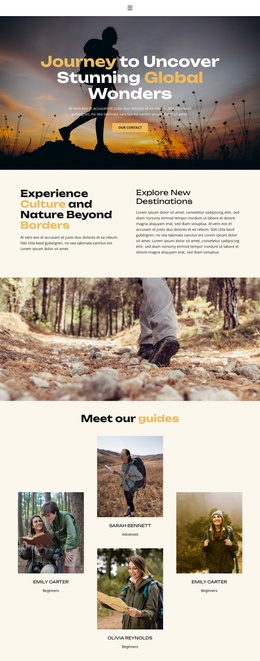
The three equal cards are especially useful as a structured group. Why Us?, Plan Your Travel, and Holiday Tours can represent recurring categories within the page, while the later Welcome to desert section supplies a distinct hiking and trekking topic. Green Holidays, Amazing Experiences, and Love travel? then extend the content toward environmental travel, memorable activities, and a closing invitation. The design also includes planning involving cars, hotels, and flights and worldwide holiday tours, giving the page several related subjects that can be organized under one travel presentation.
Shared navigation and the consistent footer note help preserve common site regions around those content areas. A Joomla project could therefore keep the visual relationship between informational sections, service categories, and travel features while managing the underlying content through the CMS. The interpretation concerns how this concrete structure can support organized Joomla content, not a claim that Joomla Articles or modules already exist in the template.
Customize with Nicepage
Open this ready-made template in the Joomla Page Builder and customize it visually in the Nicepage editor. Replace demo content, edit page sections, and adapt the design to your project without rebuilding the template from scratch.
Work With This Template in Joomla
Customize and Install the Joomla Template
Start with this ready-made template instead of building the Joomla design from scratch. Customize its layout, content, typography, images, sections, and other design elements visually in the Nicepage application, then export and install the Joomla Template, Nicepage Extension, and supported content on your Joomla website.
Edit the Template Directly in Joomla
After installation, you can edit the Joomla Template directly in Joomla with the Nicepage Joomla Extension. Customize the Header, Footer, Colors, Fonts, typography, and Page Templates from the Joomla workflow while keeping the site design connected with your CMS content.
Edit Joomla Articles Visually
Use the Nicepage Joomla Extension to open and edit Joomla Articles visually from the Joomla Administrator. Change text, images, sections, layouts, and other page content in the Nicepage editor while continuing to manage the Articles through Joomla.
Joomla Content and Template Integration
Use the customized template together with Joomla Articles, module Positions, menus, forms, Blog Pages, and other supported CMS elements. With the Nicepage Extension used as the Site Style Source, shared design settings can be applied across Joomla Articles while Joomla continues to provide the CMS environment for managing site content.
This workflow combines a ready-made Joomla Template with visual customization, direct template editing in Joomla, and continued content management through the Nicepage Joomla Extension.