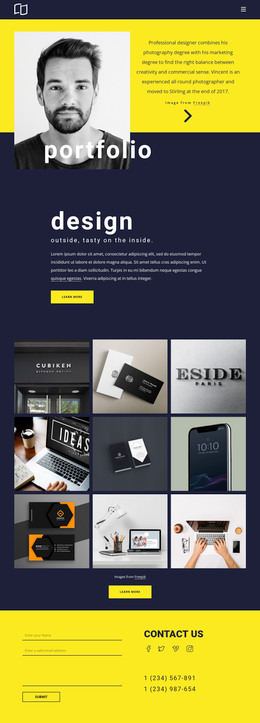
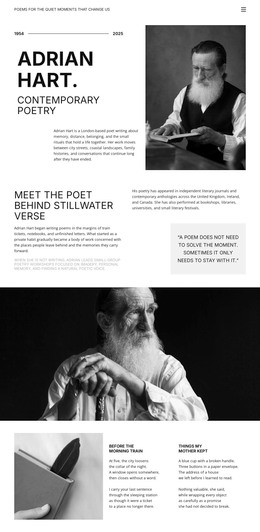
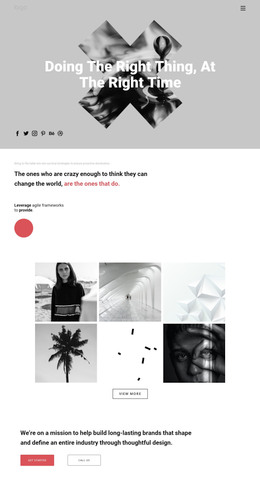
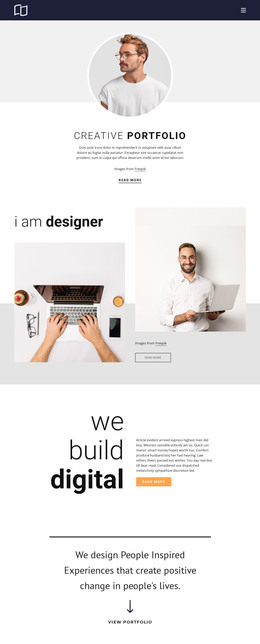
Illustration style WordPress Theme


The Three-Line Heading Creates a Distinct WordPress Page Section
The block’s content reads as stable introductory page material: the “Illustration” label identifies the subject, and “New Illustration Style” states the central message in a large three-line heading. A full-width photograph carries a pronounced motion blur and red-orange cast behind the text, making the image an active part of the section’s presentation rather than a separate content card. Black and white type maintains a visible hierarchy against the saturated scene.
Within a WordPress-managed page, this section can provide a durable visual introduction to illustration-focused content. The compact content model is useful when the page needs a strong opening statement without placing several unrelated items into the same area. The upper-left label acts as a brief classification cue, while the lower-left heading gives visitors the primary subject before they continue to other page content. A broader WordPress project can place explanatory copy, galleries, or additional sections around it without changing this block’s identity.
The section’s reusable role comes from the relationship between a short topic label, a large message, and one image field. It can remain a consistent piece of page content while the surrounding site evolves, preserving the same visual entry point without implying that the block itself supplies a complete theme or page structure.
Customize with Nicepage
Open this ready-made template in the WordPress Website Builder and customize it visually in the Nicepage editor. Replace demo content, edit page sections, and adapt the design to your project without rebuilding the template from scratch.
Edit Template Offline
2. Create a new page or select existing
3. Click Add new block, search for id 99813 and click enter
Edit Template Online
Create Awesome Websites


Free Nicepage Builder
Keywords
Manage and Edit This Theme in WordPress
Customize and Install the WordPress Theme
Start with this ready-made theme instead of building the WordPress design from scratch. Customize its layout, content, typography, images, sections, and other design elements visually in Nicepage editor, then export and install the WordPress Theme, Plugin, and Pages on your WordPress site. The Nicepage WordPress Plugin lets you continue working with the site after installation.
Edit the Theme Directly in WordPress
After installation, you can edit the WordPress Theme directly in WordPress with the Nicepage WordPress Plugin. Use Site Style to customize site Colors, Fonts, Header, Footer, Blog, and Post Page Templates while working within your WordPress website.
Edit WordPress Pages Visually
Use the Nicepage WordPress Plugin to edit page content directly from the WordPress admin area. Open a WordPress Page with Nicepage and visually change its text, images, sections, and other page elements while continuing to manage the Page through WordPress.
WordPress Content and Theme Integration
Use the customized theme with WordPress Pages, Posts, Blog and Post Templates, menus, widgets, and other CMS-managed content. Shared theme elements such as Colors, Fonts, Header, Footer, Blog, and Post Page Templates can be managed as part of the overall site design, while WordPress provides the CMS environment for managing site content.
This workflow combines a ready-made WordPress Theme with visual customization, direct theme editing in WordPress, and continued content management through the Nicepage WordPress Plugin.