Best places WordPress Theme


Two Linked Destination Tiles Support Stable WordPress Page Content
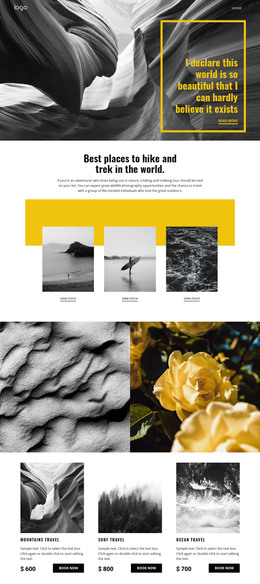
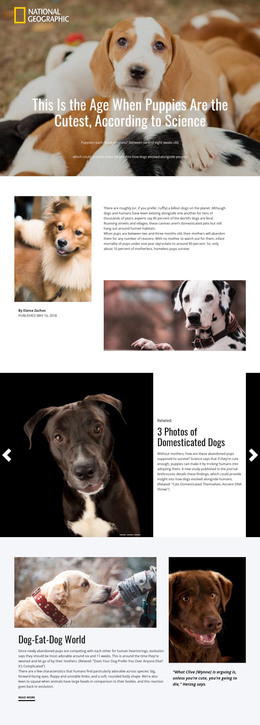
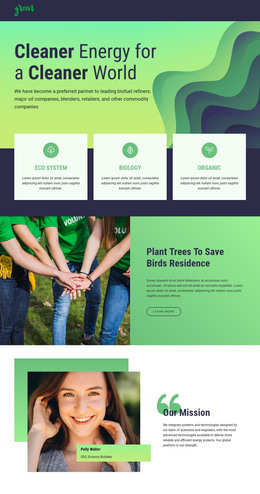
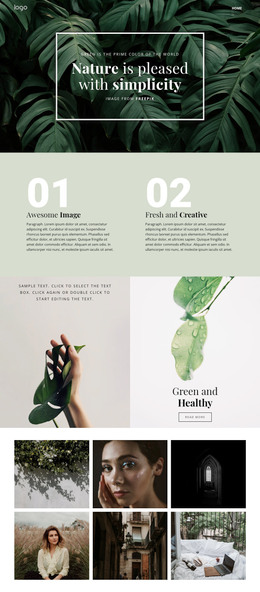
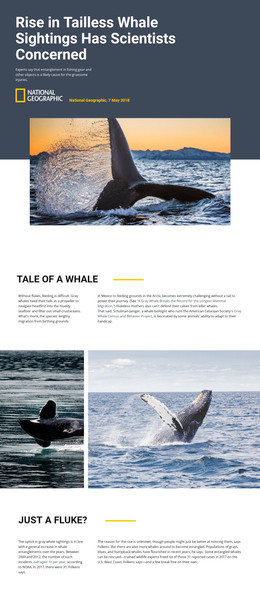
The block’s centered introduction gives the gallery a clear subject before visitors reach the repeated image content. Its heading names hiking and trekking destinations, and the supporting paragraph connects those places with wildlife photography and travel among like-minded outdoor enthusiasts. This makes the section suitable for stable informational content rather than a stream of changing entries. The two tall photographs then turn that subject into a pair of visual destination choices.
In a WordPress-managed page, each tile can serve as a reusable content unit with its own “view more” link. Those links can point toward fuller destination descriptions, tour information, or related pages in the wider project, while this block remains the concise gallery presentation. The section itself is not a complete WordPress Theme; it contributes one publishable page area that can sit alongside other content regions.
Its appearance also helps preserve the section’s identity when reused. Warm orange surrounds the centered white text, and the white horizontal backdrop separates the side-by-side images from the background. The rectangular photographs and matching link placement create a repeatable pattern for two related destinations. Because the gallery is static, the content remains immediately visible without carousel controls or other interaction. This gives a WordPress-oriented project a focused visual section for destination content while leaving broader site management and page structure outside the block.
Customize with Nicepage
Open this ready-made template in the WordPress Website Builder and customize it visually in the Nicepage editor. Replace demo content, edit page sections, and adapt the design to your project without rebuilding the template from scratch.
Edit Template Offline
2. Create a new page or select existing
3. Click Add new block, search for id 95855 and click enter
Edit Template Online
Create Awesome Websites


Free Nicepage Builder
Keywords
Manage and Edit This Theme in WordPress
Customize and Install the WordPress Theme
Start with this ready-made theme instead of building the WordPress design from scratch. Customize its layout, content, typography, images, sections, and other design elements visually in Nicepage editor, then export and install the WordPress Theme, Plugin, and Pages on your WordPress site. The Nicepage WordPress Plugin lets you continue working with the site after installation.
Edit the Theme Directly in WordPress
After installation, you can edit the WordPress Theme directly in WordPress with the Nicepage WordPress Plugin. Use Site Style to customize site Colors, Fonts, Header, Footer, Blog, and Post Page Templates while working within your WordPress website.
Edit WordPress Pages Visually
Use the Nicepage WordPress Plugin to edit page content directly from the WordPress admin area. Open a WordPress Page with Nicepage and visually change its text, images, sections, and other page elements while continuing to manage the Page through WordPress.
WordPress Content and Theme Integration
Use the customized theme with WordPress Pages, Posts, Blog and Post Templates, menus, widgets, and other CMS-managed content. Shared theme elements such as Colors, Fonts, Header, Footer, Blog, and Post Page Templates can be managed as part of the overall site design, while WordPress provides the CMS environment for managing site content.
This workflow combines a ready-made WordPress Theme with visual customization, direct theme editing in WordPress, and continued content management through the Nicepage WordPress Plugin.