AI-Driven Success WordPress Theme


Portrait-Led Team Content for a WordPress Page
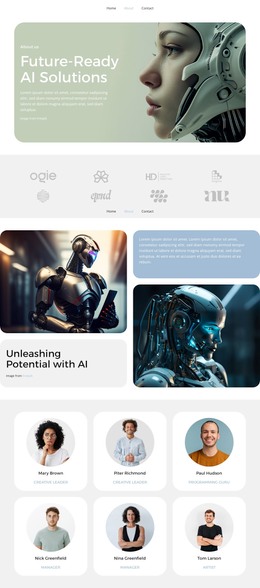
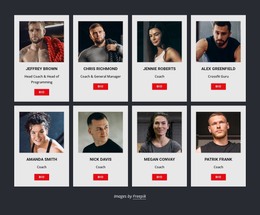
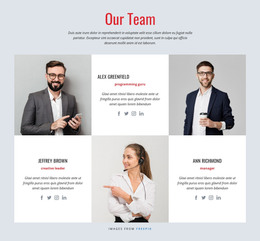
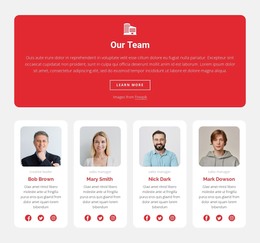
The four portraits make this block suitable for stable team-oriented page content in a WordPress-managed project. The “Our team” heading gives the section a durable subject, while the collage introduces several people without requiring a long list of biographies. The blue title panel acts as the section marker, and the lower-right text panel can carry a concise explanation before the “view more” button directs visitors toward related information when the wider page provides that destination.
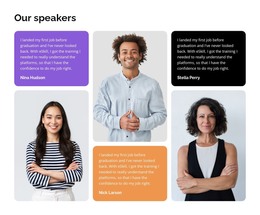
The content can therefore remain part of a permanent page area while other WordPress-managed material surrounds it. A services, about, or contact section may appear elsewhere in the project, but this block keeps its own responsibility: presenting a visual team overview. The four images are structural portrait content, and the sample supporting copy should be replaced with the project’s actual message rather than treated as a business statement.
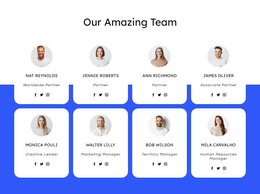
The rounded panels help the section maintain a recognizable visual boundary when placed among other page content. Their soft blue and pale gray surfaces separate the team presentation from neighboring regions, while the varied portrait crops prevent the area from reading like a plain list. Used in a WordPress-oriented page context, the block can preserve that visual pattern as the surrounding site grows without implying that it is a complete theme.
Customize with Nicepage
Open this ready-made template in the WordPress Website Builder and customize it visually in the Nicepage editor. Replace demo content, edit page sections, and adapt the design to your project without rebuilding the template from scratch.
Edit Template Offline
2. Create a new page or select existing
3. Click Add new block, search for id 6381029 and click enter
Edit Template Online
Create Awesome Websites


Free Nicepage Builder
Keywords
Manage and Edit This Theme in WordPress
Customize and Install the WordPress Theme
Start with this ready-made theme instead of building the WordPress design from scratch. Customize its layout, content, typography, images, sections, and other design elements visually in Nicepage editor, then export and install the WordPress Theme, Plugin, and Pages on your WordPress site. The Nicepage WordPress Plugin lets you continue working with the site after installation.
Edit the Theme Directly in WordPress
After installation, you can edit the WordPress Theme directly in WordPress with the Nicepage WordPress Plugin. Use Site Style to customize site Colors, Fonts, Header, Footer, Blog, and Post Page Templates while working within your WordPress website.
Edit WordPress Pages Visually
Use the Nicepage WordPress Plugin to edit page content directly from the WordPress admin area. Open a WordPress Page with Nicepage and visually change its text, images, sections, and other page elements while continuing to manage the Page through WordPress.
WordPress Content and Theme Integration
Use the customized theme with WordPress Pages, Posts, Blog and Post Templates, menus, widgets, and other CMS-managed content. Shared theme elements such as Colors, Fonts, Header, Footer, Blog, and Post Page Templates can be managed as part of the overall site design, while WordPress provides the CMS environment for managing site content.
This workflow combines a ready-made WordPress Theme with visual customization, direct theme editing in WordPress, and continued content management through the Nicepage WordPress Plugin.