Expert legal solutions WordPress Theme



Edit Template Offline
2. Create new page and search for id 6307836
Edit Template Online
Create Awesome Websites


Free Nicepage Builder
Keywords
Service Categories and Repeated Legal Content Suit WordPress Management
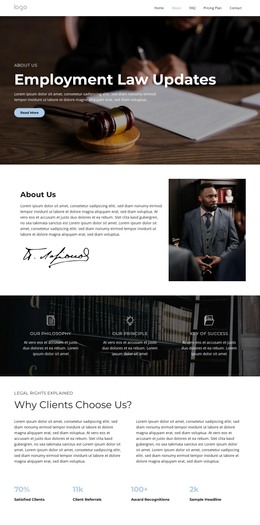
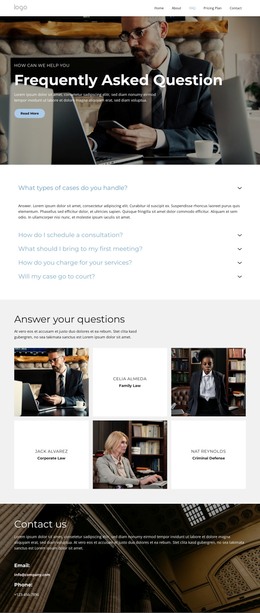
The service accordion gives the design a useful content relationship for a WordPress-managed legal site. Civil Law, Criminal Defense, and Corporate Law are separated into recognizable topics, allowing each area to remain distinct when the firm’s wording, supporting images, or explanatory content changes. The four capability items provide a second, shorter summary layer, so visitors can encounter broad legal themes before reviewing more specific service information.
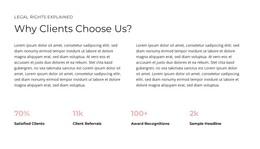
The six meeting cards are especially different from the fixed introductory material. They form a repeated content zone that could accommodate changing updates, meeting-related information, or other publishable legal entries, provided the final project defines those items clearly. The three lawyer portraits and the partner marks serve a more stable role, presenting people and affiliations within the same visual system. The testimonial and counter band can support trust-oriented content, but the displayed sample text and figures are not verified firm results.
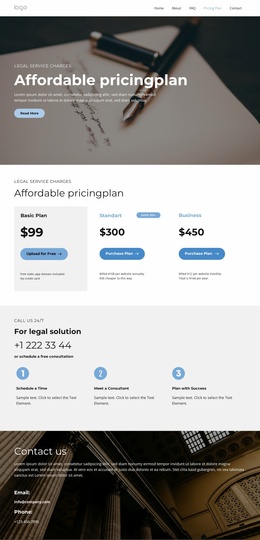
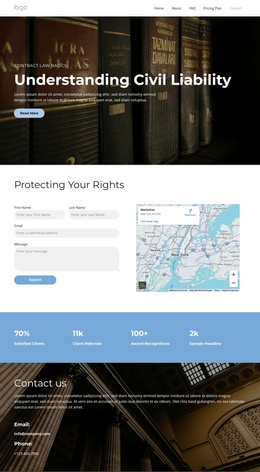
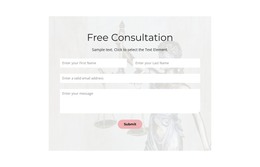
The consultation button, contact form, map, and closing contact area connect managed information with a direct inquiry point. WordPress can therefore host the page-oriented legal content while the theme preserves its navy, pale-panel, architectural, and editorial character. Nicepage’s WordPress Plugin is an optional product bridge for working with WordPress content, not evidence that WordPress elements already exist in this template.
Customize with Nicepage
Open this ready-made template in the WordPress Website Builder and customize it visually in the Nicepage editor. Replace demo content, edit page sections, and adapt the design to your project without rebuilding the template from scratch.
Manage and Edit This Theme in WordPress
Customize and Install the WordPress Theme
Start with this ready-made theme instead of building the WordPress design from scratch. Customize its layout, content, typography, images, sections, and other design elements visually in Nicepage editor, then export and install the WordPress Theme, Plugin, and Pages on your WordPress site. The Nicepage WordPress Plugin lets you continue working with the site after installation.
Edit the Theme Directly in WordPress
After installation, you can edit the WordPress Theme directly in WordPress with the Nicepage WordPress Plugin. Use Site Style to customize site Colors, Fonts, Header, Footer, Blog, and Post Page Templates while working within your WordPress website.
Edit WordPress Pages Visually
Use the Nicepage WordPress Plugin to edit page content directly from the WordPress admin area. Open a WordPress Page with Nicepage and visually change its text, images, sections, and other page elements while continuing to manage the Page through WordPress.
WordPress Content and Theme Integration
Use the customized theme with WordPress Pages, Posts, Blog and Post Templates, menus, widgets, and other CMS-managed content. Shared theme elements such as Colors, Fonts, Header, Footer, Blog, and Post Page Templates can be managed as part of the overall site design, while WordPress provides the CMS environment for managing site content.
This workflow combines a ready-made WordPress Theme with visual customization, direct theme editing in WordPress, and continued content management through the Nicepage WordPress Plugin.