Sustainable development WordPress Theme


Edit Template Offline
2. Create new page and search for id 6319857
Edit Template Online
Create Awesome Websites


Free Nicepage Builder
Keywords
Page content and repeated legal profiles suit a managed theme
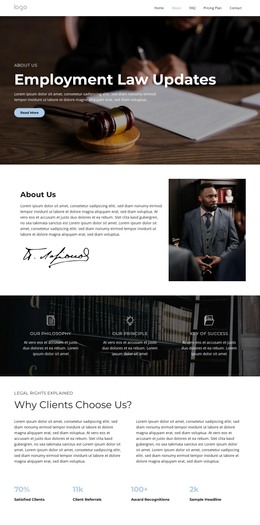
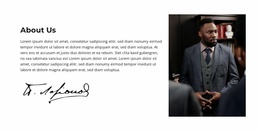
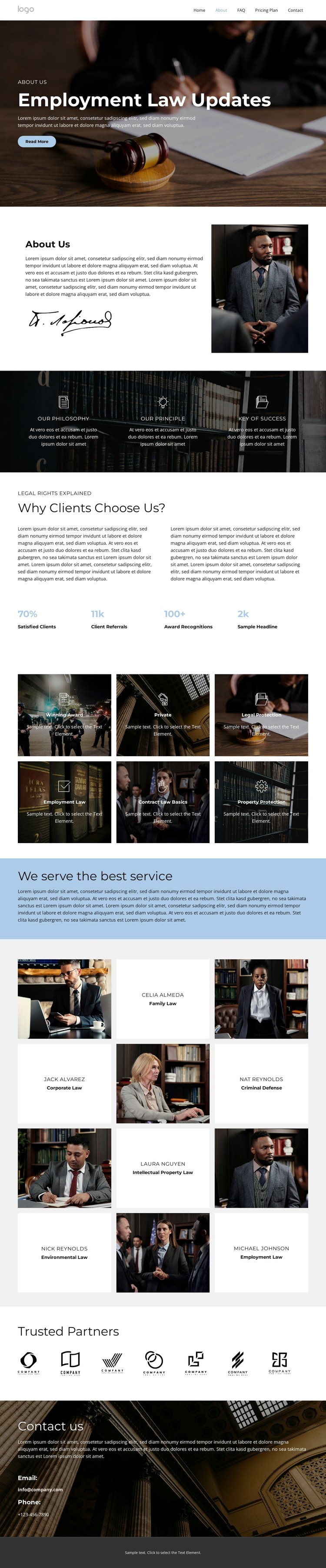
The design separates several kinds of permanent legal content that can be interpreted naturally within a WordPress-managed site. The About Us section presents organization-level information through text, a signature graphic, and a portrait, while the six legal feature cards divide practice-area information into repeated visual units. Labels such as Employment Law, Contract Law Basics, Property Protection, and Legal Protection suggest clear page content categories, but the analysis does not prove that WordPress posts, categories, or templates already exist.
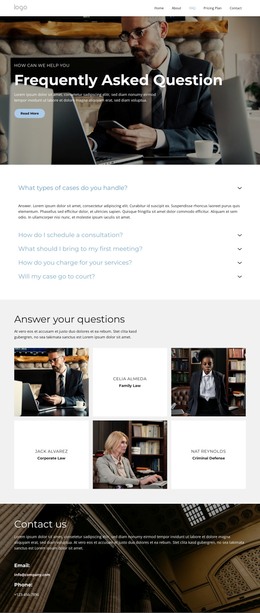
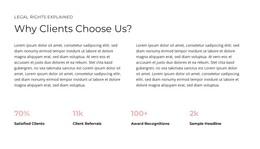
The six professional profiles provide another reusable content relationship. Each named person is paired with a practice area, allowing the visual system to support people-focused page content or profile information as the project develops. The three value statements and the Why Clients Choose Us? section add organization-wide material, while the four displayed metric pairs can provide a compact proof area after their sample values are independently verified. The Trusted Partners strip supplies a separate recognition block that can remain visually distinct from the legal service content.
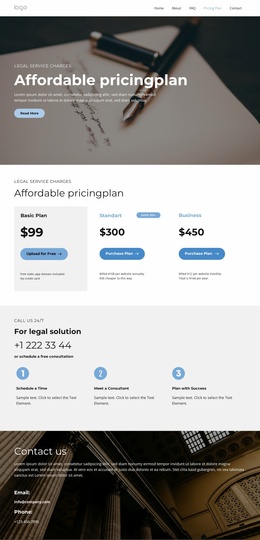
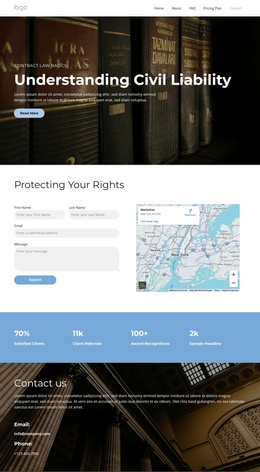
At the end, the Contact us section keeps email and phone details visible against a dark photographic background, giving the theme a defined communication area. WordPress can therefore be understood here through the relationship between permanent page sections, repeated content groups, and shared visual treatment—not through an unsupported claim that blog or post structures are already present. The design’s main value is a coordinated content framework that can continue around CMS-managed legal information.
Customize with Nicepage
Open this ready-made template in the WordPress Website Builder and customize it visually in the Nicepage editor. Replace demo content, edit page sections, and adapt the design to your project without rebuilding the template from scratch.
Manage and Edit This Theme in WordPress
Customize and Install the WordPress Theme
Start with this ready-made theme instead of building the WordPress design from scratch. Customize its layout, content, typography, images, sections, and other design elements visually in Nicepage editor, then export and install the WordPress Theme, Plugin, and Pages on your WordPress site. The Nicepage WordPress Plugin lets you continue working with the site after installation.
Edit the Theme Directly in WordPress
After installation, you can edit the WordPress Theme directly in WordPress with the Nicepage WordPress Plugin. Use Site Style to customize site Colors, Fonts, Header, Footer, Blog, and Post Page Templates while working within your WordPress website.
Edit WordPress Pages Visually
Use the Nicepage WordPress Plugin to edit page content directly from the WordPress admin area. Open a WordPress Page with Nicepage and visually change its text, images, sections, and other page elements while continuing to manage the Page through WordPress.
WordPress Content and Theme Integration
Use the customized theme with WordPress Pages, Posts, Blog and Post Templates, menus, widgets, and other CMS-managed content. Shared theme elements such as Colors, Fonts, Header, Footer, Blog, and Post Page Templates can be managed as part of the overall site design, while WordPress provides the CMS environment for managing site content.
This workflow combines a ready-made WordPress Theme with visual customization, direct theme editing in WordPress, and continued content management through the Nicepage WordPress Plugin.