Unlocking your business potential WordPress Theme



Edit Template Offline
2. Create new page and search for id 6196542
Edit Template Online
Create Awesome Websites


Free Nicepage Builder
Keywords
Culture Cards and Value Principles Organize the WordPress Content
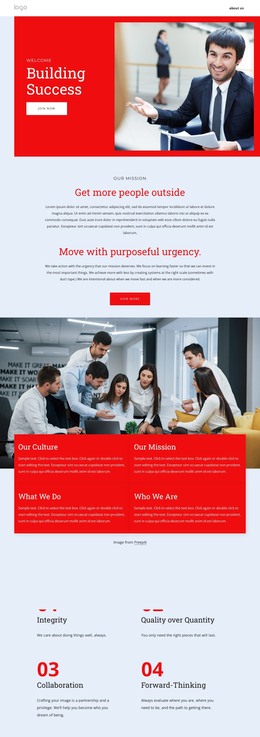
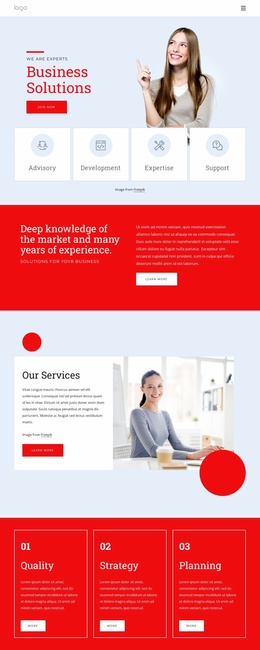
The “Building Success” hero and the centered mission section provide clear page-oriented content for a consulting site. The hero introduces the business proposition with a red text panel, business photography, and a Join now button, while “Get more people outside” gives the following section a distinct mission-led role. In a WordPress project, these areas can remain focused permanent page content rather than being mixed with the organization’s more detailed supporting material.
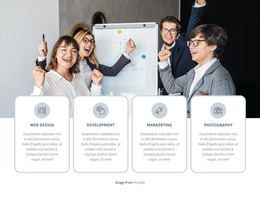
The culture block adds four labeled content areas—Our Culture, Our Mission, What We Do, and Who We Are—over a group-work photograph. The following values section develops the organization’s point of view through Integrity, Quality over Quantity, Collaboration, and Forward-Thinking. Together, these repeated cards and numbered principles create a useful relationship between broad organizational information and the ideas that define the consulting approach. They also leave room for future editorial content to sit alongside the established page presentation without changing its visual character.
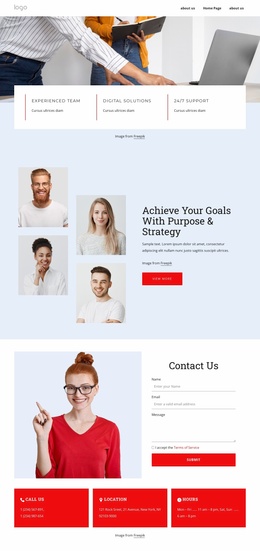
The partnership statement and “Future-Proofing Your Business” section extend the content toward strategic growth, while the closing contact area provides a direct response point. Its form requests a name, email address, and message, and the Call Us, Location, and Hours cards add supporting contact information. This combination gives a WordPress-managed site a coherent set of permanent page sections with a clear path from organizational story to inquiry.
Customize with Nicepage
Open this ready-made template in the WordPress Website Builder and customize it visually in the Nicepage editor. Replace demo content, edit page sections, and adapt the design to your project without rebuilding the template from scratch.
Manage and Edit This Theme in WordPress
Customize and Install the WordPress Theme
Start with this ready-made theme instead of building the WordPress design from scratch. Customize its layout, content, typography, images, sections, and other design elements visually in Nicepage editor, then export and install the WordPress Theme, Plugin, and Pages on your WordPress site. The Nicepage WordPress Plugin lets you continue working with the site after installation.
Edit the Theme Directly in WordPress
After installation, you can edit the WordPress Theme directly in WordPress with the Nicepage WordPress Plugin. Use Site Style to customize site Colors, Fonts, Header, Footer, Blog, and Post Page Templates while working within your WordPress website.
Edit WordPress Pages Visually
Use the Nicepage WordPress Plugin to edit page content directly from the WordPress admin area. Open a WordPress Page with Nicepage and visually change its text, images, sections, and other page elements while continuing to manage the Page through WordPress.
WordPress Content and Theme Integration
Use the customized theme with WordPress Pages, Posts, Blog and Post Templates, menus, widgets, and other CMS-managed content. Shared theme elements such as Colors, Fonts, Header, Footer, Blog, and Post Page Templates can be managed as part of the overall site design, while WordPress provides the CMS environment for managing site content.
This workflow combines a ready-made WordPress Theme with visual customization, direct theme editing in WordPress, and continued content management through the Nicepage WordPress Plugin.