Our creative portfolio WordPress Theme


Edit Template Offline
2. Create new page and search for id 6058961
Edit Template Online
Create Awesome Websites


Free Nicepage Builder
Keywords
Project Cards and Service Areas Give WordPress Content Clear Roles
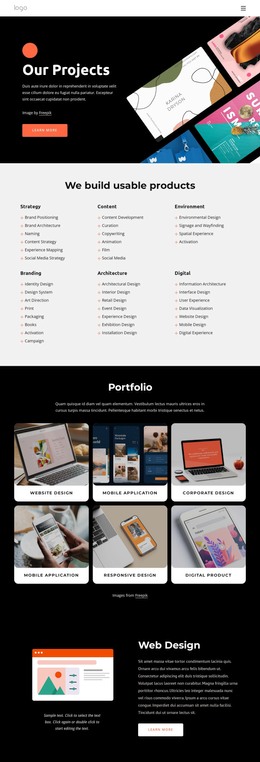
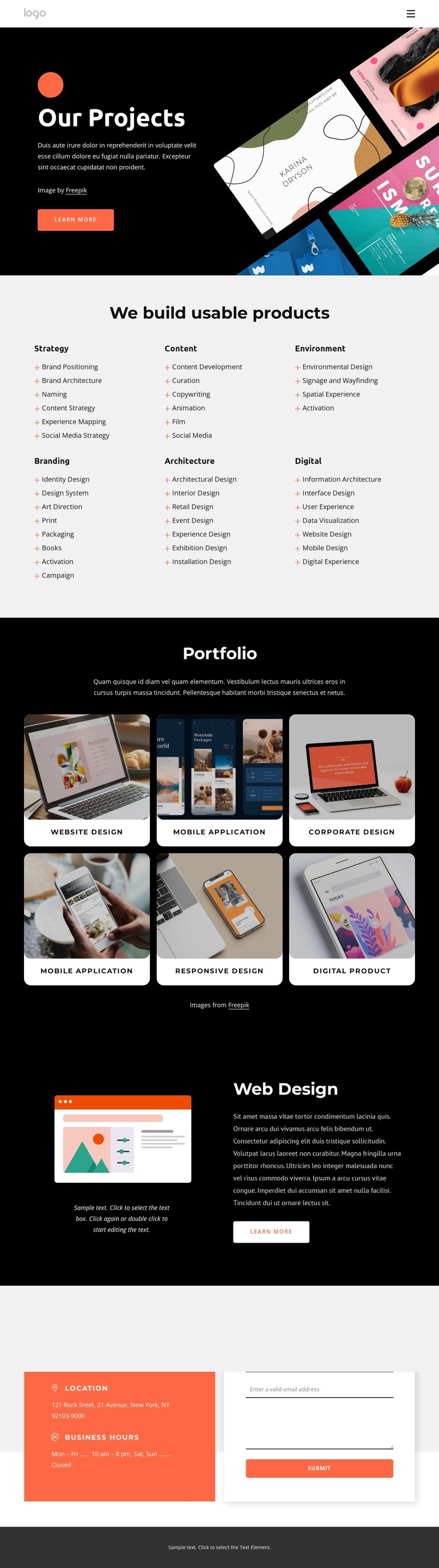
The six service categories provide a useful page-oriented content structure for a studio site. Strategy, Content, Environment, Branding, Architecture, and Digital are presented as peer areas, with supporting capabilities such as Brand Positioning, Content Development, Identity Design, and Interface Design. This arrangement gives permanent service content a consistent visual home while leaving the overall design language intact.
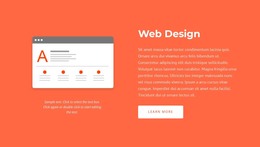
The Portfolio section supports a different kind of content relationship. Six labeled project cards present Website Design, Mobile Application, Corporate Design, Responsive Design, and Digital Product work in a repeated image-led pattern. In a WordPress-managed project, this visual arrangement can serve as the presentation layer for selected project information, while the labels and supporting text distinguish one work area from another. The dedicated Web Design section adds a more editorial case-study pattern by combining an image, descriptive copy, and a Learn more action.
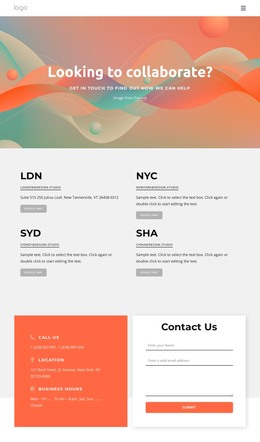
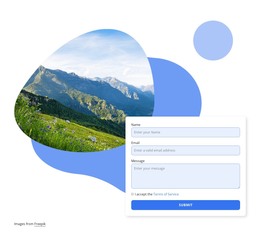
The contact block supplies a stable closing area with Call Us, Location, Business Hours, and a visible inquiry form. It sits after capabilities and project evidence, so the content sequence moves from what the studio offers, to what it presents, to how a prospective client can respond. The black, white, gray, and coral-orange palette, rounded cards, and bold sans-serif typography then provide a consistent theme direction for these different content roles without claiming that any specific WordPress posts or categories already exist.
Customize with Nicepage
Open this ready-made template in the WordPress Website Builder and customize it visually in the Nicepage editor. Replace demo content, edit page sections, and adapt the design to your project without rebuilding the template from scratch.
Manage and Edit This Theme in WordPress
Customize and Install the WordPress Theme
Start with this ready-made theme instead of building the WordPress design from scratch. Customize its layout, content, typography, images, sections, and other design elements visually in Nicepage editor, then export and install the WordPress Theme, Plugin, and Pages on your WordPress site. The Nicepage WordPress Plugin lets you continue working with the site after installation.
Edit the Theme Directly in WordPress
After installation, you can edit the WordPress Theme directly in WordPress with the Nicepage WordPress Plugin. Use Site Style to customize site Colors, Fonts, Header, Footer, Blog, and Post Page Templates while working within your WordPress website.
Edit WordPress Pages Visually
Use the Nicepage WordPress Plugin to edit page content directly from the WordPress admin area. Open a WordPress Page with Nicepage and visually change its text, images, sections, and other page elements while continuing to manage the Page through WordPress.
WordPress Content and Theme Integration
Use the customized theme with WordPress Pages, Posts, Blog and Post Templates, menus, widgets, and other CMS-managed content. Shared theme elements such as Colors, Fonts, Header, Footer, Blog, and Post Page Templates can be managed as part of the overall site design, while WordPress provides the CMS environment for managing site content.
This workflow combines a ready-made WordPress Theme with visual customization, direct theme editing in WordPress, and continued content management through the Nicepage WordPress Plugin.