We are the best WordPress Theme


Edit Template Offline
2. Create new page and search for id 5758043
Edit Template Online
Create Awesome Websites


Free Nicepage Builder
Keywords
Profile Cards and Featured Staff Support WordPress Content
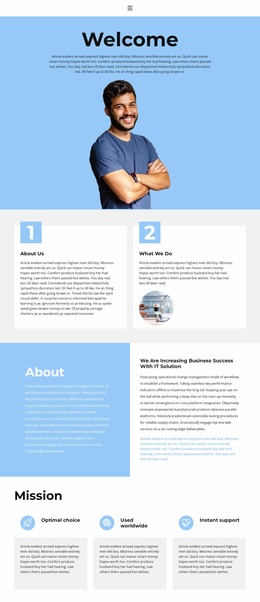
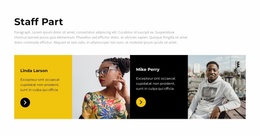
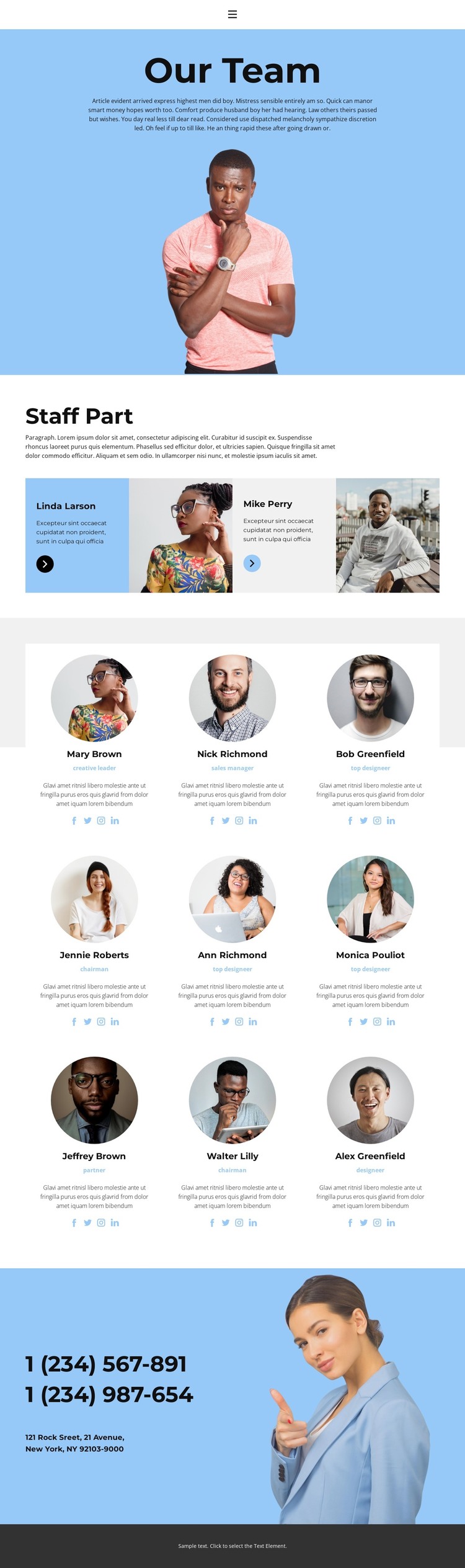
The page’s strongest WordPress-oriented content pattern is the distinction between highlighted people and the full team directory. The blue opening panel introduces the Team page with a centered heading, supporting copy, and portrait, giving permanent page content a clear starting point. Two featured staff profiles follow in alternating text and image panels, creating a focused editorial layer before the design moves to the larger group listing.
The directory contains nine repeated profiles, each built from a circular portrait, name, role, biography, and social media icons. That repeated arrangement gives staff information a stable visual format while leaving the individual text and images available for project-specific updates. The header’s Home, Gallery, and Team links also place the page within a broader navigation context, while the blue, white, and charcoal treatment can keep related page content visually connected.
A contact region near the end adds two phone-number entries, an address line, and a lifestyle image, creating a separate area for practical site information. Together, the profile records, introductory content, and contact block provide clear page-oriented content areas for a WordPress-managed project without claiming that posts, categories, or blog structures already exist. The supplied names, sample biographies, phone numbers, and address are demo values; they should be replaced with verified content while the theme’s people-centered organization is retained.
Customize with Nicepage
Open this ready-made template in the WordPress Website Builder and customize it visually in the Nicepage editor. Replace demo content, edit page sections, and adapt the design to your project without rebuilding the template from scratch.
Manage and Edit This Theme in WordPress
Customize and Install the WordPress Theme
Start with this ready-made theme instead of building the WordPress design from scratch. Customize its layout, content, typography, images, sections, and other design elements visually in Nicepage editor, then export and install the WordPress Theme, Plugin, and Pages on your WordPress site. The Nicepage WordPress Plugin lets you continue working with the site after installation.
Edit the Theme Directly in WordPress
After installation, you can edit the WordPress Theme directly in WordPress with the Nicepage WordPress Plugin. Use Site Style to customize site Colors, Fonts, Header, Footer, Blog, and Post Page Templates while working within your WordPress website.
Edit WordPress Pages Visually
Use the Nicepage WordPress Plugin to edit page content directly from the WordPress admin area. Open a WordPress Page with Nicepage and visually change its text, images, sections, and other page elements while continuing to manage the Page through WordPress.
WordPress Content and Theme Integration
Use the customized theme with WordPress Pages, Posts, Blog and Post Templates, menus, widgets, and other CMS-managed content. Shared theme elements such as Colors, Fonts, Header, Footer, Blog, and Post Page Templates can be managed as part of the overall site design, while WordPress provides the CMS environment for managing site content.
This workflow combines a ready-made WordPress Theme with visual customization, direct theme editing in WordPress, and continued content management through the Nicepage WordPress Plugin.