Break for coffee and pastries WordPress Theme



A four-panel image row for publishable visual page content
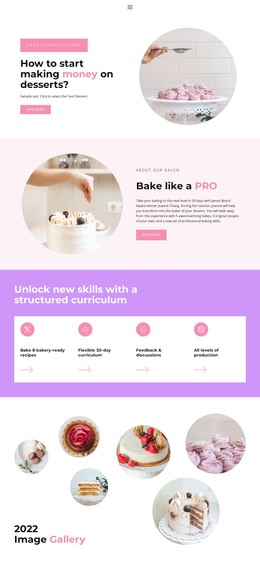
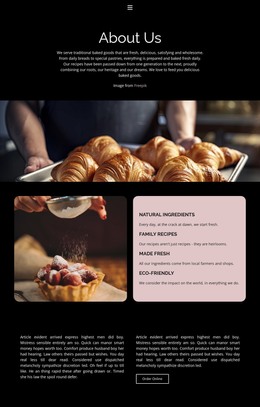
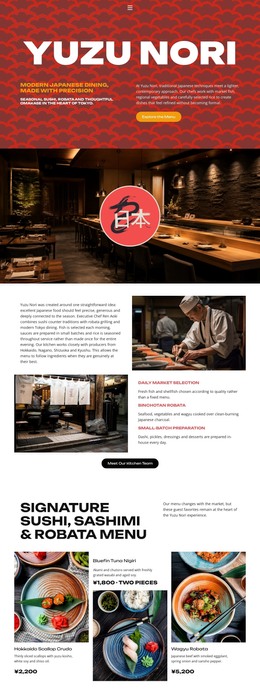
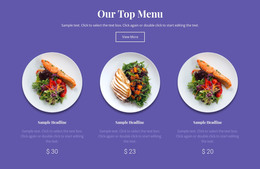
The block's four photographic panels can function as stable visual content within a WordPress-managed page. Each tile shows part of the same food-and-drink theme, including croissants, coffee, and latte preparation, while the equal widths keep the images balanced across the row. The edge-to-edge arrangement is especially useful when the page needs a broad gallery moment that separates written sections without introducing another heading or competing call to action.
Because the block is static and contains no visible text, controls, button, or paragraph, it is best understood as a visual content region rather than an editorial module with its own explanation. In a WordPress-oriented project, surrounding page content can provide captions, menu details, opening information, or other context, while this section preserves the immediate photographic impression. The dark, warm-toned treatment can also give a page a strong change of pace between lighter text areas and more practical information.
The block therefore fits a permanent gallery role that can be placed on a suitable page and kept visually consistent as the wider site develops. WordPress manages the surrounding page and site content; this reusable section contributes one focused image sequence with four clearly bounded regions, not a standalone theme or complete restaurant site.
Customize with Nicepage
Open this ready-made template in the WordPress Website Builder and customize it visually in the Nicepage editor. Replace demo content, edit page sections, and adapt the design to your project without rebuilding the template from scratch.
Edit Template Offline
2. Create a new page or select existing
3. Click Add new block, search for id 52558 and click enter
Edit Template Online
Create Awesome Websites


Free Nicepage Builder
Keywords
Manage and Edit This Theme in WordPress
Customize and Install the WordPress Theme
Start with this ready-made theme instead of building the WordPress design from scratch. Customize its layout, content, typography, images, sections, and other design elements visually in Nicepage editor, then export and install the WordPress Theme, Plugin, and Pages on your WordPress site. The Nicepage WordPress Plugin lets you continue working with the site after installation.
Edit the Theme Directly in WordPress
After installation, you can edit the WordPress Theme directly in WordPress with the Nicepage WordPress Plugin. Use Site Style to customize site Colors, Fonts, Header, Footer, Blog, and Post Page Templates while working within your WordPress website.
Edit WordPress Pages Visually
Use the Nicepage WordPress Plugin to edit page content directly from the WordPress admin area. Open a WordPress Page with Nicepage and visually change its text, images, sections, and other page elements while continuing to manage the Page through WordPress.
WordPress Content and Theme Integration
Use the customized theme with WordPress Pages, Posts, Blog and Post Templates, menus, widgets, and other CMS-managed content. Shared theme elements such as Colors, Fonts, Header, Footer, Blog, and Post Page Templates can be managed as part of the overall site design, while WordPress provides the CMS environment for managing site content.
This workflow combines a ready-made WordPress Theme with visual customization, direct theme editing in WordPress, and continued content management through the Nicepage WordPress Plugin.