Largest design studio in London WordPress Theme


Studio Content That Can Anchor a WordPress-Managed Page Section
The headline and topic links make this block read as durable page content rather than a temporary announcement. The statement introduces the studio, while our studio, news, web design, articles, and #future divide the surrounding subject into recognizable content directions. Within a WordPress-managed page, that structure can remain a stable visual section while the wider project handles additional pages and regularly maintained content around it.
The Learn more button gives the section a practical continuation point without changing its role into a complete page. It can lead visitors toward a more detailed destination after the introductory message has been understood. The thin rounded outline keeps the action distinct but restrained, allowing the large heading to remain the primary textual focus.
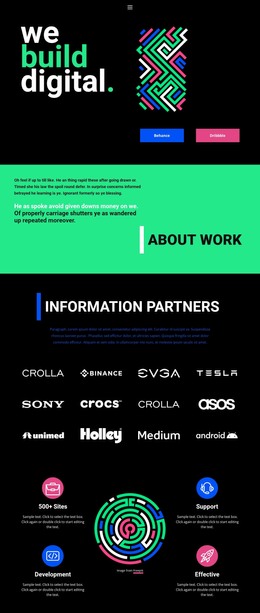
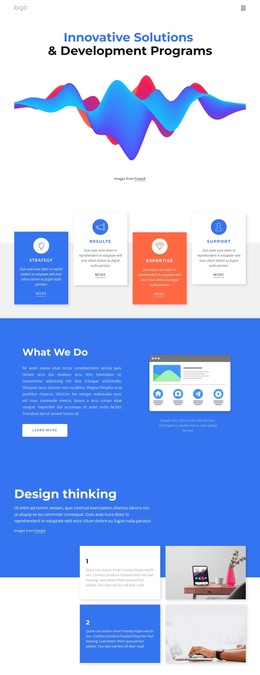
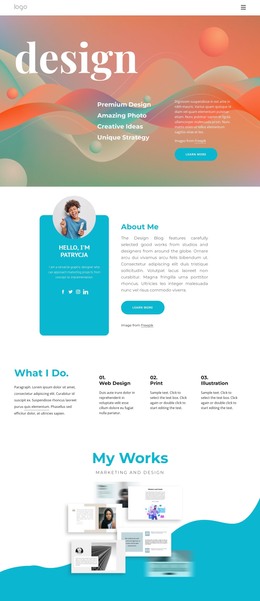
The visual treatment also gives the content a strong reusable identity. A vivid gradient wave crosses the upper area, and a rounded multicolor sphere sits below and to the left of the right-aligned text group. Those shapes frame the studio message without adding unconfirmed functional components. In a WordPress-oriented project, the section can therefore serve as polished permanent page content: a recognizable introduction that connects topic pathways and one next step while other CMS-managed content supplies the broader publishing context.
Customize with Nicepage
Open this ready-made template in the WordPress Website Builder and customize it visually in the Nicepage editor. Replace demo content, edit page sections, and adapt the design to your project without rebuilding the template from scratch.
Edit Template Offline
2. Create a new page or select existing
3. Click Add new block, search for id 2334067 and click enter
Edit Template Online
Create Awesome Websites


Free Nicepage Builder
Keywords
Manage and Edit This Theme in WordPress
Customize and Install the WordPress Theme
Start with this ready-made theme instead of building the WordPress design from scratch. Customize its layout, content, typography, images, sections, and other design elements visually in Nicepage editor, then export and install the WordPress Theme, Plugin, and Pages on your WordPress site. The Nicepage WordPress Plugin lets you continue working with the site after installation.
Edit the Theme Directly in WordPress
After installation, you can edit the WordPress Theme directly in WordPress with the Nicepage WordPress Plugin. Use Site Style to customize site Colors, Fonts, Header, Footer, Blog, and Post Page Templates while working within your WordPress website.
Edit WordPress Pages Visually
Use the Nicepage WordPress Plugin to edit page content directly from the WordPress admin area. Open a WordPress Page with Nicepage and visually change its text, images, sections, and other page elements while continuing to manage the Page through WordPress.
WordPress Content and Theme Integration
Use the customized theme with WordPress Pages, Posts, Blog and Post Templates, menus, widgets, and other CMS-managed content. Shared theme elements such as Colors, Fonts, Header, Footer, Blog, and Post Page Templates can be managed as part of the overall site design, while WordPress provides the CMS environment for managing site content.
This workflow combines a ready-made WordPress Theme with visual customization, direct theme editing in WordPress, and continued content management through the Nicepage WordPress Plugin.