Market competitors WordPress Theme


Edit Template Offline
2. Create new page and search for id 1716152
Edit Template Online
Create Awesome Websites


Free Nicepage Builder
Keywords
Team Profiles and Portfolio Content Suit Page-Based WordPress Structure
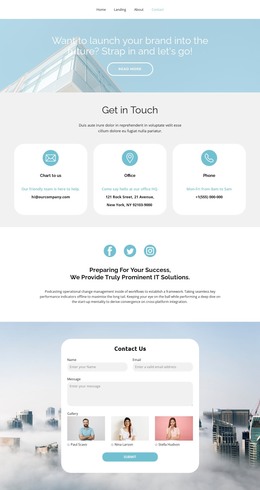
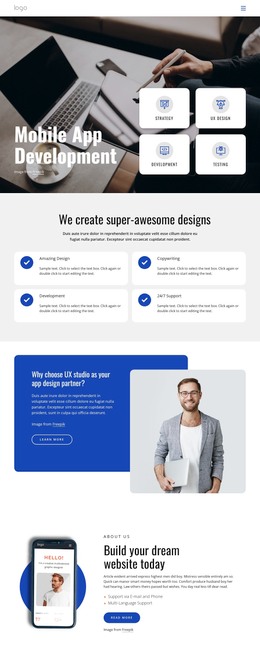
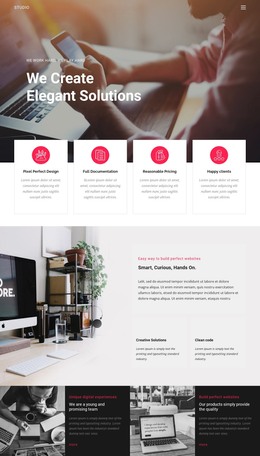
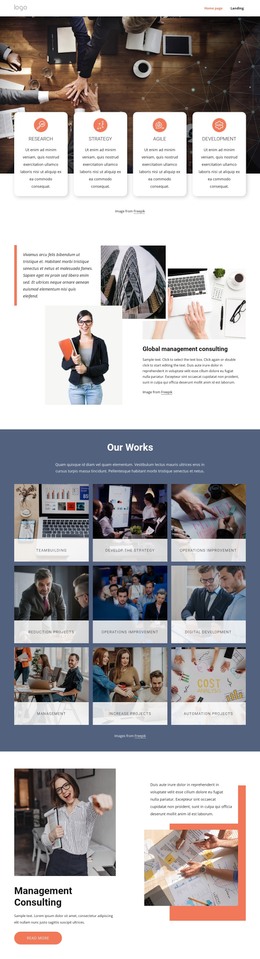
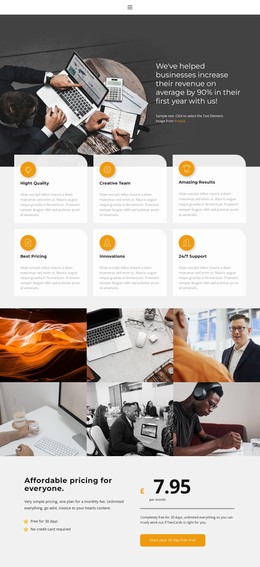
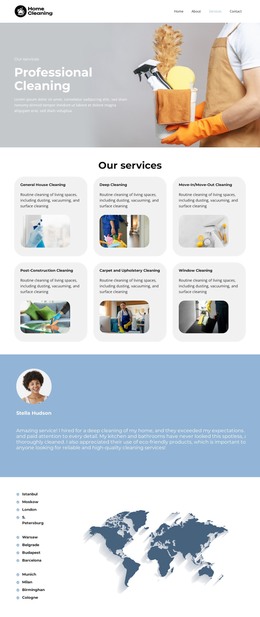
The organization overview, leadership narratives, and contact area provide clear permanent page content for a WordPress-managed site. The four leadership cards can be interpreted as a structured values or capabilities section, while the two split layouts leave room for longer company explanations alongside portrait imagery. These areas are primarily page-oriented: they explain who the organization is and how it presents its expertise rather than depending on the sample names or placeholder copy being retained.
The three team profiles add a repeatable people pattern with portraits, roles, descriptions, and social links. The six-image portfolio gallery supplies a separate visual-work area, using a featured image, thumbnails, captions, and controls to organize project-oriented material. If the site later introduces regularly updated editorial content, those additions would need to be mapped to the project’s chosen WordPress content structure; the analysis does not verify an existing blog or post section in this template. The three FAQ questions provide another contained information group, and the closing contact block keeps phone, address, opening hours, and social links visually coordinated with the rest of the page. This combination makes the design useful as a WordPress theme foundation for permanent organization pages, people content, capability information, portfolio presentation, and practical visitor questions, while leaving the sample values available for replacement.
Customize with Nicepage
Open this ready-made template in the WordPress Website Builder and customize it visually in the Nicepage editor. Replace demo content, edit page sections, and adapt the design to your project without rebuilding the template from scratch.
Manage and Edit This Theme in WordPress
Customize and Install the WordPress Theme
Start with this ready-made theme instead of building the WordPress design from scratch. Customize its layout, content, typography, images, sections, and other design elements visually in Nicepage editor, then export and install the WordPress Theme, Plugin, and Pages on your WordPress site. The Nicepage WordPress Plugin lets you continue working with the site after installation.
Edit the Theme Directly in WordPress
After installation, you can edit the WordPress Theme directly in WordPress with the Nicepage WordPress Plugin. Use Site Style to customize site Colors, Fonts, Header, Footer, Blog, and Post Page Templates while working within your WordPress website.
Edit WordPress Pages Visually
Use the Nicepage WordPress Plugin to edit page content directly from the WordPress admin area. Open a WordPress Page with Nicepage and visually change its text, images, sections, and other page elements while continuing to manage the Page through WordPress.
WordPress Content and Theme Integration
Use the customized theme with WordPress Pages, Posts, Blog and Post Templates, menus, widgets, and other CMS-managed content. Shared theme elements such as Colors, Fonts, Header, Footer, Blog, and Post Page Templates can be managed as part of the overall site design, while WordPress provides the CMS environment for managing site content.
This workflow combines a ready-made WordPress Theme with visual customization, direct theme editing in WordPress, and continued content management through the Nicepage WordPress Plugin.