Solar energy is a renewable energy source Template
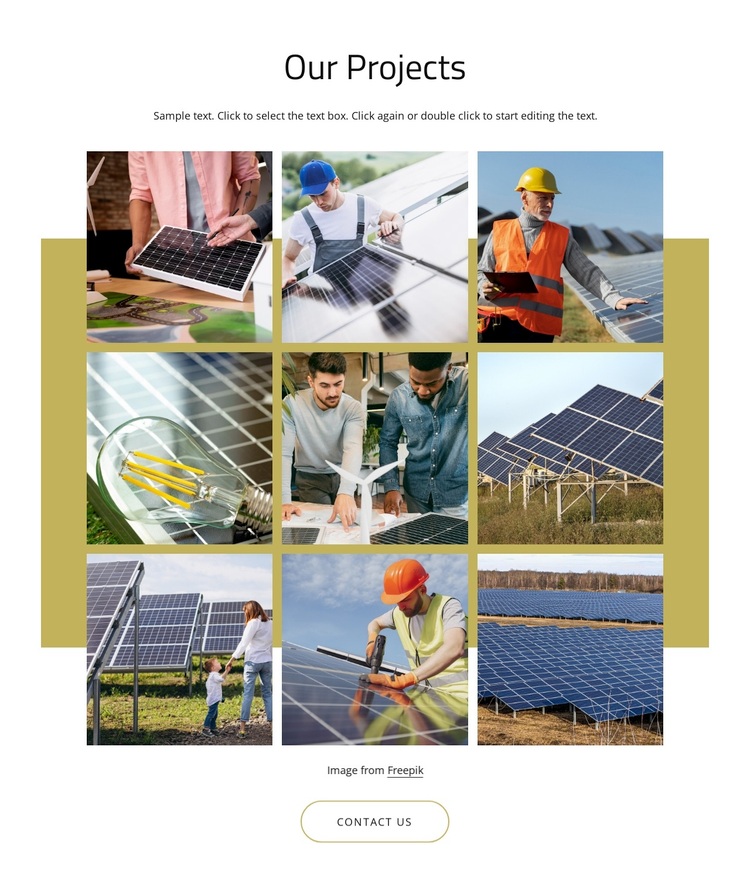
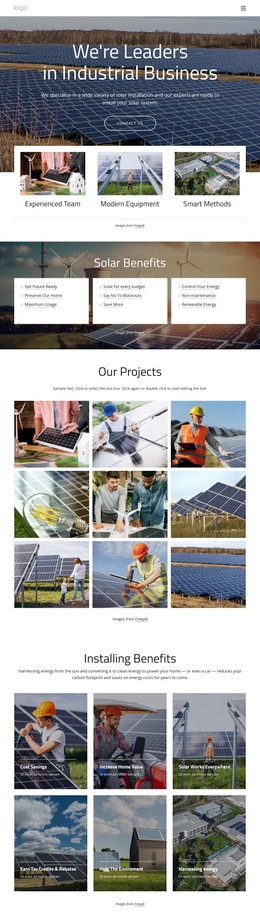
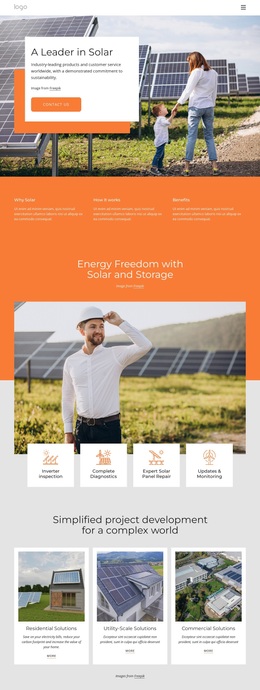
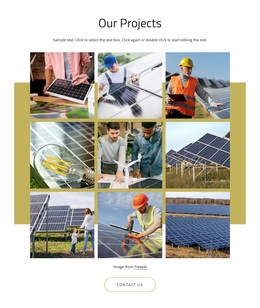
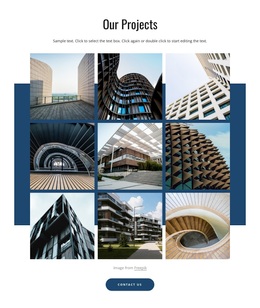
Nine square project images, a centered introduction, and a clear contact action distinguish this ready-made gallery design. The block uses the heading “Our Projects” above a three-column, three-row arrangement of solar panels, renewable-energy installations, worksite activity, and related project scenes. A muted yellow-green rectangular accent gives the gallery a defined visual field against the white background. The built-in lightbox adds a closer image-viewing layer, while the attribution line and thin rounded “Contact Us” button complete a compact section for presenting project work.
ID : 6011042   |   Category : Industrial, Gallery

A three-by-three project gallery with a direct closing action

The section combines several concrete choices that make it a distinct option among project-gallery designs. Instead of a simple single image or a loose collection, it presents nine square photographs in a balanced three-column, three-row grid. The repeated subject matter—solar panels, renewable-energy installations, worksite activity, and related project scenes—makes the collection feel coherent, while the centered “Our Projects” heading gives the visual material an immediate category. Visitors can scan the full set and use the lightbox when one project image merits closer attention.

The muted yellow-green rectangular accent adds a recognizable layer behind the gallery without obscuring the photographs. Above it, centered supporting text supplies a short introduction; below it, the attribution line and thin rounded “Contact Us” button create a measured transition from visual evidence to inquiry. This combination is useful when a page needs more project coverage than a single feature image but less density than a large catalogue. The block can therefore be chosen as a focused gallery alternative for a solar or renewable-energy presentation, while surrounding sections provide the broader explanation, navigation, and contact workflow.

Customize with Nicepage

Open this ready-made template in the Template Builder and customize it visually in the Nicepage editor. Replace demo content, edit page sections, and adapt the design to your project without rebuilding the template from scratch.

Edit Template Offline

1. Download and Install the Nicepage application for Windows and Mac. Or WordPress and Joomla plugins from the download page
2. Create a new page or select existing
3. Click Add new block, search for id 6011042 and click enter

Edit Template Online

Run Online Builder to edit this template on our hosting

Create Awesome Websites

WordPress Plugin WordPress
Windows Application Windows App
Joomla Plugin Joomla
Mac OS Application Mac OS App
HTML5 HTML5
Online Builder Online

Free Nicepage Builder

15,000+ Templates
Easy Drag-n-Drop
No Coding
Mobile-Friendly

Keywords


Start With a Ready-Made Template

Choose a Design for a New Page

Use a ready-made template as a starting point instead of creating every page from a blank canvas. When adding a new page in Nicepage, browse available designs, compare different layouts, and choose an option that already fits the general purpose and visual direction of your project.

Browse Different Page Designs

Explore Page Designs using search, thematic categories, Design Sets, and full-page previews. The collection includes layouts for different subjects and page purposes, making it easier to compare alternatives before selecting a design to customize.

Customize the Selected Template

After choosing a design, create the page and continue editing it visually in Nicepage. Replace the demo content, adjust images, typography, colors, sections, and other elements, and adapt the ready-made layout to your own content instead of rebuilding the design from the beginning.

Explore More Design Directions

If the first option does not match your project closely enough, return to the design collection and compare other templates before committing to a layout. This makes the template library useful not only for faster page creation, but also for exploring different visual approaches and finding a suitable starting point for a new project.

This workflow gives you access to a broad collection of ready-made designs that can be selected, compared, and customized according to the needs of each new page or project.

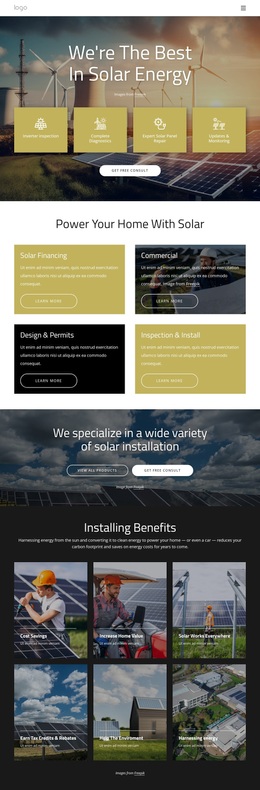
Template selection in the Nicepage New Page dialog

More from Industrial Templates