Artful Image Creation Template


Edit Template Offline
2. Create new page and search for id 6350149
Edit Template Online
Create Awesome Websites


Free Nicepage Builder
Keywords
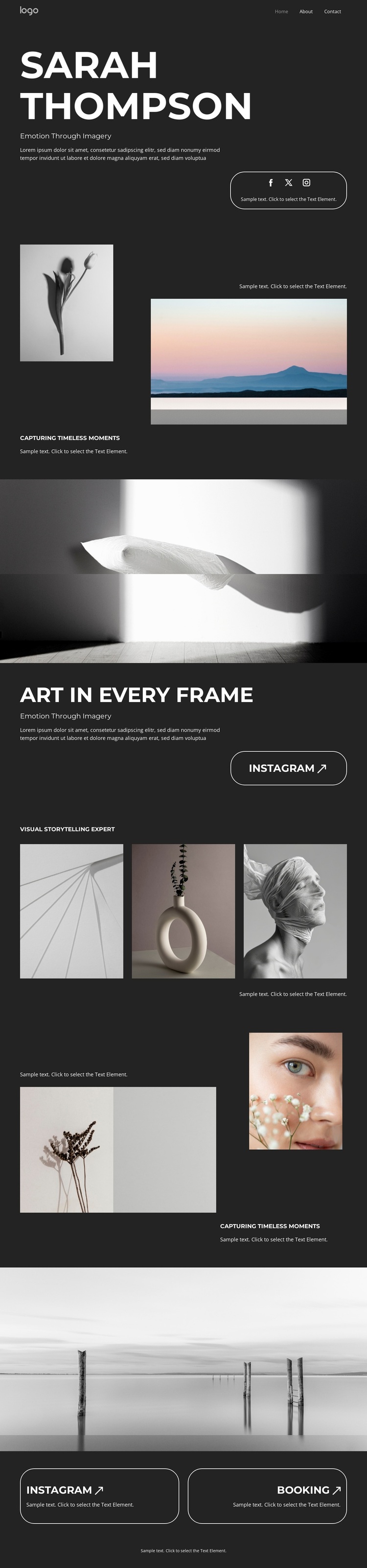
Contrasting Photographs Give This Portfolio a Distinctive Direction
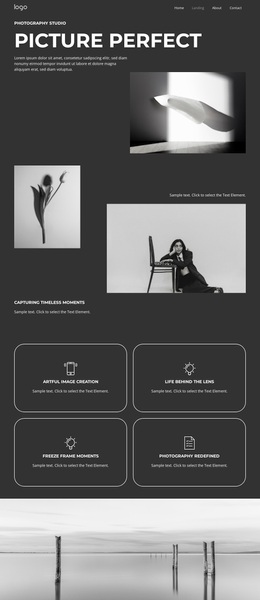
The strongest reason to choose Artful Image Creation is the way it lets photographic variety carry the page’s message. The opening showcase uses only two images, but the contrast between a small portrait and a larger landscape creates an immediate change in scale and subject. That focused beginning is followed by the full-width monochrome photograph beneath “ART IN EVERY FRAME,” which gives the portfolio a memorable visual pause instead of treating every image as an equal tile.
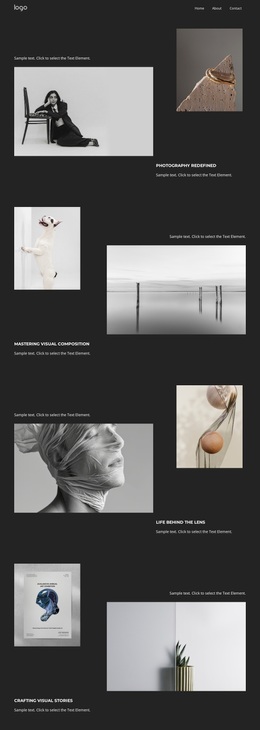
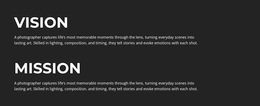
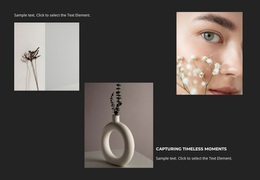
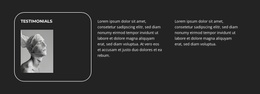
The later gallery broadens the design without losing its central character. Abstract, object, portrait, botanical, and beauty imagery appear together with captions, showing that the layout can support more than one photographic category while remaining visually restrained. The dark charcoal background, large white uppercase type, generous spacing, and thin outlined buttons make the work feel closer to an editorial image presentation than a text-heavy business page.
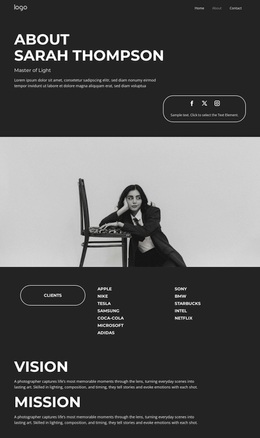
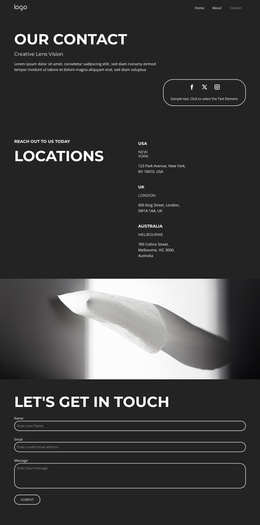
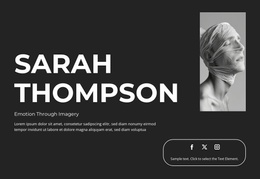
This is a useful option for projects where the photographer’s eye and image selection should lead the visitor. Home, Work, and Contact navigation keeps the page understandable, while Instagram and Booking actions add practical ways to continue engagement or begin an inquiry. The design is therefore distinguished not by an excessive number of components, but by the relationship between sparse text, varied photographic subjects, strong monochrome contrast, and carefully placed actions.
Customize with Nicepage
Open this ready-made template in the Template Builder and customize it visually in the Nicepage editor. Replace demo content, edit page sections, and adapt the design to your project without rebuilding the template from scratch.
Start With a Ready-Made Template
Choose a Design for a New Page
Use a ready-made template as a starting point instead of creating every page from a blank canvas. When adding a new page in Nicepage, browse available designs, compare different layouts, and choose an option that already fits the general purpose and visual direction of your project.
Browse Different Page Designs
Explore Page Designs using search, thematic categories, Design Sets, and full-page previews. The collection includes layouts for different subjects and page purposes, making it easier to compare alternatives before selecting a design to customize.
Customize the Selected Template
After choosing a design, create the page and continue editing it visually in Nicepage. Replace the demo content, adjust images, typography, colors, sections, and other elements, and adapt the ready-made layout to your own content instead of rebuilding the design from the beginning.
Explore More Design Directions
If the first option does not match your project closely enough, return to the design collection and compare other templates before committing to a layout. This makes the template library useful not only for faster page creation, but also for exploring different visual approaches and finding a suitable starting point for a new project.
This workflow gives you access to a broad collection of ready-made designs that can be selected, compared, and customized according to the needs of each new page or project.