We create memorable websites Template



Edit Template Offline
2. Create new page and search for id 145347
Edit Template Online
Create Awesome Websites


Free Nicepage Builder
Keywords
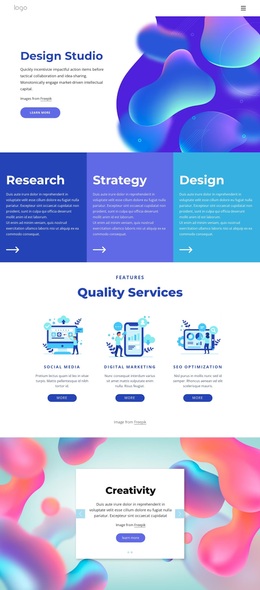
Four service cards connect creative capability with human context
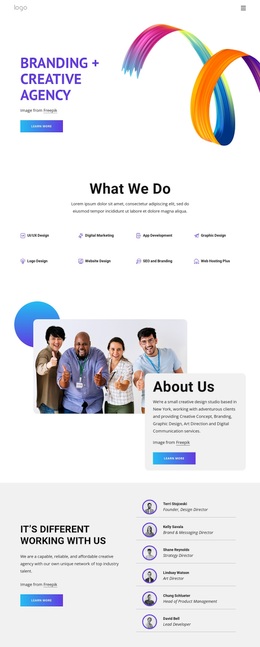
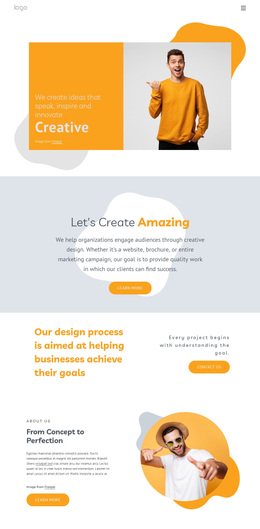
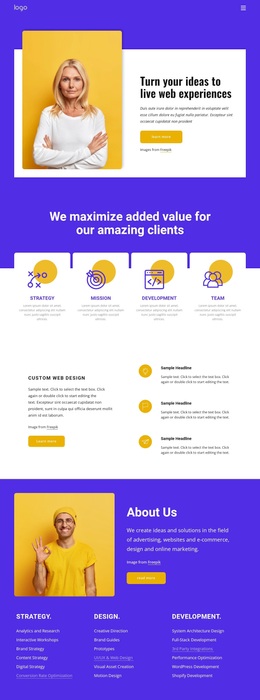
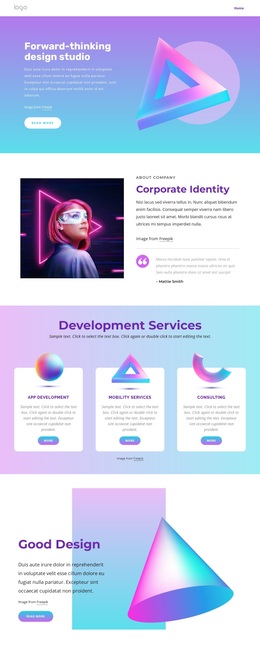
The design is worth considering because it presents creative services through several complementary layers instead of relying on a single service list. The page introduces a Creative message beside a large portrait, then expands the proposition through a section focused on creating amazing work. Its process statement specifically connects the design approach with helping businesses achieve their goals, giving the page a practical relationship between creative work and client outcomes.
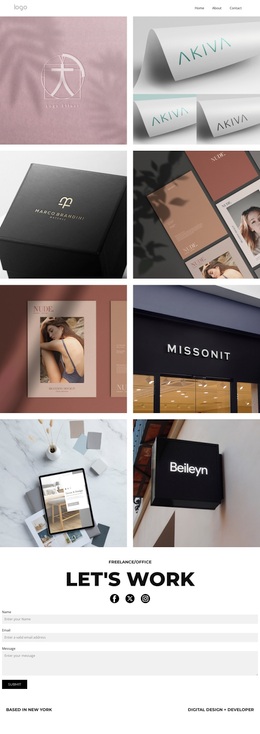
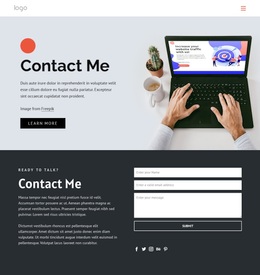
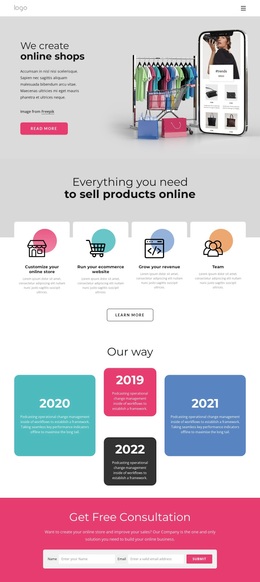
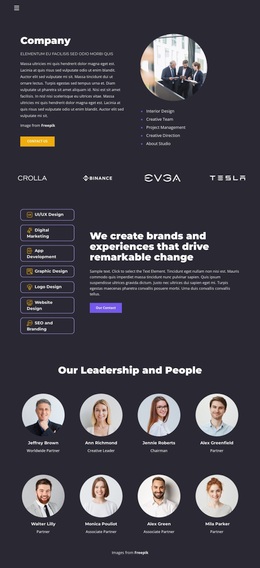
The service section provides a strong point of distinction. Four repeated cards organize web design and development, graphic design, marketing, strategy, and identity design within an orange organic shape. That structure makes the range of offerings visible while preserving the playful visual direction. Elsewhere, the consulting and technology collage adds colored panels, workplace and team imagery, social links, and an innovative-tech message. These varied compositions give the template more expressive content zones than a layout centered only on standard feature cards.
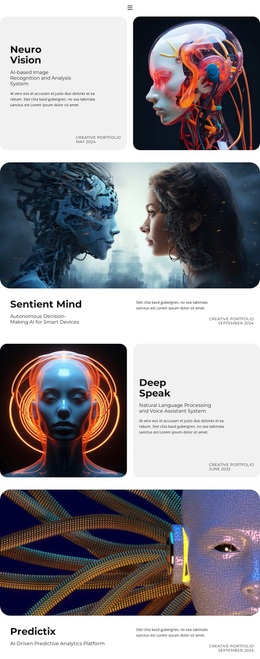
The design also gives people and credibility a visible role. About Us content, three quality, design, and results highlights, and the Meet the team section balance the service categories with explanation and portrait imagery. Learn-more buttons and the contact-us action provide natural next steps for organizations seeking creative support. Together, the service coverage, process framing, visual variety, and human presentation make this a useful option for an agency page that needs to communicate capability without becoming visually dense or purely corporate.
Customize with Nicepage
Open this ready-made template in the Template Builder and customize it visually in the Nicepage editor. Replace demo content, edit page sections, and adapt the design to your project without rebuilding the template from scratch.
Start With a Ready-Made Template
Choose a Design for a New Page
Use a ready-made template as a starting point instead of creating every page from a blank canvas. When adding a new page in Nicepage, browse available designs, compare different layouts, and choose an option that already fits the general purpose and visual direction of your project.
Browse Different Page Designs
Explore Page Designs using search, thematic categories, Design Sets, and full-page previews. The collection includes layouts for different subjects and page purposes, making it easier to compare alternatives before selecting a design to customize.
Customize the Selected Template
After choosing a design, create the page and continue editing it visually in Nicepage. Replace the demo content, adjust images, typography, colors, sections, and other elements, and adapt the ready-made layout to your own content instead of rebuilding the design from the beginning.
Explore More Design Directions
If the first option does not match your project closely enough, return to the design collection and compare other templates before committing to a layout. This makes the template library useful not only for faster page creation, but also for exploring different visual approaches and finding a suitable starting point for a new project.
This workflow gives you access to a broad collection of ready-made designs that can be selected, compared, and customized according to the needs of each new page or project.