Come or arrange delivery Template


Edit Template Offline
2. Create new page and search for id 6083112
Edit Template Online
Create Awesome Websites


Free Nicepage Builder
Keywords
Food photography is paired with unusually complete contact coverage
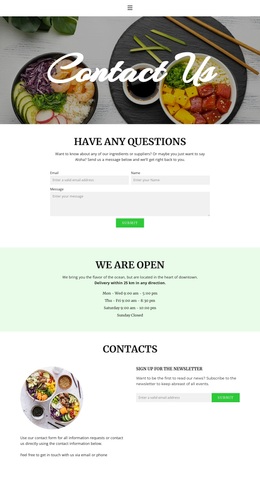
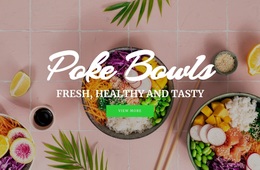
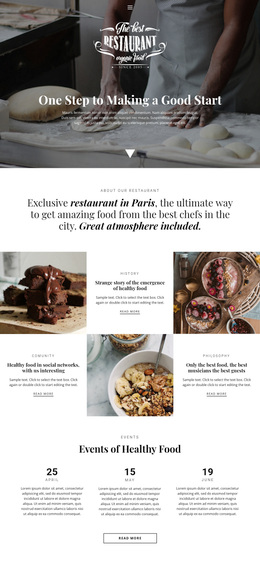
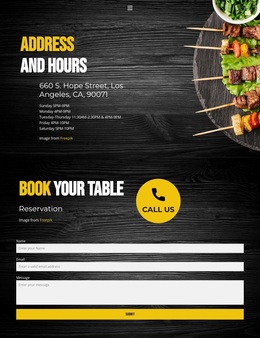
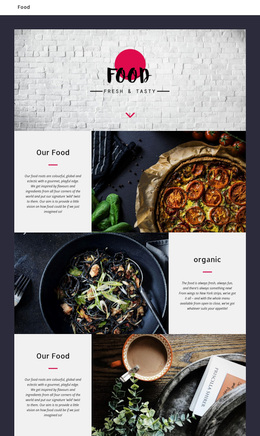
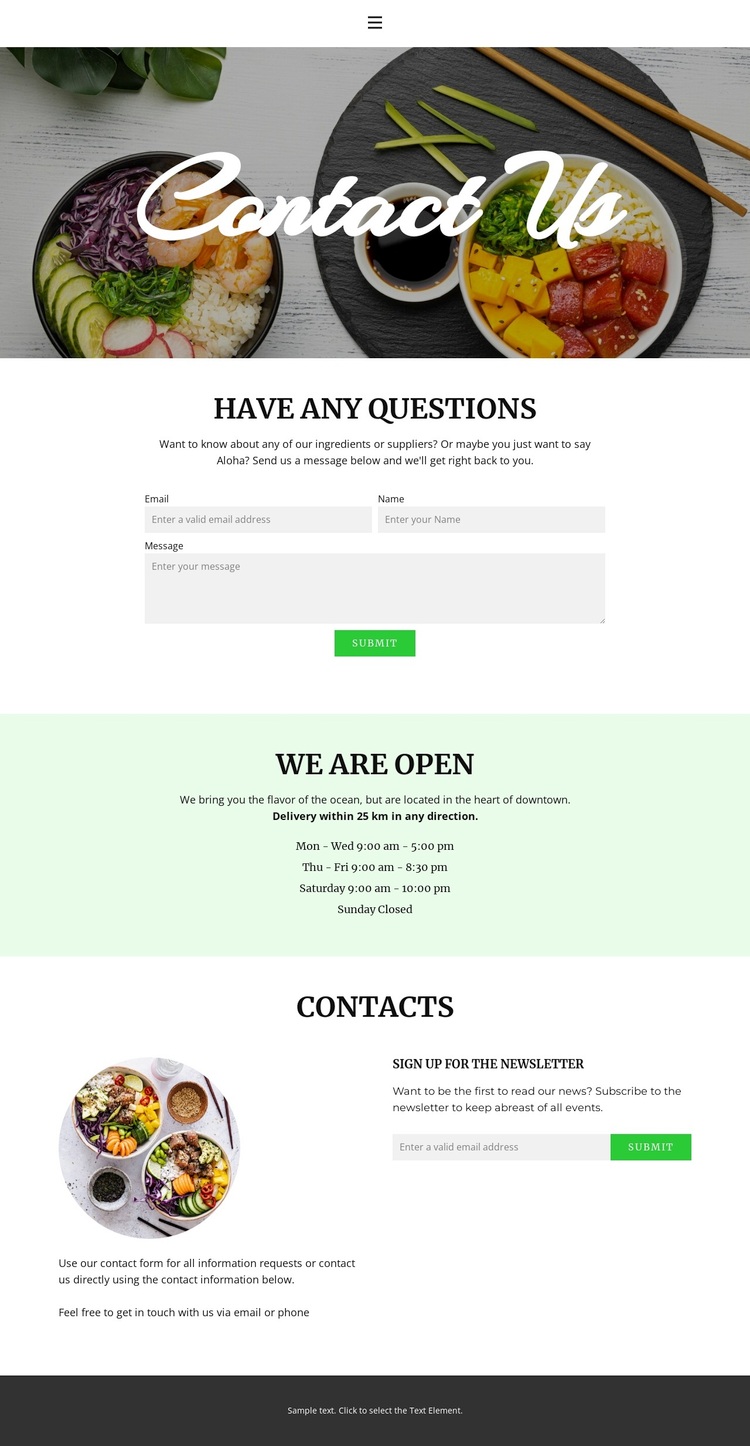
The wide food photograph makes the subject clear before visitors reach the practical content, while the centered script title keeps the opening visually focused. What distinguishes this option is the breadth of contact coverage that follows. The question section does not merely show a form; it frames ingredient and supplier inquiries before presenting the Submit action. That gives the design a specific information-request use case connected to food and beverage content.
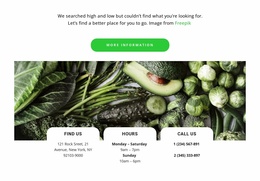
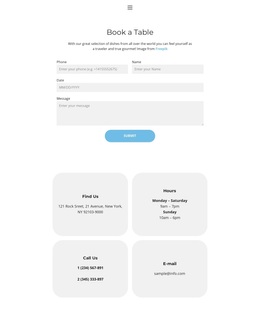
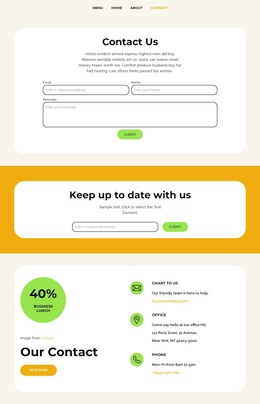
The pale-green schedule band adds another reason to choose the layout when visitors need operational information. It displays opening hours across the full week, with different closing times from Monday through Saturday and Sunday marked closed. The later contacts section then states that email and phone contact are available and places that guidance beside a separate newsletter signup. The two forms consequently address different needs: immediate questions and ongoing communication.
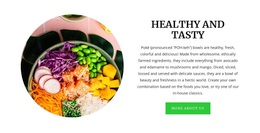
This combination makes the design a useful choice for a business that needs more than a decorative contact screen. It brings visual food context, inquiries, schedule information, direct contact methods, and subscription capture into one readable sequence. The circular food image and dark footer add visual closure, while mobile navigation helps preserve the same content direction on smaller screens. The design’s strongest characteristic is therefore its coverage of practical visitor questions without losing a clear food-focused presentation.
Customize with Nicepage
Open this ready-made template in the Template Builder and customize it visually in the Nicepage editor. Replace demo content, edit page sections, and adapt the design to your project without rebuilding the template from scratch.
Start With a Ready-Made Template
Choose a Design for a New Page
Use a ready-made template as a starting point instead of creating every page from a blank canvas. When adding a new page in Nicepage, browse available designs, compare different layouts, and choose an option that already fits the general purpose and visual direction of your project.
Browse Different Page Designs
Explore Page Designs using search, thematic categories, Design Sets, and full-page previews. The collection includes layouts for different subjects and page purposes, making it easier to compare alternatives before selecting a design to customize.
Customize the Selected Template
After choosing a design, create the page and continue editing it visually in Nicepage. Replace the demo content, adjust images, typography, colors, sections, and other elements, and adapt the ready-made layout to your own content instead of rebuilding the design from the beginning.
Explore More Design Directions
If the first option does not match your project closely enough, return to the design collection and compare other templates before committing to a layout. This makes the template library useful not only for faster page creation, but also for exploring different visual approaches and finding a suitable starting point for a new project.
This workflow gives you access to a broad collection of ready-made designs that can be selected, compared, and customized according to the needs of each new page or project.