Surfing Template


Edit Template Offline
2. Create new page and search for id 16800
Edit Template Online
Create Awesome Websites


Free Nicepage Builder
Keywords
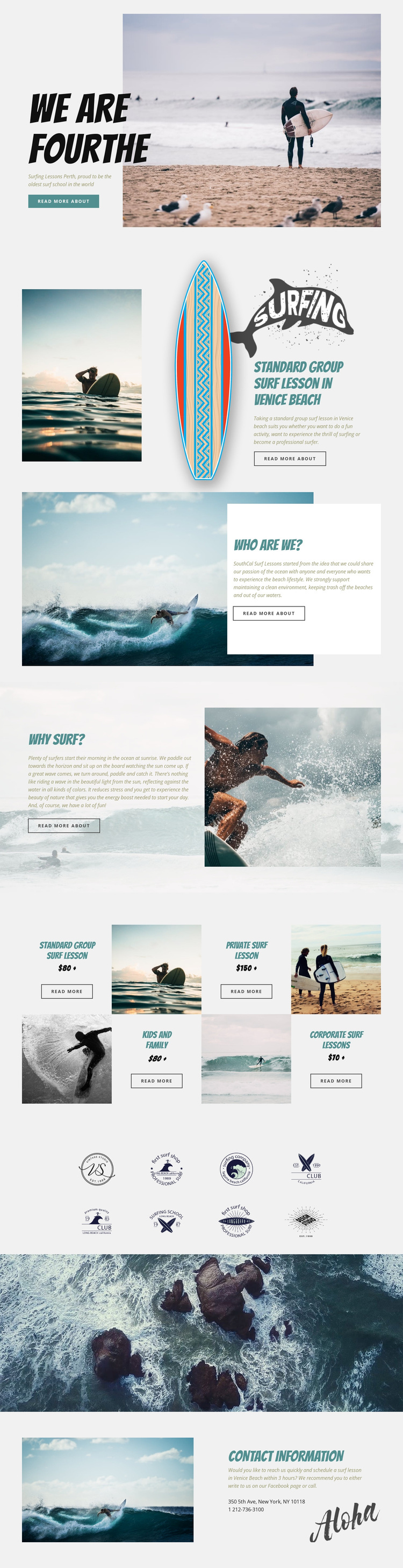
Four Surf Lesson Paths Give the Design a Clear Starting Point
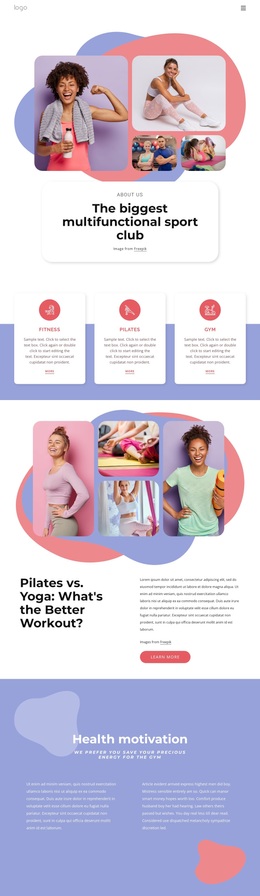
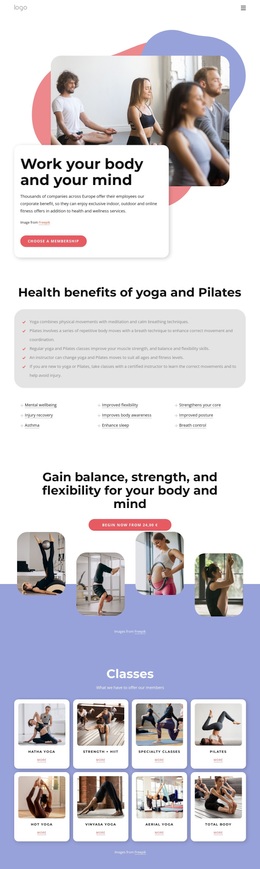
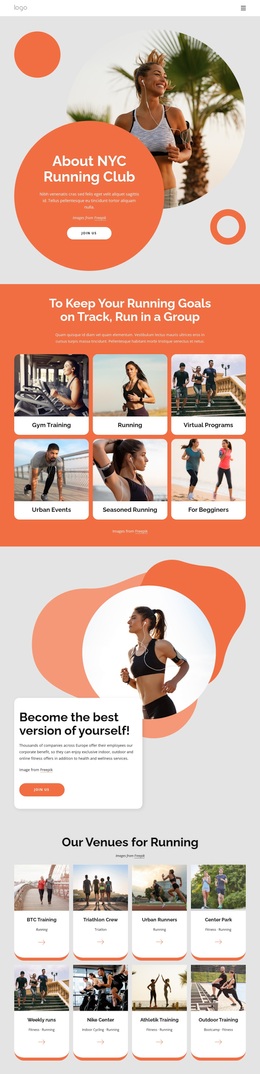
The featured group lesson and the four-part offering area make this design especially suitable for projects that need to explain several ways to learn surfing without relying on dense blocks of text. Standard group, private, kids and family, and corporate surf lessons are separated into recognizable tiles, so the page can address different audiences while retaining one clear subject: surf instruction connected with Venice Beach.
The visual storytelling is equally distinctive. Large beach and ocean photographs carry the emotional context, while pale panels and bold condensed headings keep the supporting explanations readable. The About Us section adds the school’s message about sharing a passion for the ocean and maintaining clean beaches, and the Why Surf panel gives the page a more experiential dimension through references to sunrise surfing, enjoyment, stress reduction, and connection with nature. These sections make the layout more than a service catalogue.
The eight-logo display introduces a repeated brand element, and the full-width aerial ocean image creates a strong transition before the closing contact information. That combination of offer coverage, environmental context, and image-led pacing makes the design a useful choice for a surf school or related lesson project that wants visitors to understand both the services and the atmosphere around them. Its appeal lies in the relationship between audience-specific lesson choices and a clearly ocean-centered presentation.
Customize with Nicepage
Open this ready-made template in the Template Builder and customize it visually in the Nicepage editor. Replace demo content, edit page sections, and adapt the design to your project without rebuilding the template from scratch.
Start With a Ready-Made Template
Choose a Design for a New Page
Use a ready-made template as a starting point instead of creating every page from a blank canvas. When adding a new page in Nicepage, browse available designs, compare different layouts, and choose an option that already fits the general purpose and visual direction of your project.
Browse Different Page Designs
Explore Page Designs using search, thematic categories, Design Sets, and full-page previews. The collection includes layouts for different subjects and page purposes, making it easier to compare alternatives before selecting a design to customize.
Customize the Selected Template
After choosing a design, create the page and continue editing it visually in Nicepage. Replace the demo content, adjust images, typography, colors, sections, and other elements, and adapt the ready-made layout to your own content instead of rebuilding the design from the beginning.
Explore More Design Directions
If the first option does not match your project closely enough, return to the design collection and compare other templates before committing to a layout. This makes the template library useful not only for faster page creation, but also for exploring different visual approaches and finding a suitable starting point for a new project.
This workflow gives you access to a broad collection of ready-made designs that can be selected, compared, and customized according to the needs of each new page or project.