Run in a group Template



Edit Template Offline
2. Create new page and search for id 5776168
Edit Template Online
Create Awesome Websites


Free Nicepage Builder
Keywords
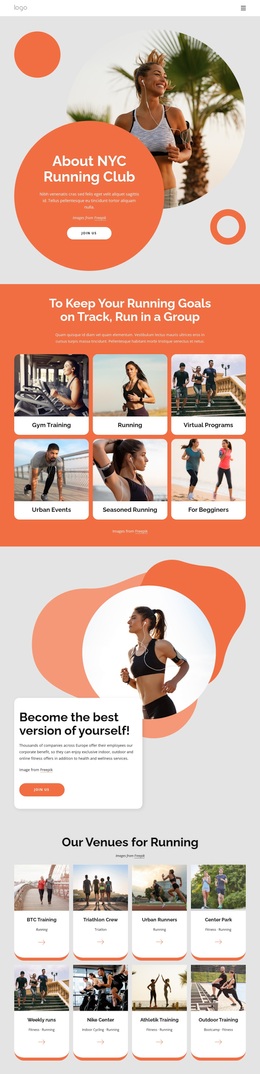
Six Training Paths and Eight Venues Give the Design Range
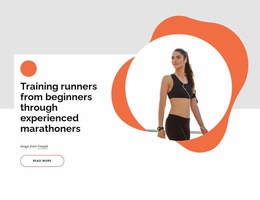
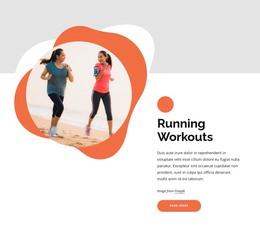
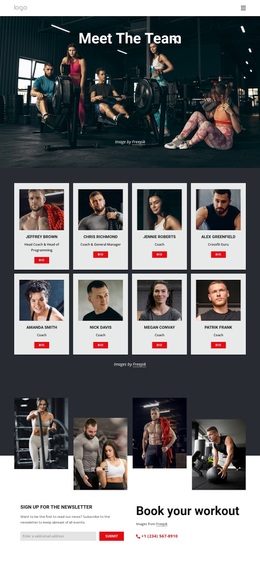
The six activity cards are the clearest reason to consider this design as a running-club starting point. Gym Training, Running, Virtual Programs, Urban Events, Seasoned Running, and For Beginners show several ways the same group-centered concept can address different participation interests. The repeated card format keeps those options easy to compare, while the coral, white, and light gray palette maintains a recognizable visual direction across the page.
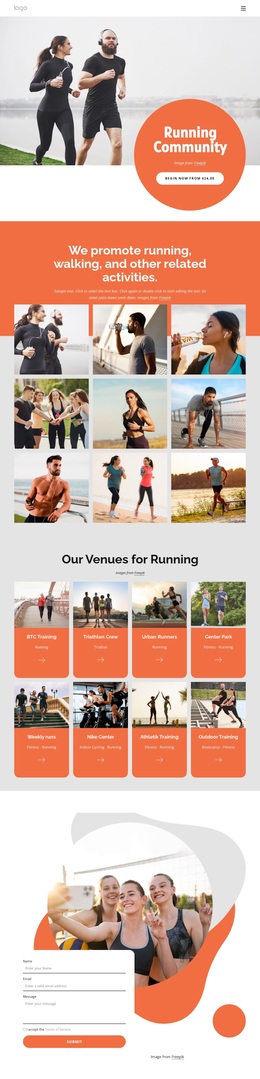
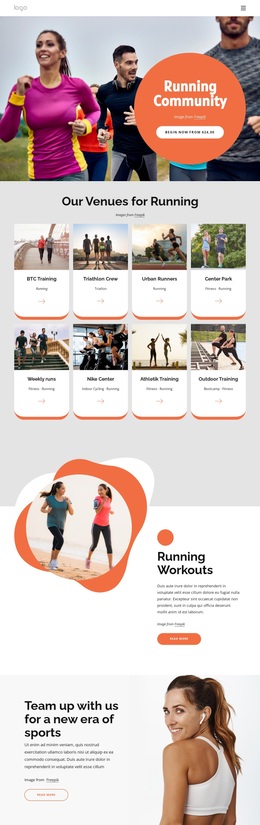
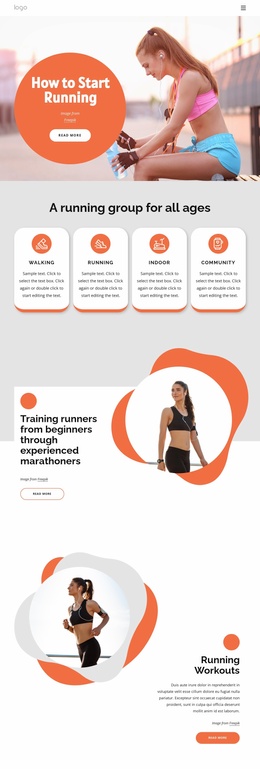
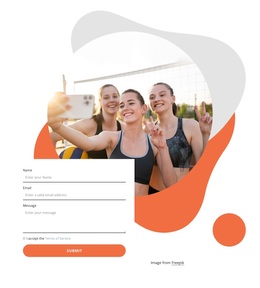
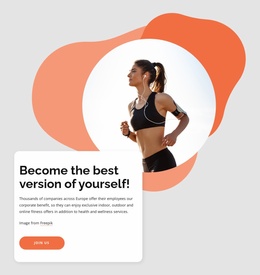
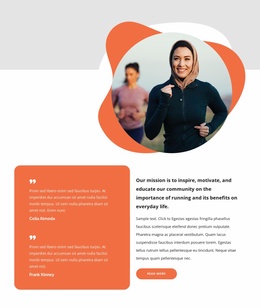
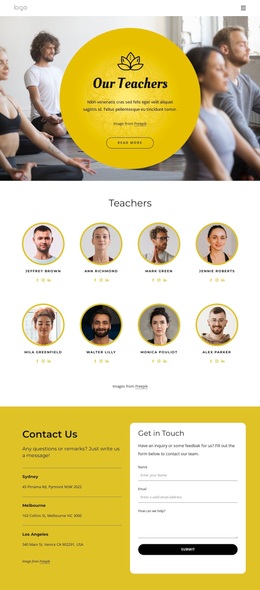
The design also goes beyond activity labels. Eight venue or activity cards introduce places and groups such as Center Park, Weekly runs, Outdoor Training, and other named running communities, giving the page a stronger sense of range. Weekly event promotion and the Long Runs and Events section then turn that range into an ongoing club story, while the personal-improvement and “Why Running Makes You Happy” sections add motivational context. A testimonial carousel and contact form provide social and conversational elements without making unsupported claims about the sample people or text. This combination makes the template a useful option for projects that need to present group fitness, multiple running formats, event participation, and membership contact content in one energetic design rather than relying mainly on a single hero or a dense service list.
Customize with Nicepage
Open this ready-made template in the Template Builder and customize it visually in the Nicepage editor. Replace demo content, edit page sections, and adapt the design to your project without rebuilding the template from scratch.
Start With a Ready-Made Template
Choose a Design for a New Page
Use a ready-made template as a starting point instead of creating every page from a blank canvas. When adding a new page in Nicepage, browse available designs, compare different layouts, and choose an option that already fits the general purpose and visual direction of your project.
Browse Different Page Designs
Explore Page Designs using search, thematic categories, Design Sets, and full-page previews. The collection includes layouts for different subjects and page purposes, making it easier to compare alternatives before selecting a design to customize.
Customize the Selected Template
After choosing a design, create the page and continue editing it visually in Nicepage. Replace the demo content, adjust images, typography, colors, sections, and other elements, and adapt the ready-made layout to your own content instead of rebuilding the design from the beginning.
Explore More Design Directions
If the first option does not match your project closely enough, return to the design collection and compare other templates before committing to a layout. This makes the template library useful not only for faster page creation, but also for exploring different visual approaches and finding a suitable starting point for a new project.
This workflow gives you access to a broad collection of ready-made designs that can be selected, compared, and customized according to the needs of each new page or project.