Join our 5-week running Joomla Template


A Runner-Focused Message for Structured Joomla Content
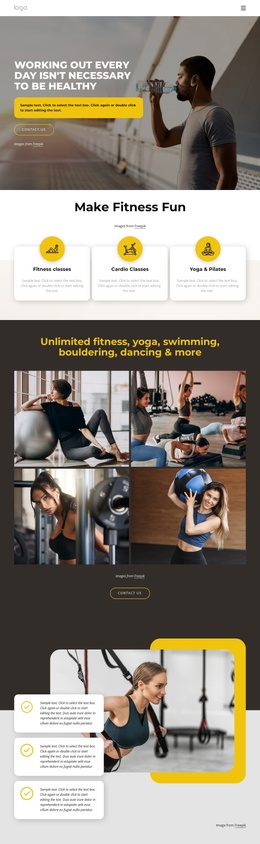
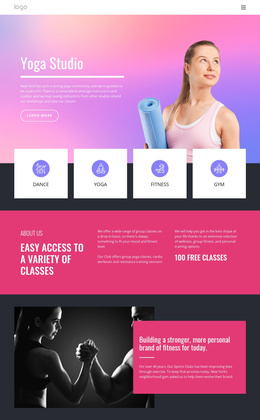
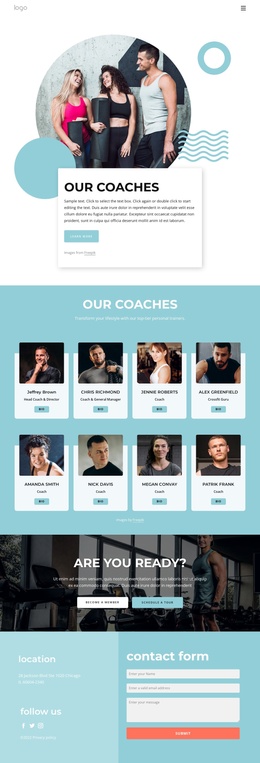
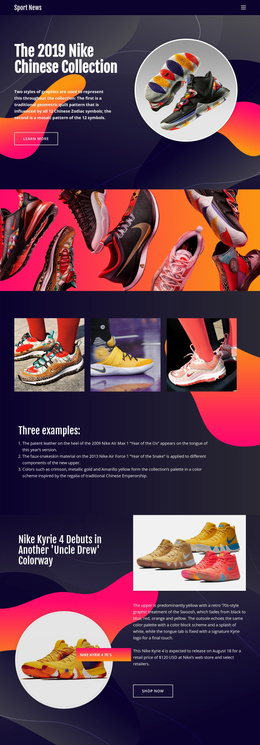
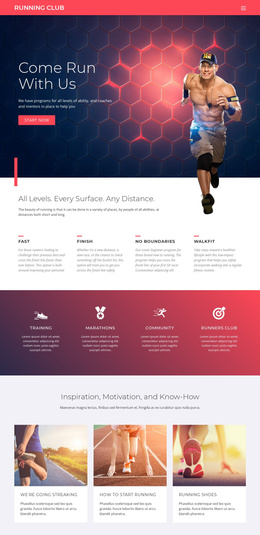
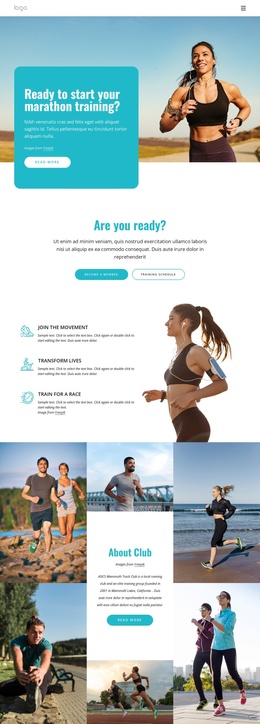
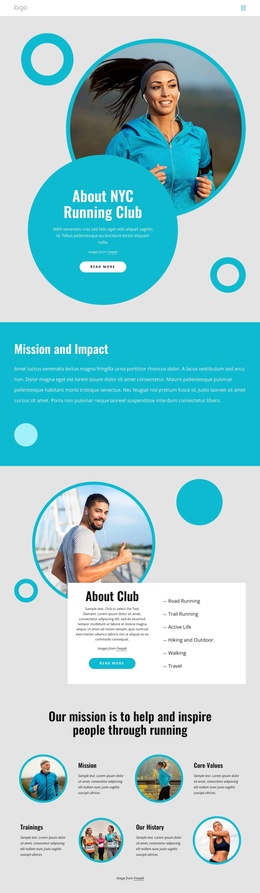
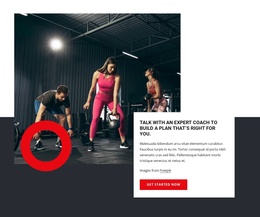
The heading “Come Run With Us” gives this section a direct editorial purpose: introduce a running program and invite the visitor to consider joining. Its supporting copy adds practical scope by referring to programs for all levels of ability, then builds reassurance through the mention of coaches and mentors. Because those details sit together in one right-aligned text block, the section reads as a compact information region rather than a collection of unrelated promotional elements.
In a Joomla-managed page, this arrangement can serve as a stable sports or fitness content section while the broader site organizes related information around it. The full-width running photograph supplies immediate context, with the group positioned on the left and the darker treatment helping the white heading and paragraph remain legible on the right. The coral-red “start now” button marks the next response point without making the section itself a complete site or campaign. It can lead visitors toward a separate registration, program-details, or contact destination within the surrounding Joomla content structure. The block’s static composition also keeps its role clear: visual introduction, concise program explanation, and one visible invitation to continue.
Customize with Nicepage
Open this ready-made template in the Joomla Page Builder and customize it visually in the Nicepage editor. Replace demo content, edit page sections, and adapt the design to your project without rebuilding the template from scratch.
Edit Template Offline
2. Create a new page or select existing
3. Click Add new block, search for id 67495 and click enter
Edit Template Online
Create Awesome Websites


Free Nicepage Builder
Keywords
Work With This Template in Joomla
Customize and Install the Joomla Template
Start with this ready-made template instead of building the Joomla design from scratch. Customize its layout, content, typography, images, sections, and other design elements visually in the Nicepage application, then export and install the Joomla Template, Nicepage Extension, and supported content on your Joomla website.
Edit the Template Directly in Joomla
After installation, you can edit the Joomla Template directly in Joomla with the Nicepage Joomla Extension. Customize the Header, Footer, Colors, Fonts, typography, and Page Templates from the Joomla workflow while keeping the site design connected with your CMS content.
Edit Joomla Articles Visually
Use the Nicepage Joomla Extension to open and edit Joomla Articles visually from the Joomla Administrator. Change text, images, sections, layouts, and other page content in the Nicepage editor while continuing to manage the Articles through Joomla.
Joomla Content and Template Integration
Use the customized template together with Joomla Articles, module Positions, menus, forms, Blog Pages, and other supported CMS elements. With the Nicepage Extension used as the Site Style Source, shared design settings can be applied across Joomla Articles while Joomla continues to provide the CMS environment for managing site content.
This workflow combines a ready-made Joomla Template with visual customization, direct template editing in Joomla, and continued content management through the Nicepage Joomla Extension.