Running club faq Joomla Template


Five Running Questions Form a Structured Member Information Area
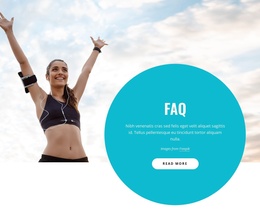
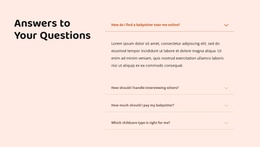
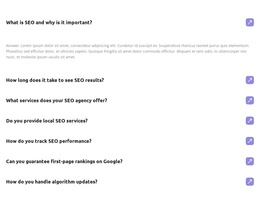
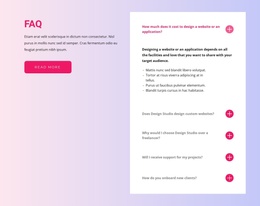
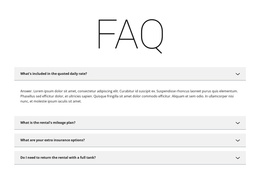
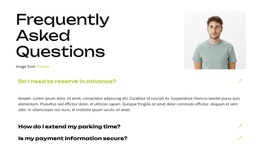
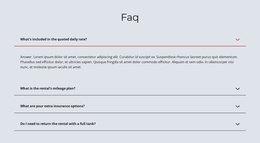
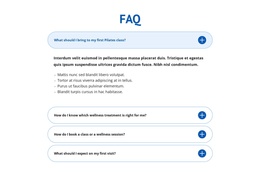
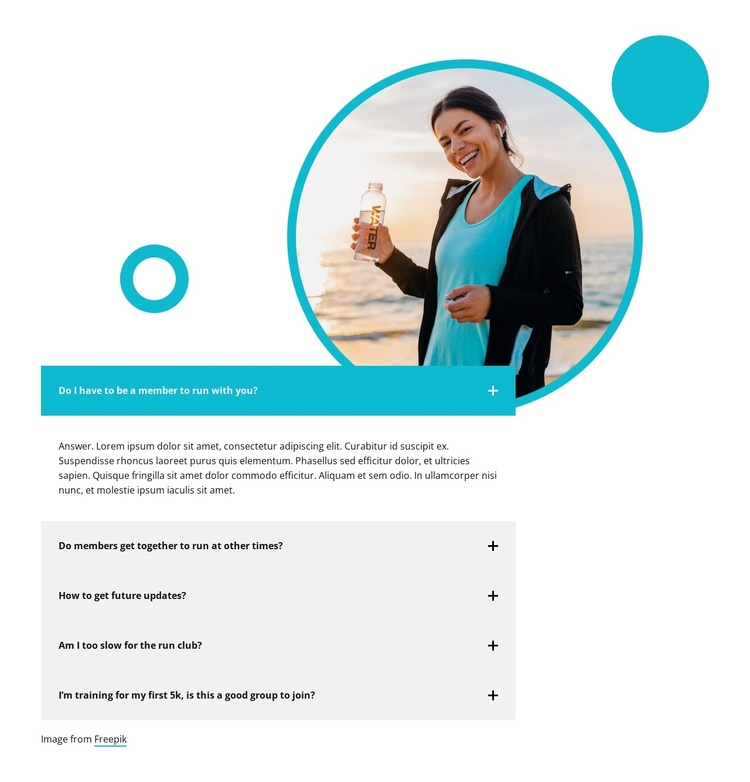
The five questions divide the section into clear information units for a running group: membership requirements, additional opportunities to run together, future updates, pace suitability, and support for someone preparing for a first 5K. That range gives the block a useful structured-content role because it addresses both participation details and common concerns from newer runners without requiring a long uninterrupted paragraph.
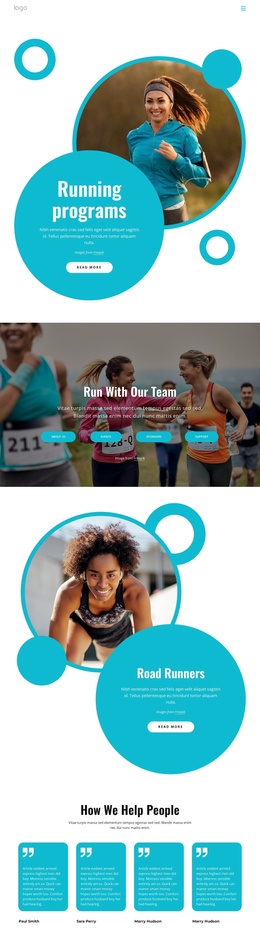
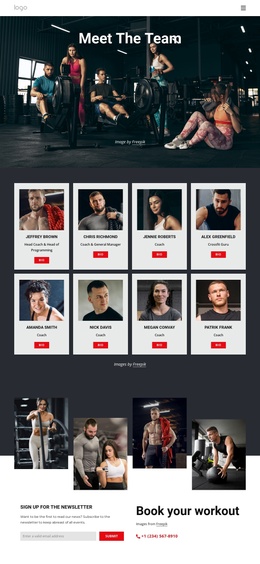
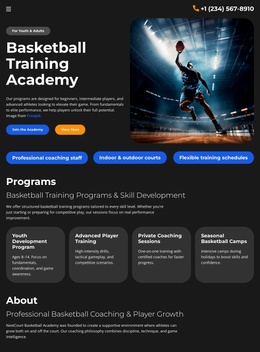
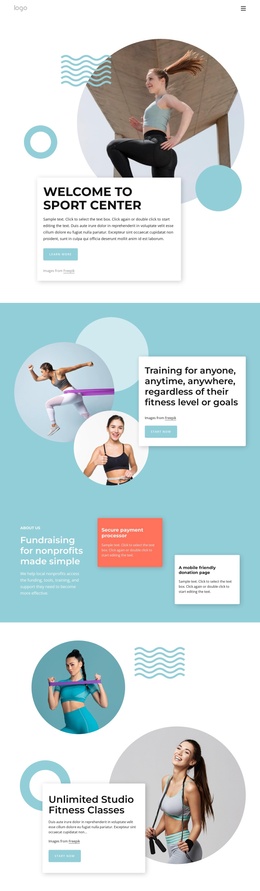
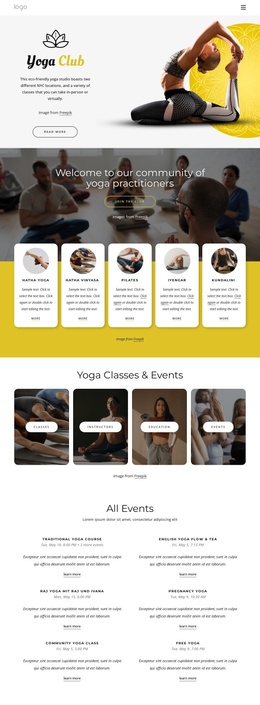
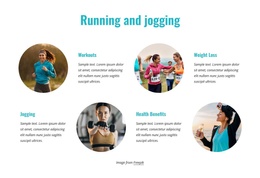
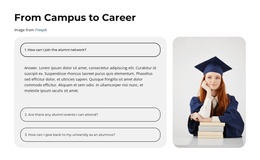
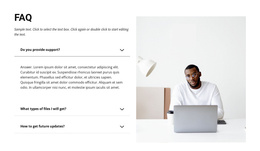
The circular runner photograph sits above the vertically stacked accordion and establishes the subject before visitors read the questions. The first row is highlighted in teal and remains expanded, while the other four rows are collapsed behind plus icons. This arrangement creates a compact reading path: one answer is immediately available, and the remaining topics remain easy to scan and open as needed. Light gray panels and bold dark text distinguish each question from the white background, while teal outlines and decorative circles connect the image to the content visually.
In a Joomla-managed project, this block can serve as a reusable FAQ or member-information region within a broader page. Its structured questions and expandable answers can remain focused on the running group while surrounding site content handles navigation, schedules, articles, or contact information. The section therefore fits CMS-managed content without being treated as a complete Joomla Template or full site.
Customize with Nicepage
Open this ready-made template in the Joomla Page Builder and customize it visually in the Nicepage editor. Replace demo content, edit page sections, and adapt the design to your project without rebuilding the template from scratch.
Edit Template Offline
2. Create a new page or select existing
3. Click Add new block, search for id 6333647 and click enter
Edit Template Online
Create Awesome Websites


Free Nicepage Builder
Keywords
Work With This Template in Joomla
Customize and Install the Joomla Template
Start with this ready-made template instead of building the Joomla design from scratch. Customize its layout, content, typography, images, sections, and other design elements visually in the Nicepage application, then export and install the Joomla Template, Nicepage Extension, and supported content on your Joomla website.
Edit the Template Directly in Joomla
After installation, you can edit the Joomla Template directly in Joomla with the Nicepage Joomla Extension. Customize the Header, Footer, Colors, Fonts, typography, and Page Templates from the Joomla workflow while keeping the site design connected with your CMS content.
Edit Joomla Articles Visually
Use the Nicepage Joomla Extension to open and edit Joomla Articles visually from the Joomla Administrator. Change text, images, sections, layouts, and other page content in the Nicepage editor while continuing to manage the Articles through Joomla.
Joomla Content and Template Integration
Use the customized template together with Joomla Articles, module Positions, menus, forms, Blog Pages, and other supported CMS elements. With the Nicepage Extension used as the Site Style Source, shared design settings can be applied across Joomla Articles while Joomla continues to provide the CMS environment for managing site content.
This workflow combines a ready-made Joomla Template with visual customization, direct template editing in Joomla, and continued content management through the Nicepage Joomla Extension.