Running and sports Joomla Template


Edit Template Offline
2. Create new page and search for id 20587
Edit Template Online
Create Awesome Websites


Free Nicepage Builder
Keywords
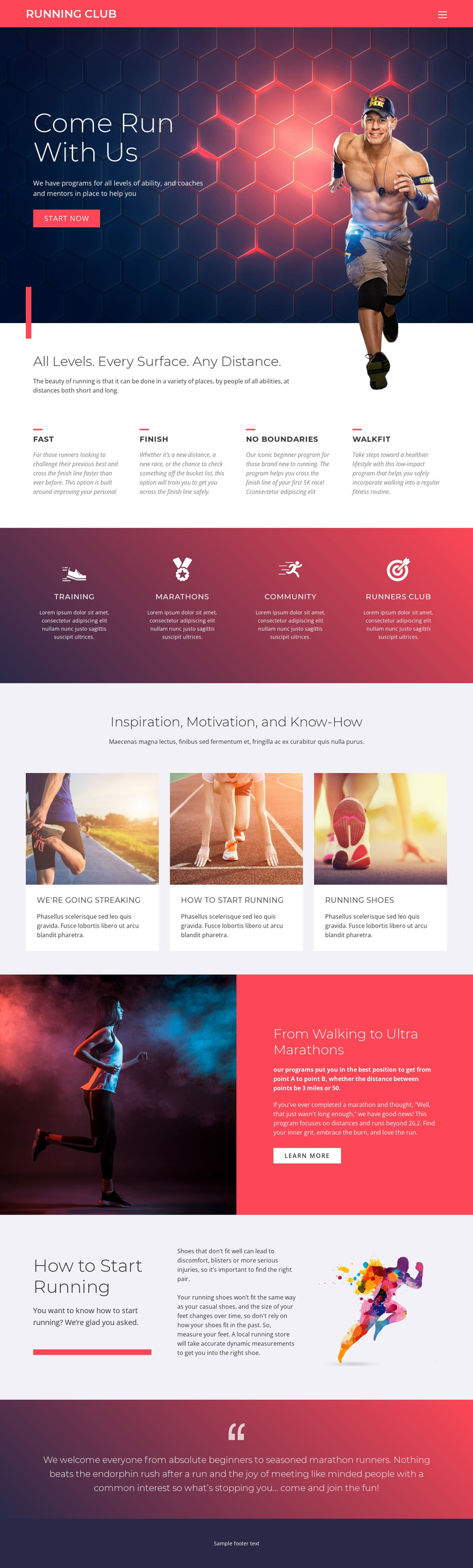
Four Programs Divide the Club Content Into Clear CMS Areas
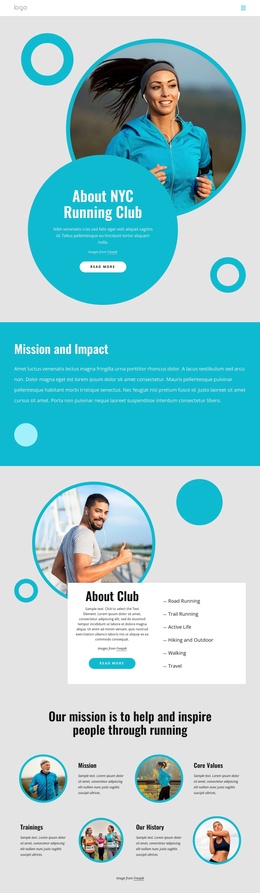
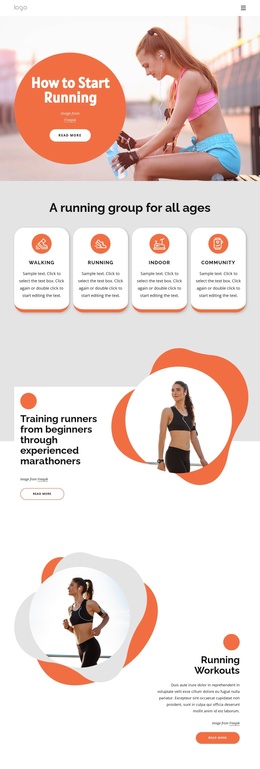
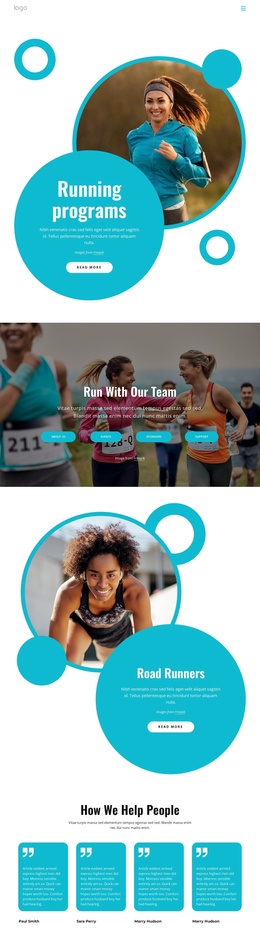
The four program labels provide the strongest content divisions in this running club design. FAST, FINISH, NO BOUNDARIES, and WALKFIT describe different ways visitors may understand the club’s running offer, while the surrounding introductory copy explains the inclusive range of levels and distances. In a Joomla-oriented site structure, these repeated informational areas can remain visually coordinated while their text and supporting details are managed as organized site content.
The separate activity strip adds another useful grouping. Training and MARATHONS point toward structured running activity, while Community and Runners Club express the social side of participation. Keeping those ideas in their own feature region prevents them from being confused with the four program choices. The three article cards then provide a distinct editorial-style area for inspiration, beginner guidance, and running knowledge, including the “How To Start Running” and running-shoe topics.
Navigation and shared page regions can connect these areas into a coherent Joomla-managed presentation without claiming that specific Joomla Articles or module positions already exist in the template. The design’s structure is already divided enough to support recurring informational content, practical guidance, and community messaging. Its closing invitation to beginners and marathon runners gives the page a natural content conclusion after the program and activity sections have established the club’s scope.
Customize with Nicepage
Open this ready-made template in the Joomla Page Builder and customize it visually in the Nicepage editor. Replace demo content, edit page sections, and adapt the design to your project without rebuilding the template from scratch.
Work With This Template in Joomla
Customize and Install the Joomla Template
Start with this ready-made template instead of building the Joomla design from scratch. Customize its layout, content, typography, images, sections, and other design elements visually in the Nicepage application, then export and install the Joomla Template, Nicepage Extension, and supported content on your Joomla website.
Edit the Template Directly in Joomla
After installation, you can edit the Joomla Template directly in Joomla with the Nicepage Joomla Extension. Customize the Header, Footer, Colors, Fonts, typography, and Page Templates from the Joomla workflow while keeping the site design connected with your CMS content.
Edit Joomla Articles Visually
Use the Nicepage Joomla Extension to open and edit Joomla Articles visually from the Joomla Administrator. Change text, images, sections, layouts, and other page content in the Nicepage editor while continuing to manage the Articles through Joomla.
Joomla Content and Template Integration
Use the customized template together with Joomla Articles, module Positions, menus, forms, Blog Pages, and other supported CMS elements. With the Nicepage Extension used as the Site Style Source, shared design settings can be applied across Joomla Articles while Joomla continues to provide the CMS environment for managing site content.
This workflow combines a ready-made Joomla Template with visual customization, direct template editing in Joomla, and continued content management through the Nicepage Joomla Extension.