Nike sportwear Joomla Template


Edit Template Offline
2. Create new page and search for id 29282
Edit Template Online
Create Awesome Websites


Free Nicepage Builder
Keywords
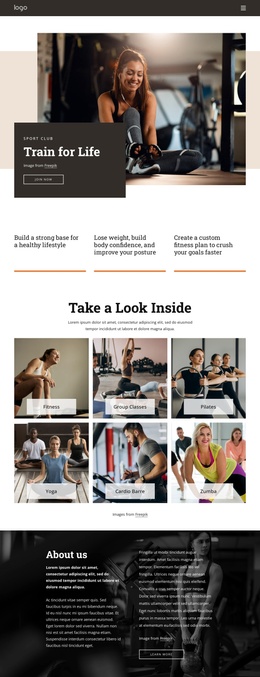
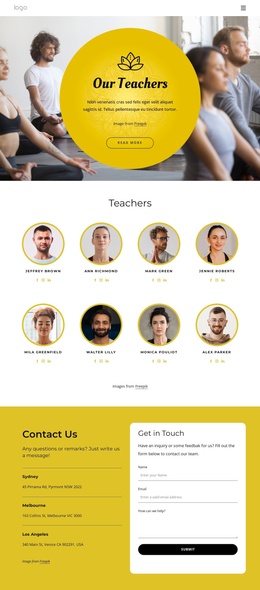
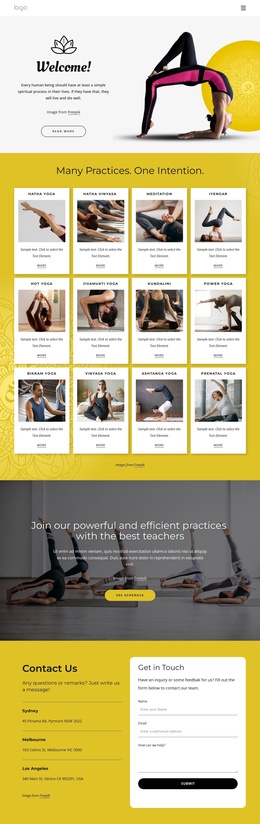
Sportswear Categories and Partnership Content Divide the CMS Structure
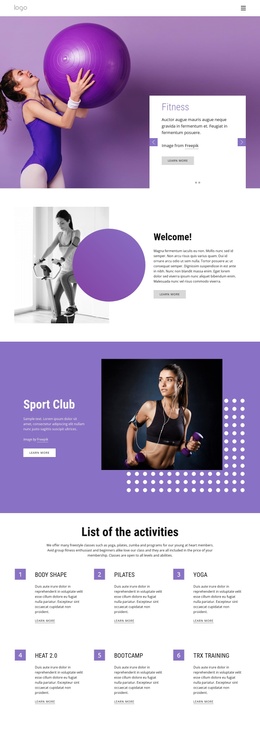
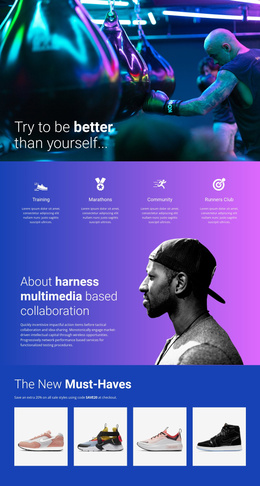
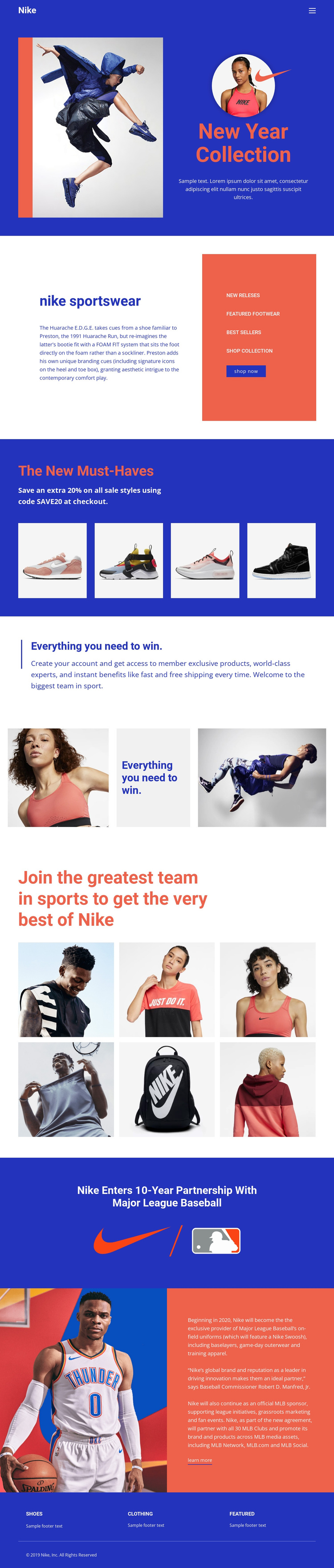
The sportswear category panel gives the page a clear informational region beside its promotional copy. Featured Footwear, Best Sellers, Shop Collection, and Shop Now are not interchangeable labels; together they divide product discovery from the broader seasonal introduction. In a Joomla-managed project, these areas provide recognizable content regions for navigation and structured updates while retaining the visual relationship between text and the colored panel.
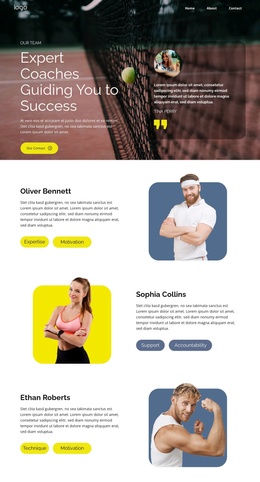
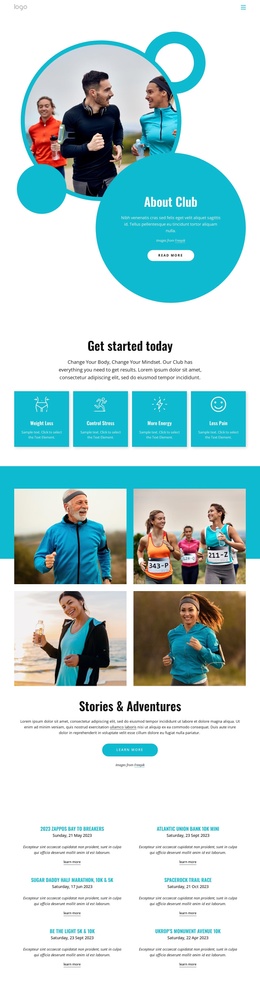
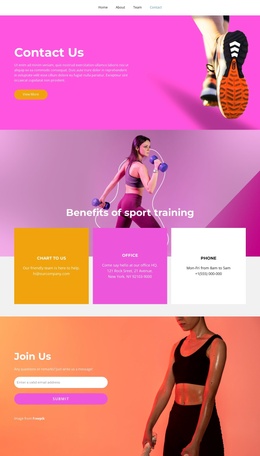
The four-image New Must-Haves gallery supplies another recurring content group, connected to the SAVE20 sale message rather than treated as isolated decoration. Membership benefits then shift the page toward account and shipping information, followed by lifestyle imagery and a six-image community showcase. The Major League Baseball announcement adds article-like partnership content, with a detailed split section and Learn More action creating a separate editorial destination. At the bottom, Shoes, Clothing, and Featured categories form a reusable footer region shared by the page. This combination of product categories, repeated image groups, membership information, partnership material, navigation, and footer content gives the design a practical CMS-oriented division. The page can therefore preserve its visual character while its structured sections are maintained as organized site content.
Customize with Nicepage
Open this ready-made template in the Joomla Page Builder and customize it visually in the Nicepage editor. Replace demo content, edit page sections, and adapt the design to your project without rebuilding the template from scratch.
Work With This Template in Joomla
Customize and Install the Joomla Template
Start with this ready-made template instead of building the Joomla design from scratch. Customize its layout, content, typography, images, sections, and other design elements visually in the Nicepage application, then export and install the Joomla Template, Nicepage Extension, and supported content on your Joomla website.
Edit the Template Directly in Joomla
After installation, you can edit the Joomla Template directly in Joomla with the Nicepage Joomla Extension. Customize the Header, Footer, Colors, Fonts, typography, and Page Templates from the Joomla workflow while keeping the site design connected with your CMS content.
Edit Joomla Articles Visually
Use the Nicepage Joomla Extension to open and edit Joomla Articles visually from the Joomla Administrator. Change text, images, sections, layouts, and other page content in the Nicepage editor while continuing to manage the Articles through Joomla.
Joomla Content and Template Integration
Use the customized template together with Joomla Articles, module Positions, menus, forms, Blog Pages, and other supported CMS elements. With the Nicepage Extension used as the Site Style Source, shared design settings can be applied across Joomla Articles while Joomla continues to provide the CMS environment for managing site content.
This workflow combines a ready-made Joomla Template with visual customization, direct template editing in Joomla, and continued content management through the Nicepage Joomla Extension.