Crossfit classes for all levels Joomla Template


Edit Template Offline
2. Create new page and search for id 4373869
Edit Template Online
Create Awesome Websites


Free Nicepage Builder
Keywords
Class Categories and Contact Regions Suit Structured Joomla Content
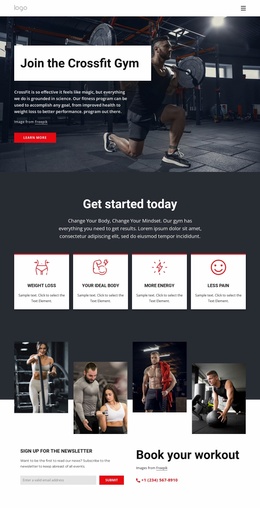
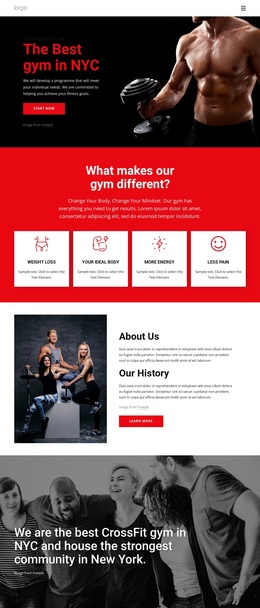
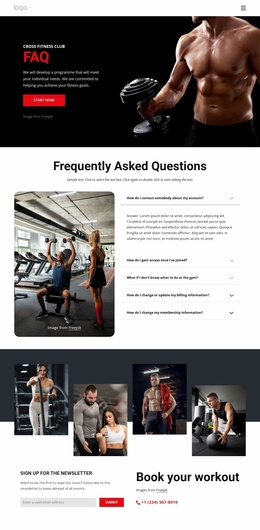
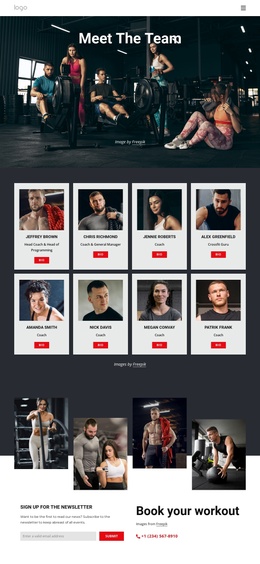
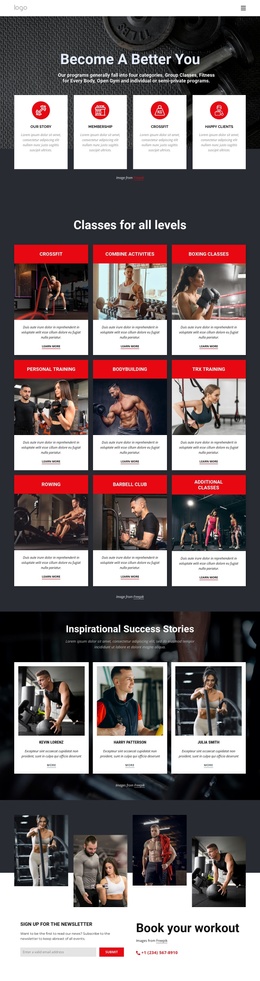
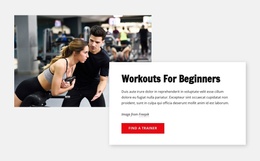
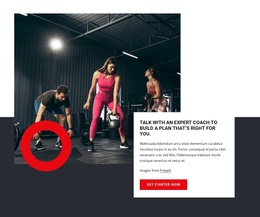
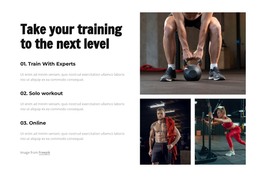
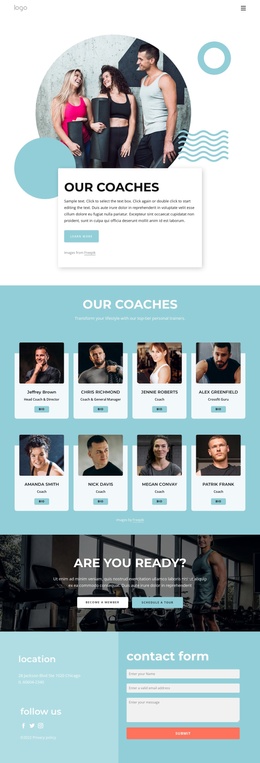
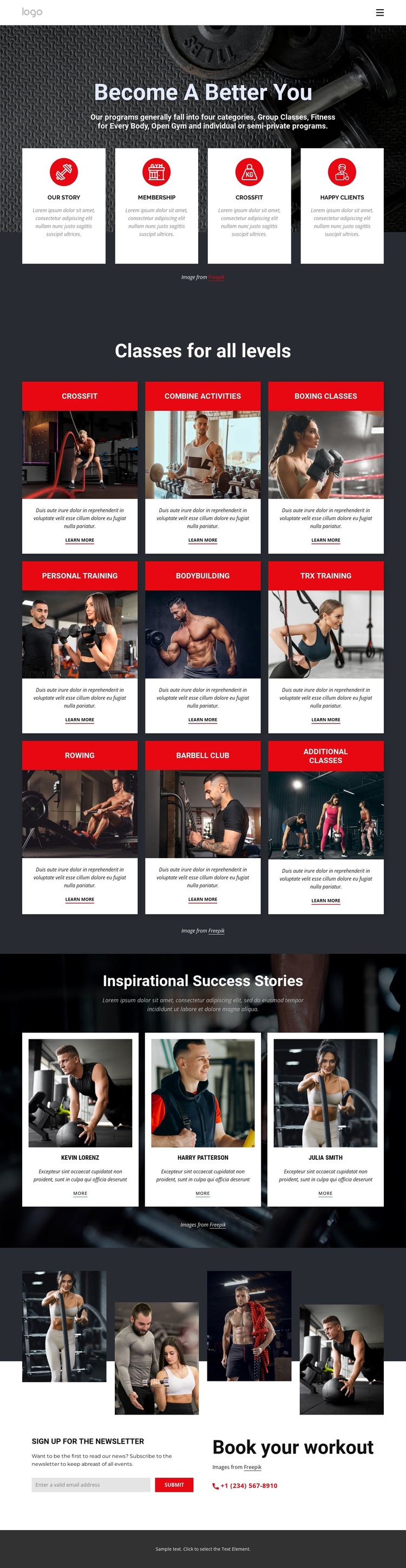
The nine class categories divide the design into clear informational regions that can be maintained as organized fitness content. Crossfit, boxing, personal training, bodybuilding, TRX training, rowing, the barbell club, and additional classes are not presented as one uninterrupted text block; each occupies a repeated card with its own title band, image, description, and “Learn more” link. That repeated pattern gives a Joomla project a practical visual relationship between individual class information and the shared page design.
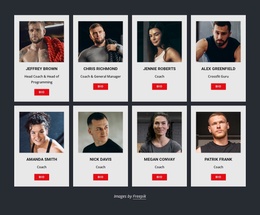
The three success-story profiles create another structured content area. Portraits, short statements, and “More” links make the section distinct from the class catalog while keeping the same card-based visual language. The final light section separates newsletter subscription from workout booking, allowing recurring updates and direct contact information to remain visibly different parts of the page. Together with the shared navigation, mobile navigation, and footer, these regions form a recognizable content hierarchy for a CMS-managed fitness site. The design can therefore accommodate organized class information, member-focused stories, and contact-oriented content without flattening them into a generic article layout. Its dark backgrounds, red accents, and white cards remain the visual framework, while the separate sections provide logical places for ongoing site content.
Customize with Nicepage
Open this ready-made template in the Joomla Page Builder and customize it visually in the Nicepage editor. Replace demo content, edit page sections, and adapt the design to your project without rebuilding the template from scratch.
Work With This Template in Joomla
Customize and Install the Joomla Template
Start with this ready-made template instead of building the Joomla design from scratch. Customize its layout, content, typography, images, sections, and other design elements visually in the Nicepage application, then export and install the Joomla Template, Nicepage Extension, and supported content on your Joomla website.
Edit the Template Directly in Joomla
After installation, you can edit the Joomla Template directly in Joomla with the Nicepage Joomla Extension. Customize the Header, Footer, Colors, Fonts, typography, and Page Templates from the Joomla workflow while keeping the site design connected with your CMS content.
Edit Joomla Articles Visually
Use the Nicepage Joomla Extension to open and edit Joomla Articles visually from the Joomla Administrator. Change text, images, sections, layouts, and other page content in the Nicepage editor while continuing to manage the Articles through Joomla.
Joomla Content and Template Integration
Use the customized template together with Joomla Articles, module Positions, menus, forms, Blog Pages, and other supported CMS elements. With the Nicepage Extension used as the Site Style Source, shared design settings can be applied across Joomla Articles while Joomla continues to provide the CMS environment for managing site content.
This workflow combines a ready-made Joomla Template with visual customization, direct template editing in Joomla, and continued content management through the Nicepage Joomla Extension.