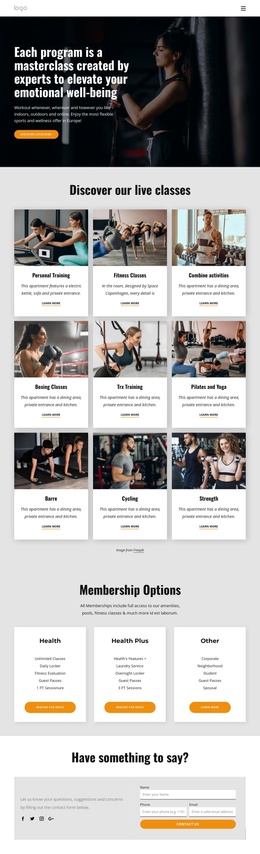
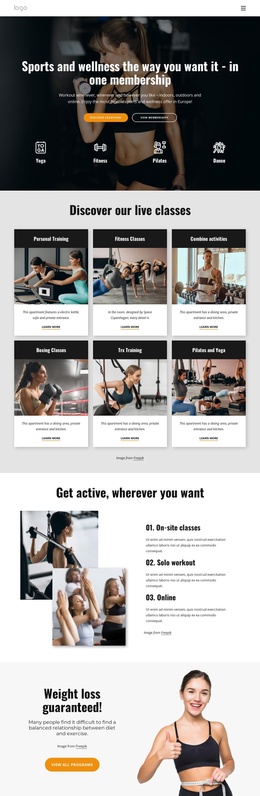
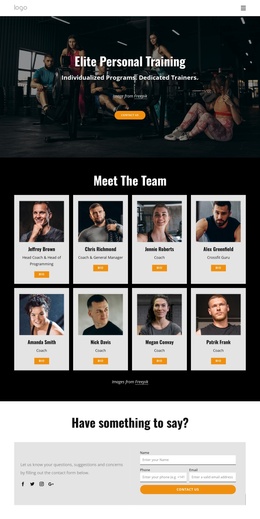
Our members get access to over 200 classes a week Joomla Template


An Asymmetrical Fitness Gallery Gives Structured Activity Content a Visual Region
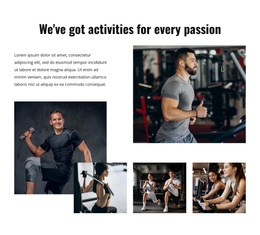
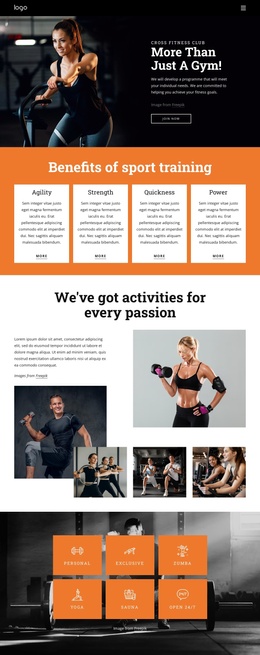
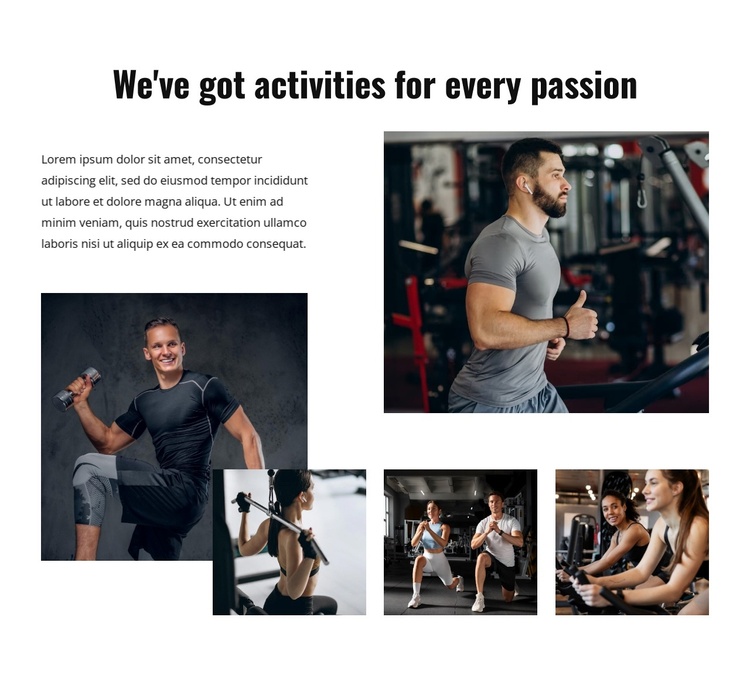
The heading “We've got activities for every passion” gives the section a clear subject, while the single supporting paragraph can introduce the activity collection in a compact way. Five photographs then carry the main content, showing weight training, treadmill running, resistance exercise, group exercise, and cardio training. In a Joomla-managed page, this combination reads as a structured informational region: an introductory text group followed by a visual set that communicates variety without relying on a long list.
The collage's unequal image sizes help distinguish the gallery from a flat sequence of identical entries. One large lower-left photograph establishes visual weight, the upper-right image balances the composition, and three smaller images along the bottom complete the activity grouping. Rectangular crops remain separated by generous white space, while strong black typography provides a stable textual anchor against the color and darker tones of the gym photography.
Within a broader Joomla project, the block can occupy a sports, fitness, or recreation content area while other page regions handle navigation and additional information. Its CMS context concerns where this visual section participates in managed content, not a claim that the section itself is a Joomla site or full template. The static image arrangement remains the defining content pattern, making it suitable for a page that needs activity context with a strong visual emphasis.
Customize with Nicepage
Open this ready-made template in the Joomla Page Builder and customize it visually in the Nicepage editor. Replace demo content, edit page sections, and adapt the design to your project without rebuilding the template from scratch.
Edit Template Offline
2. Create a new page or select existing
3. Click Add new block, search for id 6137963 and click enter
Edit Template Online
Create Awesome Websites


Free Nicepage Builder
Keywords
Work With This Template in Joomla
Customize and Install the Joomla Template
Start with this ready-made template instead of building the Joomla design from scratch. Customize its layout, content, typography, images, sections, and other design elements visually in the Nicepage application, then export and install the Joomla Template, Nicepage Extension, and supported content on your Joomla website.
Edit the Template Directly in Joomla
After installation, you can edit the Joomla Template directly in Joomla with the Nicepage Joomla Extension. Customize the Header, Footer, Colors, Fonts, typography, and Page Templates from the Joomla workflow while keeping the site design connected with your CMS content.
Edit Joomla Articles Visually
Use the Nicepage Joomla Extension to open and edit Joomla Articles visually from the Joomla Administrator. Change text, images, sections, layouts, and other page content in the Nicepage editor while continuing to manage the Articles through Joomla.
Joomla Content and Template Integration
Use the customized template together with Joomla Articles, module Positions, menus, forms, Blog Pages, and other supported CMS elements. With the Nicepage Extension used as the Site Style Source, shared design settings can be applied across Joomla Articles while Joomla continues to provide the CMS environment for managing site content.
This workflow combines a ready-made Joomla Template with visual customization, direct template editing in Joomla, and continued content management through the Nicepage Joomla Extension.