Nike Favorites Joomla Template


Edit Template Offline
2. Create new page and search for id 17179
Edit Template Online
Create Awesome Websites


Free Nicepage Builder
Keywords
Product and Membership Areas Form Structured CMS Content
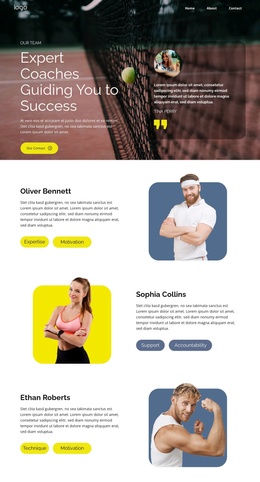
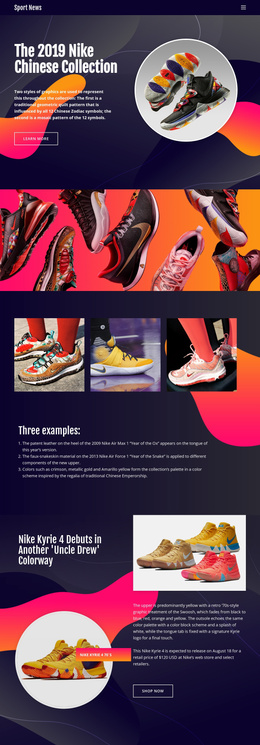
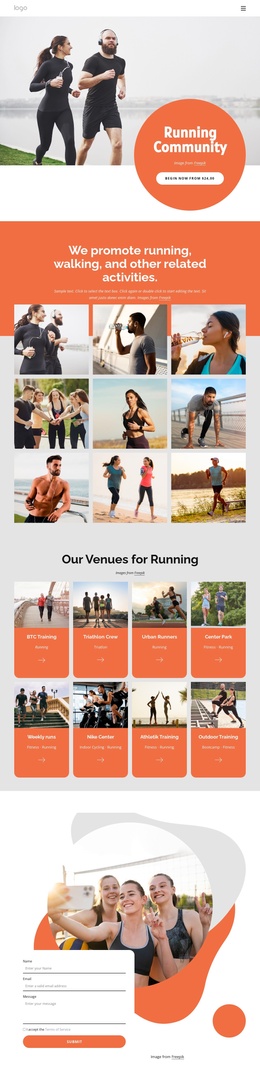
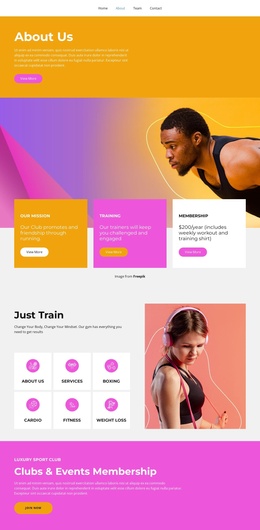
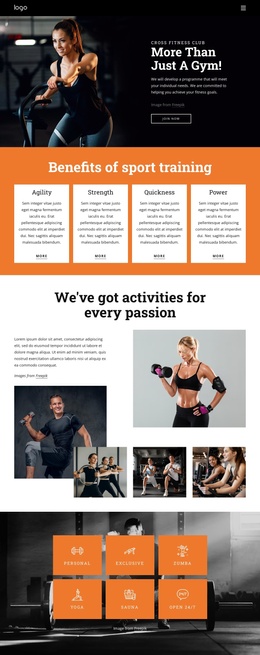
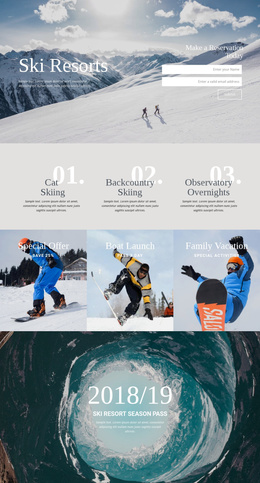
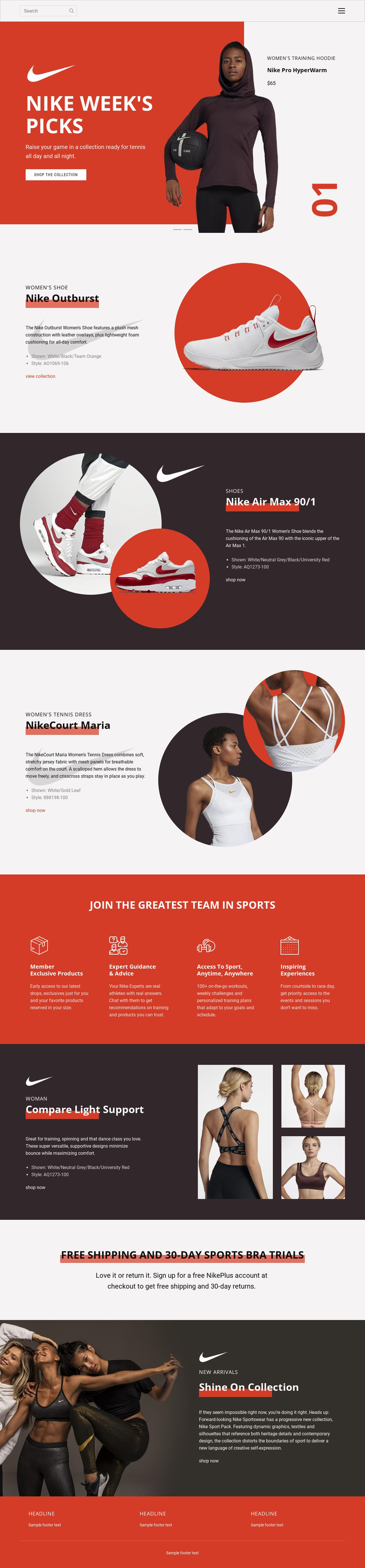
The design divides its retail message into clearly recognizable content regions that can be understood as managed site content. The opening navigation and search establish a shared entry area, while the two-slide Nike Week’s Picks carousel groups promotional copy, product information, imagery, and a shopping action. The four product features then create separate information areas for Nike Outburst, Nike Air Max 90/1, NikeCourt Maria, and Compare Light Support, each using a related split presentation while retaining its own subject.
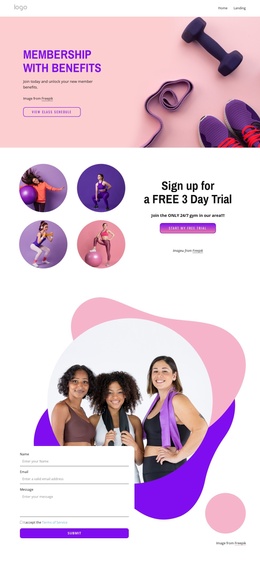
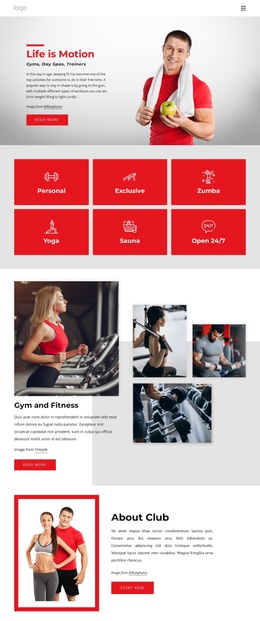
The membership section changes the content rhythm without breaking the visual system. Its four benefit columns—Member Exclusive Products, Expert Guidance & Advice, Access to Sport, Anytime, Anywhere, and Inspiring Experiences—form a repeated information group that could remain coordinated as the surrounding content changes. The shipping and trial promotion and the Shine On Collection provide additional structured regions for service messaging and collection promotion, followed by shared footer information.
This organization suits a Joomla project where navigation, product-related information, recurring benefits, and promotional regions need to remain visually connected while content is maintained through the CMS. A Joomla Template can provide the design context for those areas, but the analysis confirms the page’s content structure—not pre-existing Joomla Articles, modules, or positions.
Customize with Nicepage
Open this ready-made template in the Joomla Page Builder and customize it visually in the Nicepage editor. Replace demo content, edit page sections, and adapt the design to your project without rebuilding the template from scratch.
Work With This Template in Joomla
Customize and Install the Joomla Template
Start with this ready-made template instead of building the Joomla design from scratch. Customize its layout, content, typography, images, sections, and other design elements visually in the Nicepage application, then export and install the Joomla Template, Nicepage Extension, and supported content on your Joomla website.
Edit the Template Directly in Joomla
After installation, you can edit the Joomla Template directly in Joomla with the Nicepage Joomla Extension. Customize the Header, Footer, Colors, Fonts, typography, and Page Templates from the Joomla workflow while keeping the site design connected with your CMS content.
Edit Joomla Articles Visually
Use the Nicepage Joomla Extension to open and edit Joomla Articles visually from the Joomla Administrator. Change text, images, sections, layouts, and other page content in the Nicepage editor while continuing to manage the Articles through Joomla.
Joomla Content and Template Integration
Use the customized template together with Joomla Articles, module Positions, menus, forms, Blog Pages, and other supported CMS elements. With the Nicepage Extension used as the Site Style Source, shared design settings can be applied across Joomla Articles while Joomla continues to provide the CMS environment for managing site content.
This workflow combines a ready-made Joomla Template with visual customization, direct template editing in Joomla, and continued content management through the Nicepage Joomla Extension.