The place where you life Joomla Template


Edit Template Offline
2. Create new page and search for id 6182762
Edit Template Online
Create Awesome Websites


Free Nicepage Builder
Keywords
Studio, Furniture, and FAQ Content Divide the Page Into CMS Regions
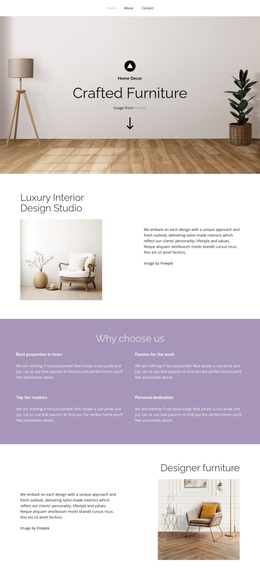
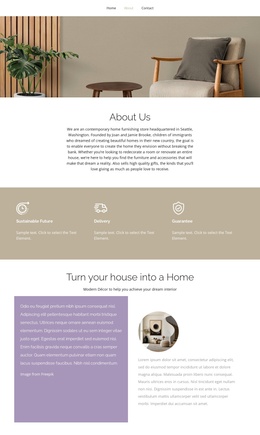
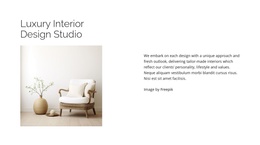
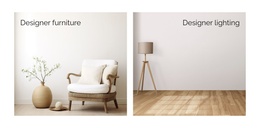
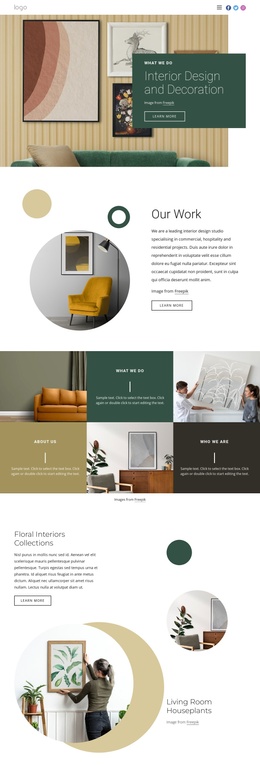
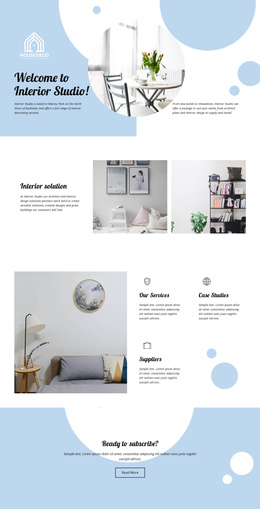
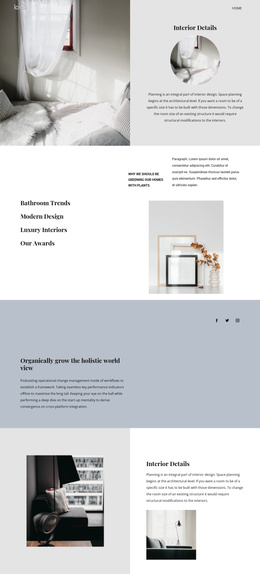
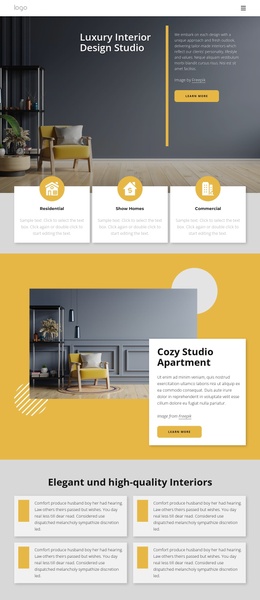
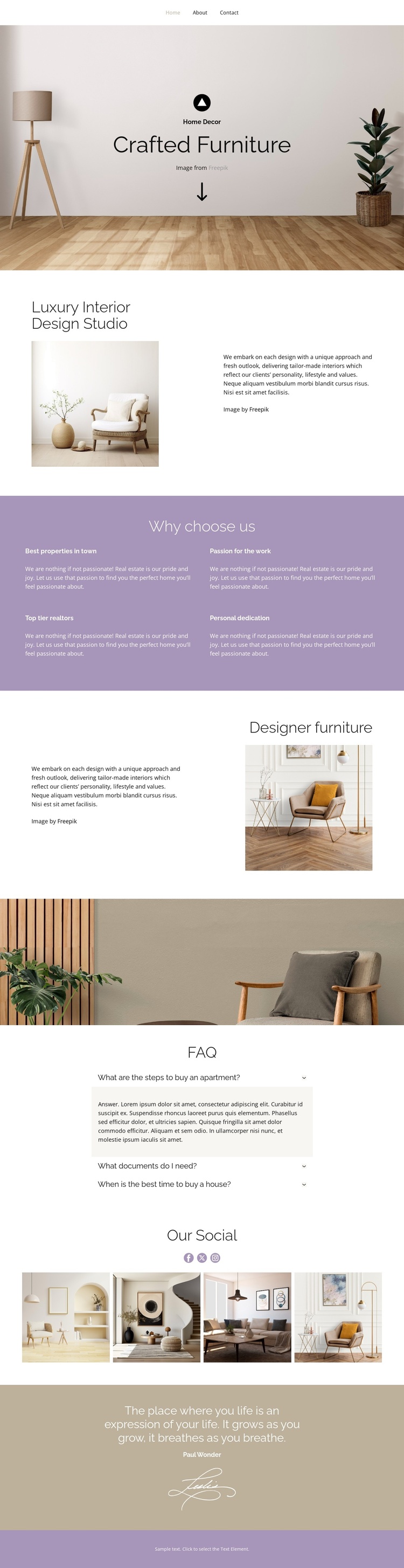
The Luxury Interior Design Studio introduction and the Designer furniture section create two distinct information areas for a Joomla-managed site. The first explains the studio direction beside an interior photograph, while the second gives furniture its own content relationship and visual emphasis. Keeping these areas separate helps structured studio information and furniture-related material remain understandable without collapsing them into one undifferentiated description.
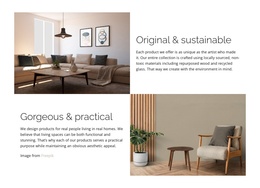
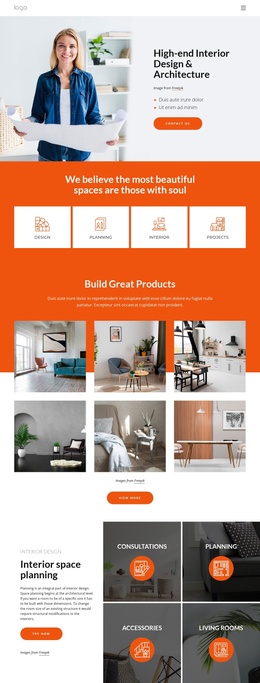
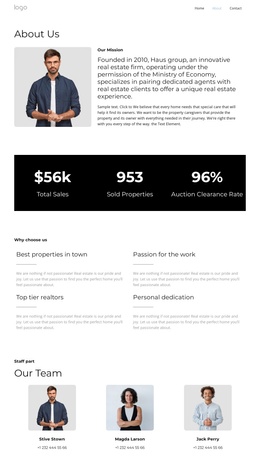
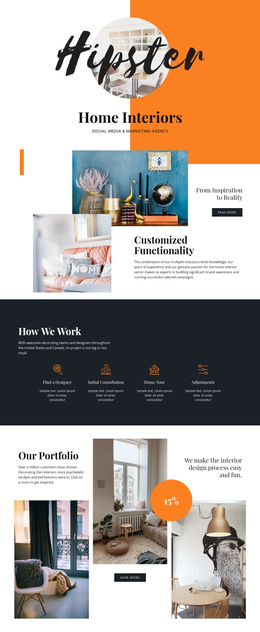
The Why choose us section adds four recurring feature items: Best properties in town, Passion for the work, Top-tier creators, and Personal dedication. These short blocks are suitable as a consistent group of informational content, while the FAQ section provides another clearly bounded region with three question-and-answer rows. The navigation and minimal footer establish shared site regions around the main content, and the wide room photograph provides a visual divider between the feature presentation and the FAQ.
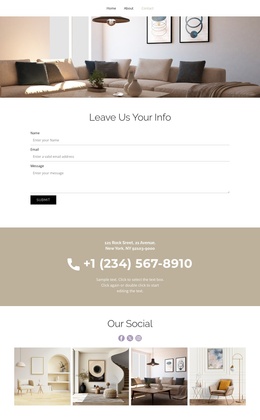
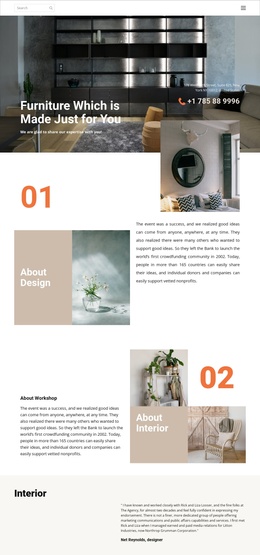
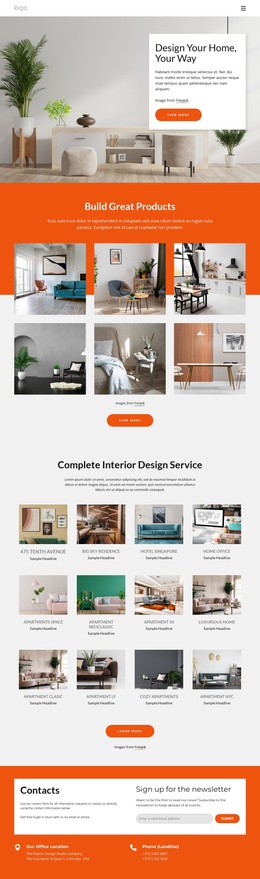
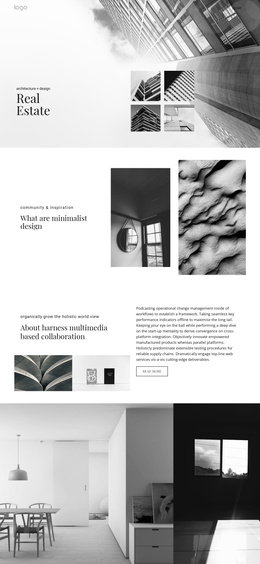
The four-image Our Social showcase extends the design with repeated visual content rather than another long text section. In a Joomla project, this combination of structured studio information, repeated feature content, FAQ material, gallery imagery, and shared navigation gives editors recognizable areas to maintain while preserving the page’s calm interior presentation. The closing quotation and signature-style graphic can remain a distinct editorial region at the end of the content sequence.
Customize with Nicepage
Open this ready-made template in the Joomla Page Builder and customize it visually in the Nicepage editor. Replace demo content, edit page sections, and adapt the design to your project without rebuilding the template from scratch.
Work With This Template in Joomla
Customize and Install the Joomla Template
Start with this ready-made template instead of building the Joomla design from scratch. Customize its layout, content, typography, images, sections, and other design elements visually in the Nicepage application, then export and install the Joomla Template, Nicepage Extension, and supported content on your Joomla website.
Edit the Template Directly in Joomla
After installation, you can edit the Joomla Template directly in Joomla with the Nicepage Joomla Extension. Customize the Header, Footer, Colors, Fonts, typography, and Page Templates from the Joomla workflow while keeping the site design connected with your CMS content.
Edit Joomla Articles Visually
Use the Nicepage Joomla Extension to open and edit Joomla Articles visually from the Joomla Administrator. Change text, images, sections, layouts, and other page content in the Nicepage editor while continuing to manage the Articles through Joomla.
Joomla Content and Template Integration
Use the customized template together with Joomla Articles, module Positions, menus, forms, Blog Pages, and other supported CMS elements. With the Nicepage Extension used as the Site Style Source, shared design settings can be applied across Joomla Articles while Joomla continues to provide the CMS environment for managing site content.
This workflow combines a ready-made Joomla Template with visual customization, direct template editing in Joomla, and continued content management through the Nicepage Joomla Extension.