Interior Studio Joomla Template


Edit Template Offline
2. Create new page and search for id 14679
Edit Template Online
Create Awesome Websites


Free Nicepage Builder
Keywords
Service categories and project imagery form clear Joomla content regions
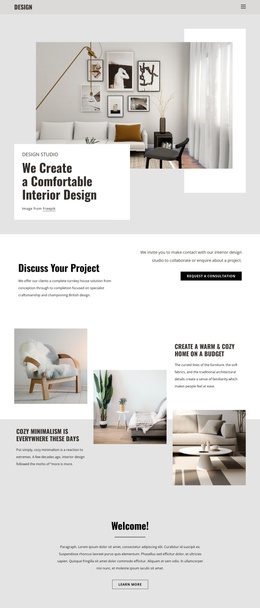
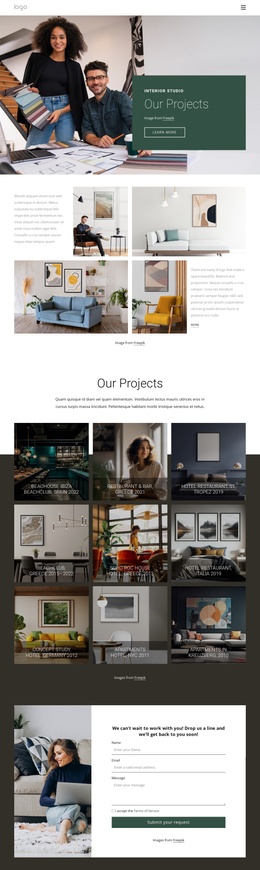
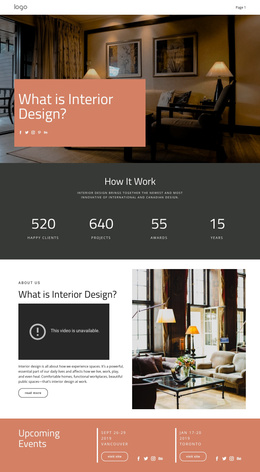
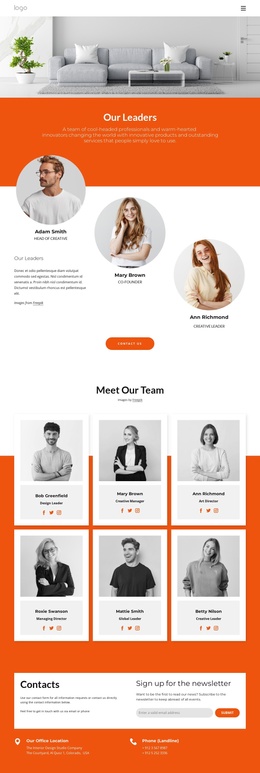
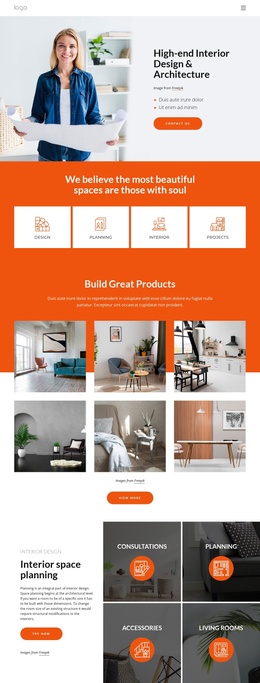
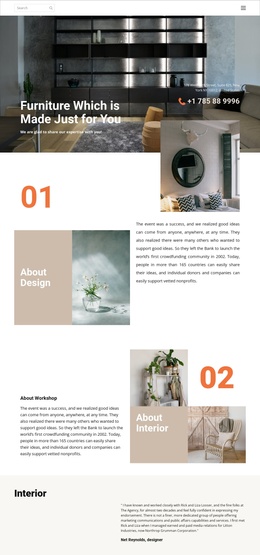
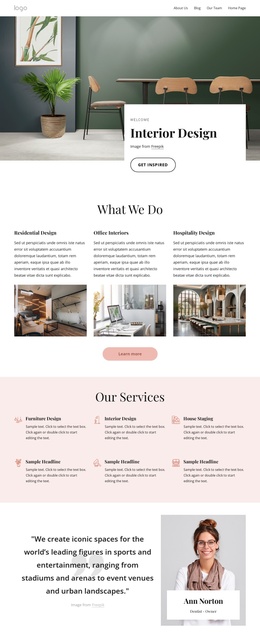
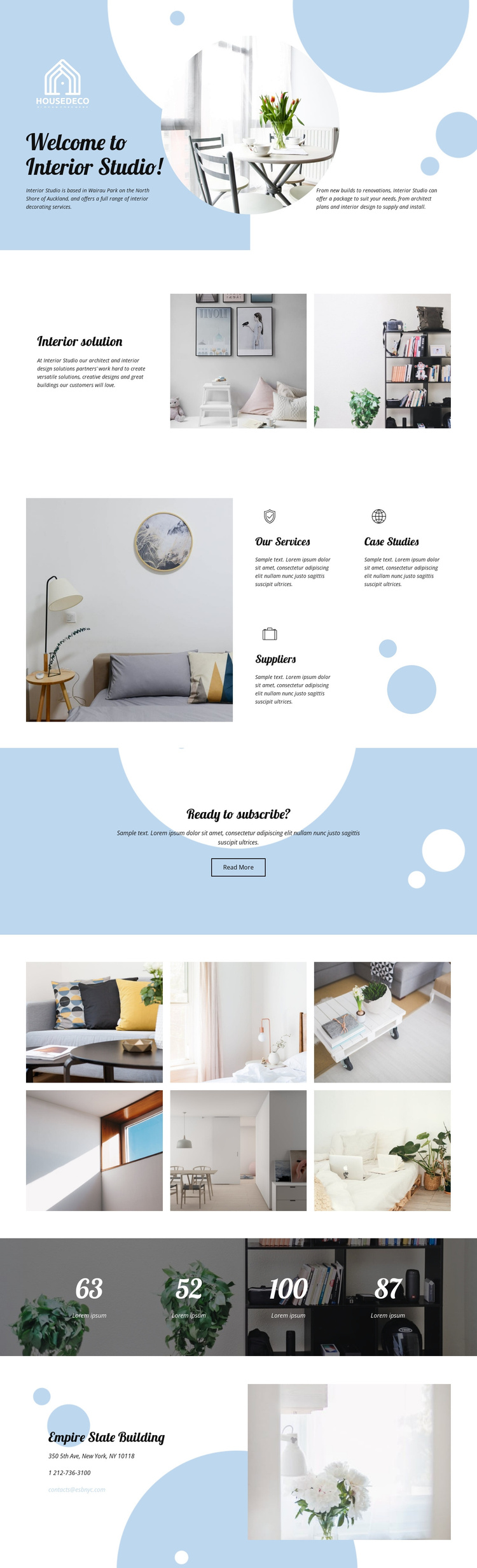
The page separates its subject into several content regions that can be understood independently: an opening studio introduction, an interior solution statement, service-related labels, project imagery, summary figures, and contact information. The distinction between Our Services, Case Studies, and Suppliers is especially useful for a CMS-managed arrangement because each area communicates a different kind of studio information while remaining part of the same visual system.
The six-image interior display gives the design a strong gallery region rather than leaving photography scattered only through the introduction. It can sit alongside the service and solution content as a visual reference for the studio’s work, without treating the individual images as verified project claims. The contact area adds a separate destination for telephone and email details, while the shared pale blue shapes, rounded forms, and residential photography can coordinate these regions across the page.
This structure suits a Joomla project in which navigation and recurring informational areas need to remain easy to distinguish. The design can organize service descriptions, case-study material, supplier information, gallery content, and contact text as related CMS-managed sections without claiming that specific Joomla Articles or module positions already exist. Its value lies in the way the existing content categories are already divided, making the page’s editorial structure easier to adapt while preserving the light, photographic character.
Customize with Nicepage
Open this ready-made template in the Joomla Page Builder and customize it visually in the Nicepage editor. Replace demo content, edit page sections, and adapt the design to your project without rebuilding the template from scratch.
Work With This Template in Joomla
Customize and Install the Joomla Template
Start with this ready-made template instead of building the Joomla design from scratch. Customize its layout, content, typography, images, sections, and other design elements visually in the Nicepage application, then export and install the Joomla Template, Nicepage Extension, and supported content on your Joomla website.
Edit the Template Directly in Joomla
After installation, you can edit the Joomla Template directly in Joomla with the Nicepage Joomla Extension. Customize the Header, Footer, Colors, Fonts, typography, and Page Templates from the Joomla workflow while keeping the site design connected with your CMS content.
Edit Joomla Articles Visually
Use the Nicepage Joomla Extension to open and edit Joomla Articles visually from the Joomla Administrator. Change text, images, sections, layouts, and other page content in the Nicepage editor while continuing to manage the Articles through Joomla.
Joomla Content and Template Integration
Use the customized template together with Joomla Articles, module Positions, menus, forms, Blog Pages, and other supported CMS elements. With the Nicepage Extension used as the Site Style Source, shared design settings can be applied across Joomla Articles while Joomla continues to provide the CMS environment for managing site content.
This workflow combines a ready-made Joomla Template with visual customization, direct template editing in Joomla, and continued content management through the Nicepage Joomla Extension.