Visualization of interiors Joomla Template



Edit Template Offline
2. Create new page and search for id 843235
Edit Template Online
Create Awesome Websites


Free Nicepage Builder
Keywords
Project categories and shared regions suit structured CMS content
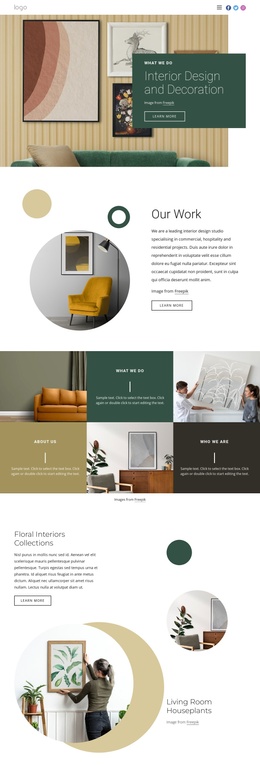
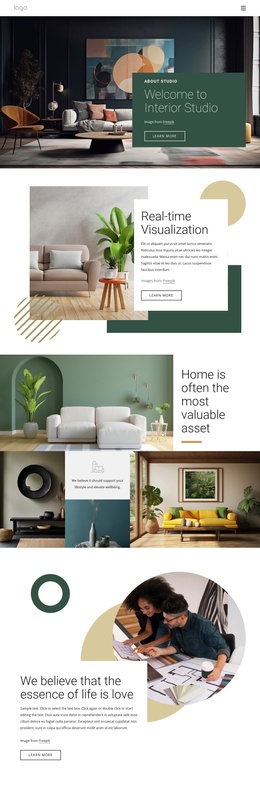
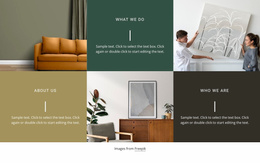
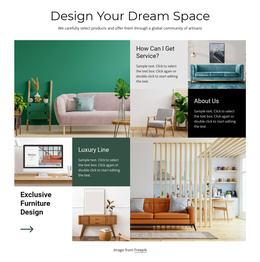
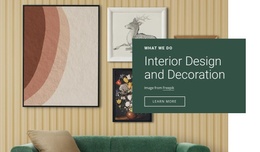
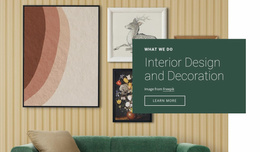
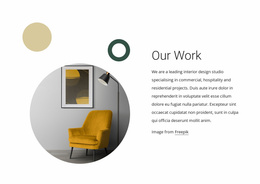
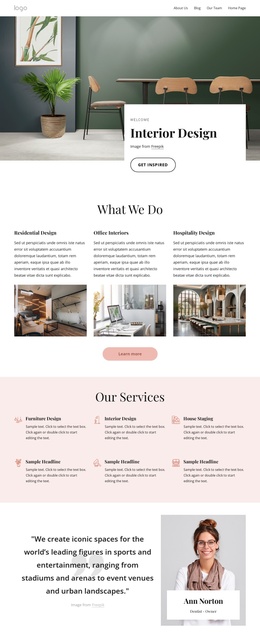
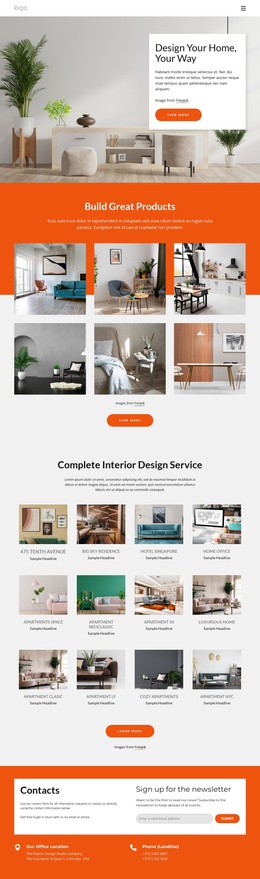
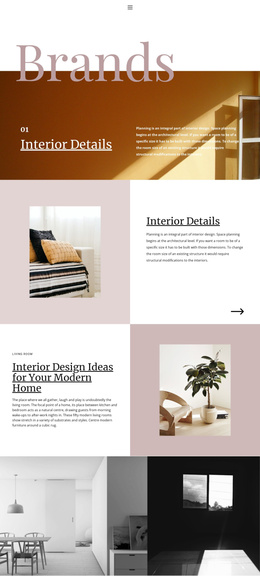
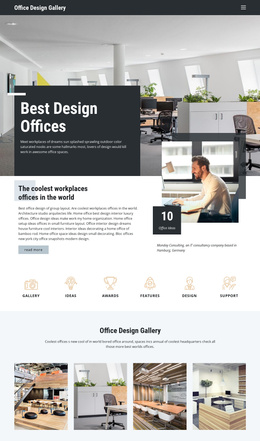
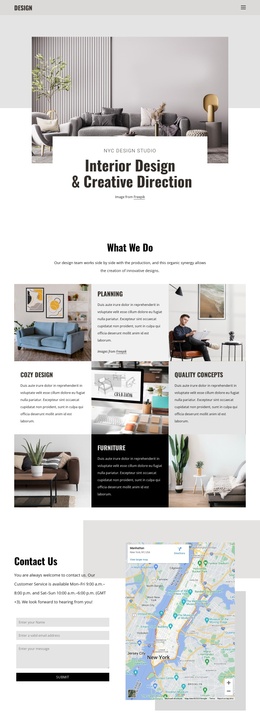
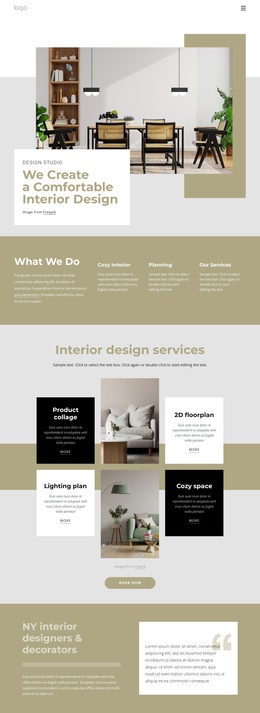
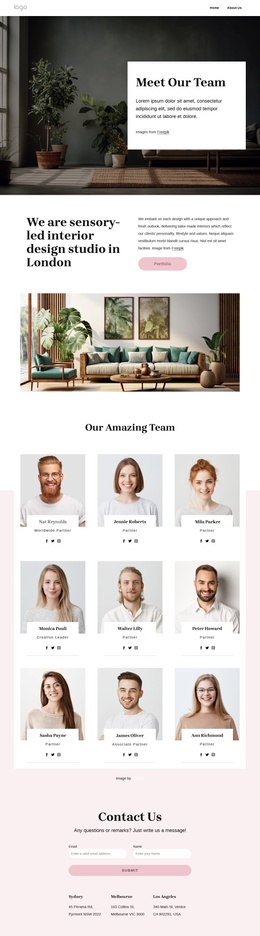
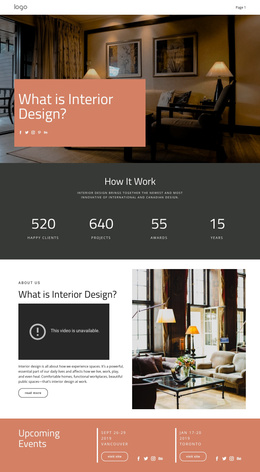
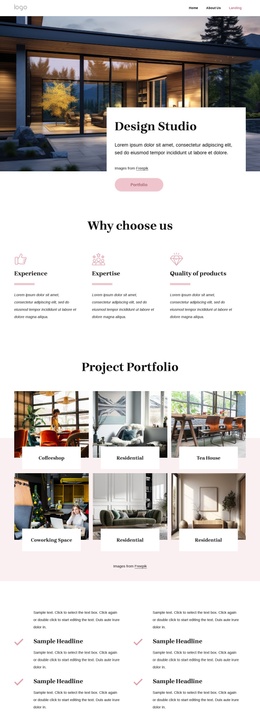
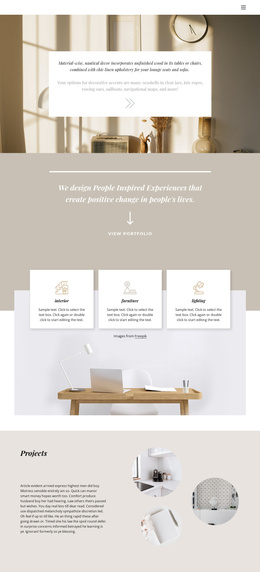
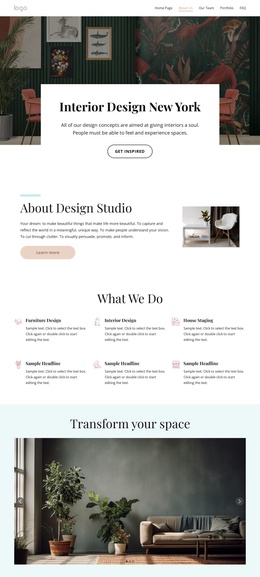
The page divides the studio presentation into recognizable content areas that can be understood separately while remaining visually coordinated. The opening Interior Design and Decoration section introduces the subject, Our Work provides a project overview, and the six What we Do tiles create repeated spaces for short descriptions and images. Further down, the capability section identifies hotels, luxury homes, and workplace interiors, while the Design Your Dream Space grid separates themes such as How Can I Get Service?, Luxury Line, and Exclusive Furniture Design. This division gives structured site content a clear visual place instead of forcing every message into one continuous text block.
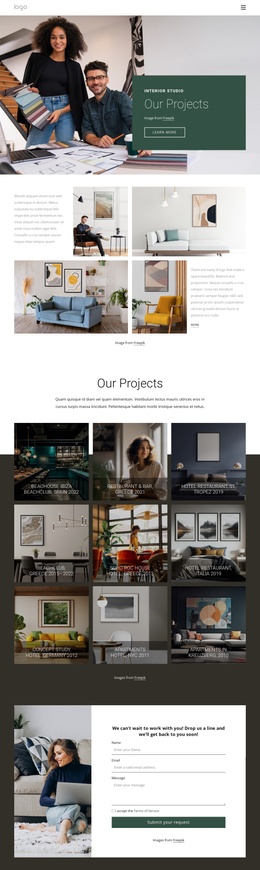
Navigation and mobile navigation provide a shared route through the page, and the dark footer supplies a consistent closing region. The contact section has a different but equally defined role: an interior photograph sits beside an inquiry form requesting a name, email address, and message. In a Joomla project, these areas can support CMS-managed navigation, service information, project descriptions, and contact content while retaining the page’s visual relationships. The interpretation is about how the existing regions correspond to organized site content, not about claiming that Joomla Articles, modules, or other CMS structures are already present. The template’s strongest Joomla fit comes from its separation of recurring informational areas, project categories, visual collections, and a final contact region.
Customize with Nicepage
Open this ready-made template in the Joomla Page Builder and customize it visually in the Nicepage editor. Replace demo content, edit page sections, and adapt the design to your project without rebuilding the template from scratch.
Work With This Template in Joomla
Customize and Install the Joomla Template
Start with this ready-made template instead of building the Joomla design from scratch. Customize its layout, content, typography, images, sections, and other design elements visually in the Nicepage application, then export and install the Joomla Template, Nicepage Extension, and supported content on your Joomla website.
Edit the Template Directly in Joomla
After installation, you can edit the Joomla Template directly in Joomla with the Nicepage Joomla Extension. Customize the Header, Footer, Colors, Fonts, typography, and Page Templates from the Joomla workflow while keeping the site design connected with your CMS content.
Edit Joomla Articles Visually
Use the Nicepage Joomla Extension to open and edit Joomla Articles visually from the Joomla Administrator. Change text, images, sections, layouts, and other page content in the Nicepage editor while continuing to manage the Articles through Joomla.
Joomla Content and Template Integration
Use the customized template together with Joomla Articles, module Positions, menus, forms, Blog Pages, and other supported CMS elements. With the Nicepage Extension used as the Site Style Source, shared design settings can be applied across Joomla Articles while Joomla continues to provide the CMS environment for managing site content.
This workflow combines a ready-made Joomla Template with visual customization, direct template editing in Joomla, and continued content management through the Nicepage Joomla Extension.