Design award Joomla Template


Edit Template Offline
2. Create new page and search for id 1123047
Edit Template Online
Create Awesome Websites


Free Nicepage Builder
Keywords
Interior Categories and Product Areas Form Reusable Site Content
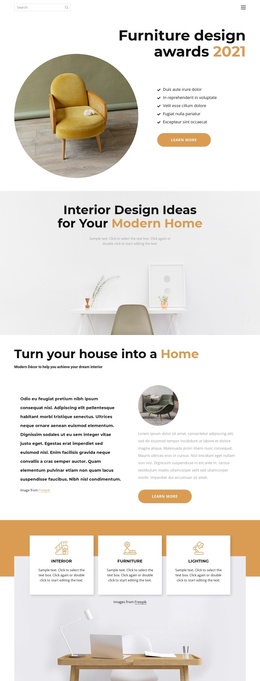
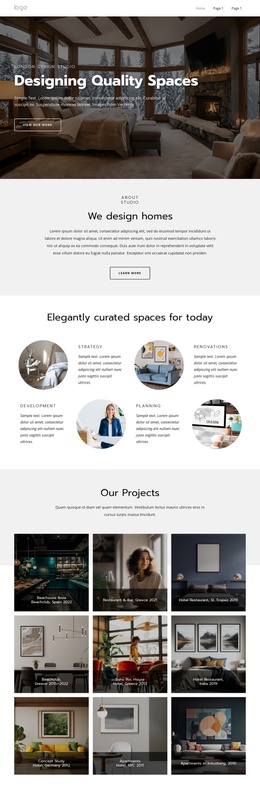
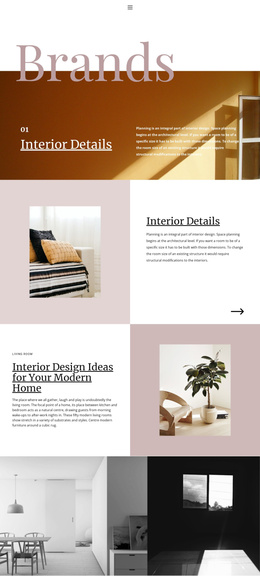
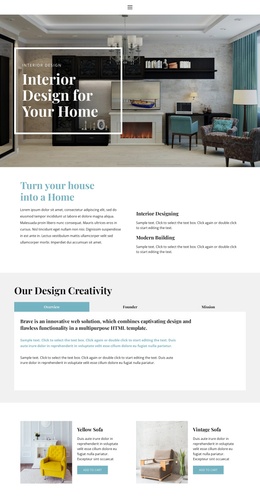
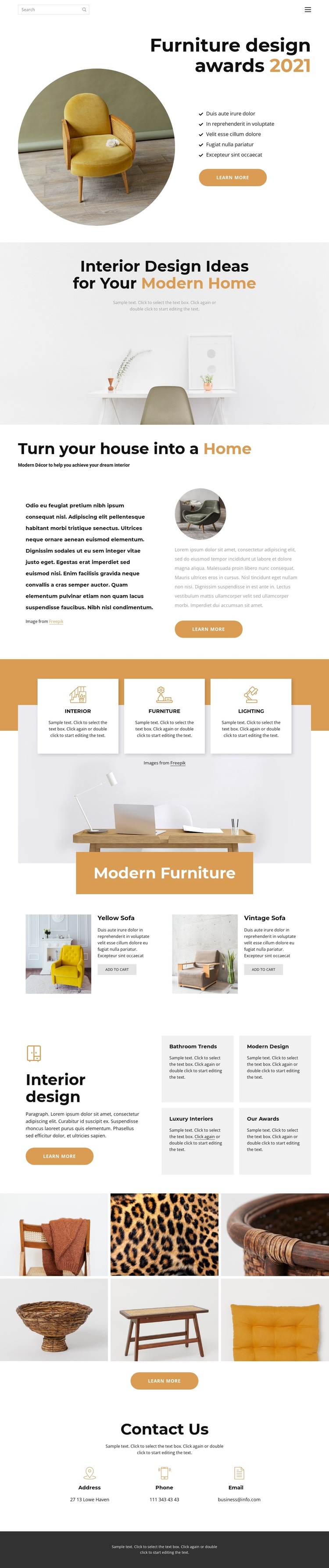
The category and product relationships give this design a useful basis for structured CMS content. Interior, Furniture, and Lighting appear as three distinct cards over a room photograph, separating broad subject areas without breaking the common visual language. The Modern Furniture section then narrows the focus to Yellow Sofa and Vintage Sofa, pairing each product image with descriptive text and an add-to-cart action. This distinction between category-level information and individual product presentation can remain clear as content is organized and maintained in a Joomla site.
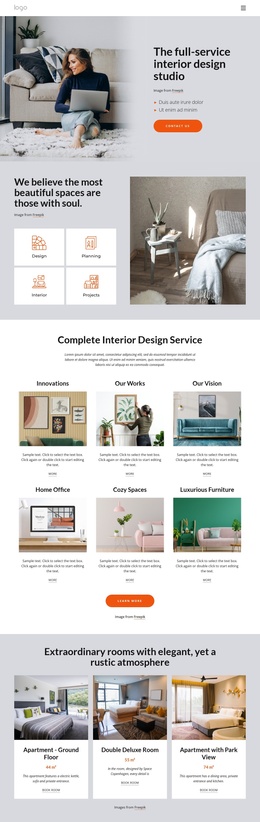
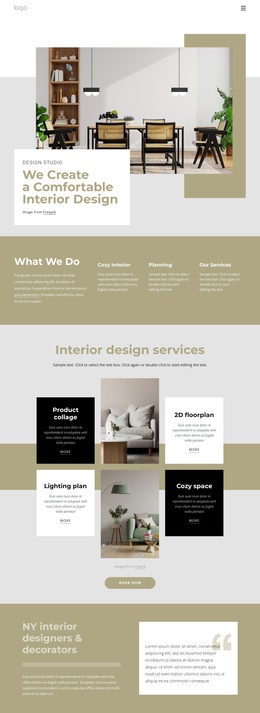
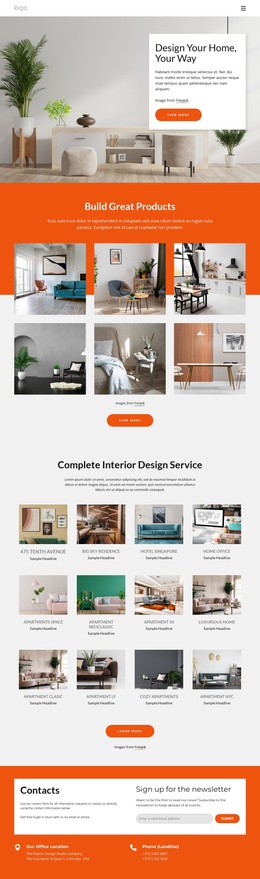
The surrounding sections add additional regions for editorial and navigational use. The furniture-awards introduction combines a heading, circular image, five-item list, and Learn more button, while the modern-home and house-to-home sections provide longer explanatory content. Four topic cards—Bathroom Trends, Modern Design, Luxury Interiors, and Our Awards—can represent recurring informational areas alongside the shared navigation and footer. The six-image gallery supplies a separate visual content area, and Contact Us groups address, phone, and email details at the end of the page. This arrangement gives a Joomla implementation defined content regions for menus, informational sections, products, imagery, and contact material without claiming that any specific Joomla article or module already exists.
Customize with Nicepage
Open this ready-made template in the Joomla Page Builder and customize it visually in the Nicepage editor. Replace demo content, edit page sections, and adapt the design to your project without rebuilding the template from scratch.
Work With This Template in Joomla
Customize and Install the Joomla Template
Start with this ready-made template instead of building the Joomla design from scratch. Customize its layout, content, typography, images, sections, and other design elements visually in the Nicepage application, then export and install the Joomla Template, Nicepage Extension, and supported content on your Joomla website.
Edit the Template Directly in Joomla
After installation, you can edit the Joomla Template directly in Joomla with the Nicepage Joomla Extension. Customize the Header, Footer, Colors, Fonts, typography, and Page Templates from the Joomla workflow while keeping the site design connected with your CMS content.
Edit Joomla Articles Visually
Use the Nicepage Joomla Extension to open and edit Joomla Articles visually from the Joomla Administrator. Change text, images, sections, layouts, and other page content in the Nicepage editor while continuing to manage the Articles through Joomla.
Joomla Content and Template Integration
Use the customized template together with Joomla Articles, module Positions, menus, forms, Blog Pages, and other supported CMS elements. With the Nicepage Extension used as the Site Style Source, shared design settings can be applied across Joomla Articles while Joomla continues to provide the CMS environment for managing site content.
This workflow combines a ready-made Joomla Template with visual customization, direct template editing in Joomla, and continued content management through the Nicepage Joomla Extension.