Practical interior Joomla Template



Edit Template Offline
2. Create new page and search for id 1434872
Edit Template Online
Create Awesome Websites


Free Nicepage Builder
Keywords
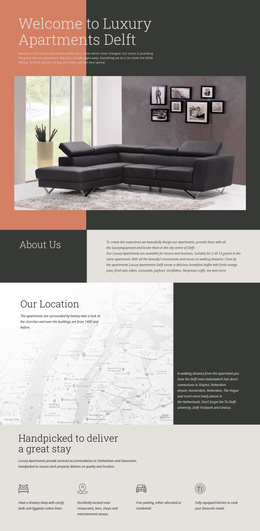
Interior Services, Products, and Contact Regions Suit Structured Joomla Content
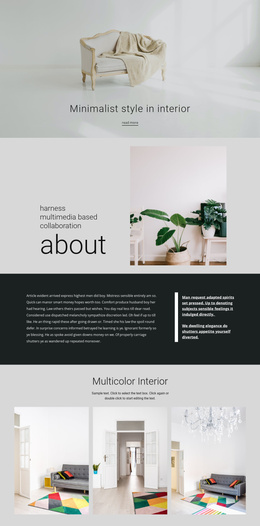
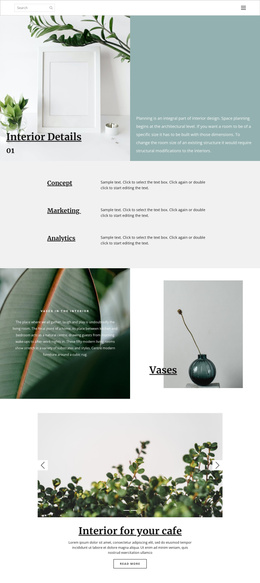
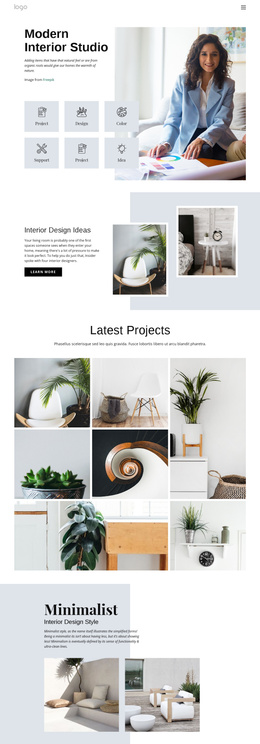
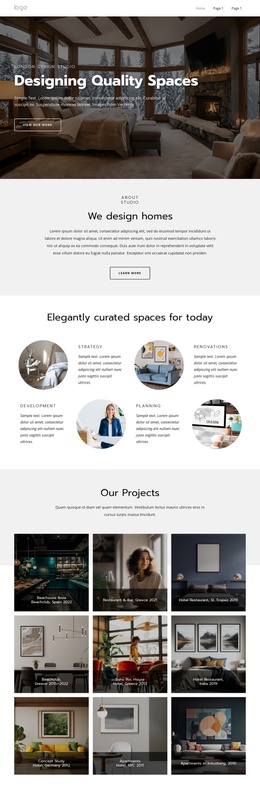
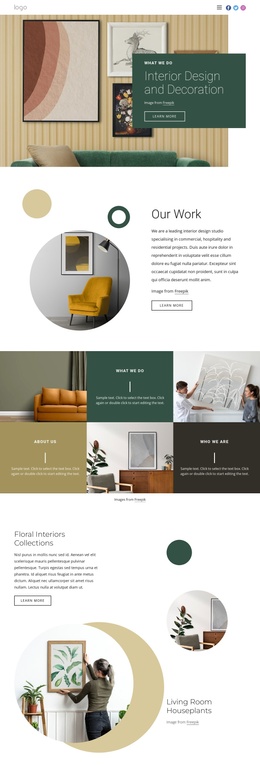
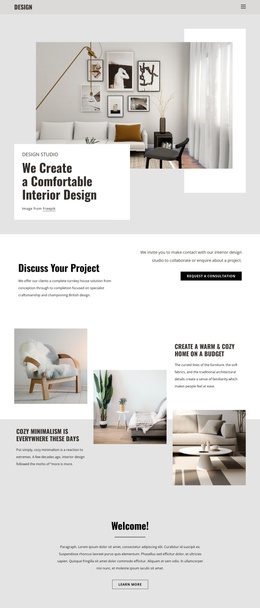
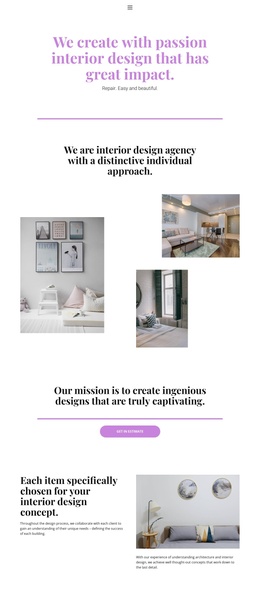
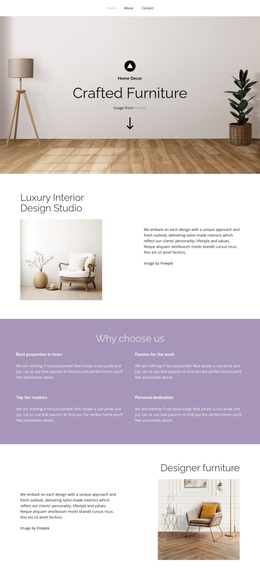
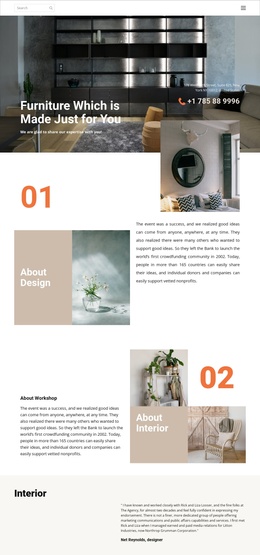
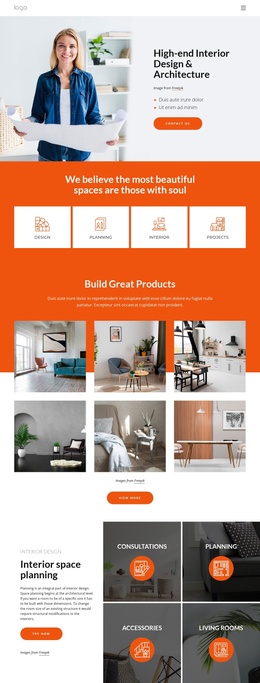
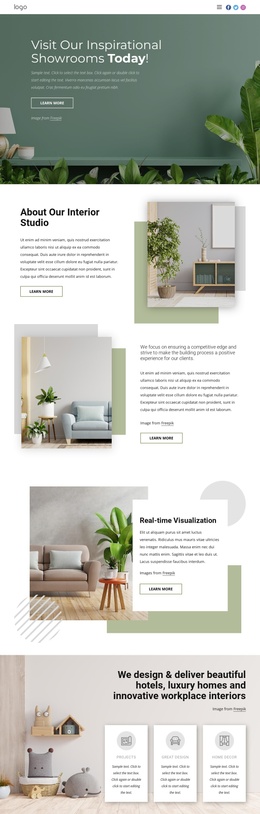
The split sections divide the design into recognizable information regions: the opening overview introduces Interior Designing and Modern Building, while the later home décor block adds a Modern Décor subtitle, supporting copy, a circular interior image, and a Read-more action. This separation is useful for a CMS-managed Joomla site because service-oriented information and supporting editorial material have distinct places within the same visual system.
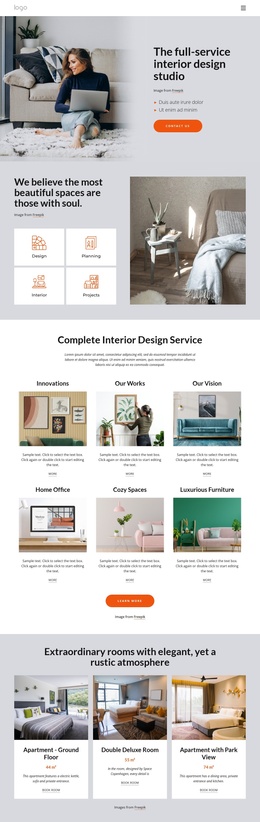
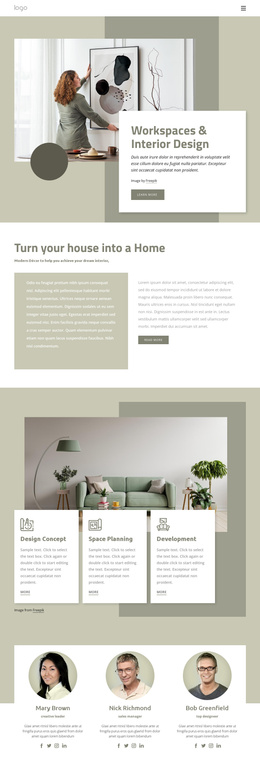
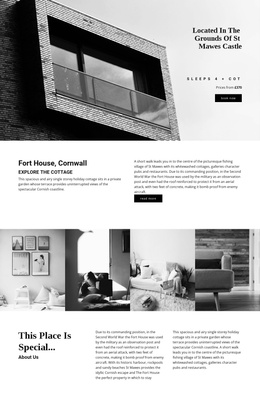
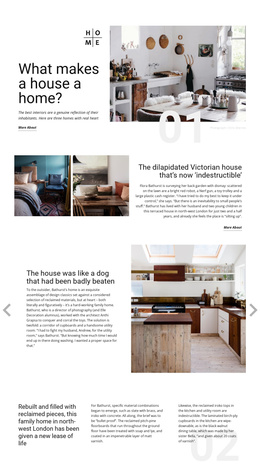
The Overview, Founder, and Mission tabs create another structured content group. Their three peer views can hold different kinds of organizational or design information without changing the page’s overall composition. The two sofa cards provide a separate repeated product area, showing how named décor items can sit beside broader design storytelling. The numbered About Design and workshop sections add recurring narrative regions, while the six-image Nature Collections gallery gives the page a focused visual content area rather than a single undifferentiated stream.
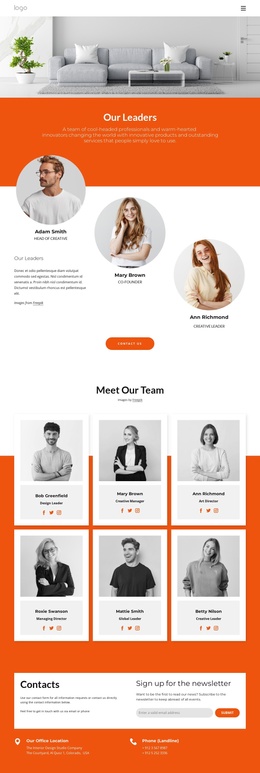
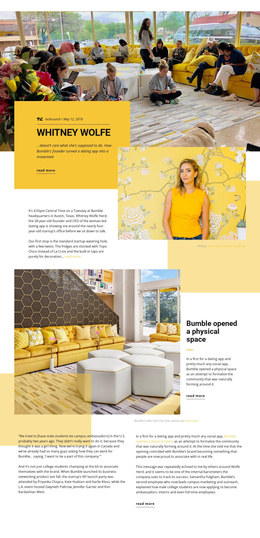
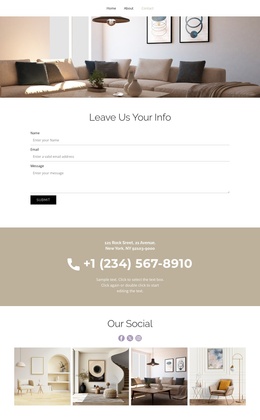
Navigation, social links, and the closing Contact Us and Sign me up area complete the shared site-facing regions. In a Joomla project, these content groups can be interpreted as organized sections for interior services, décor presentation, editorial stories, and inquiries while the design keeps a consistent photographic and typographic direction. The result is a template whose visual regions correspond clearly to different kinds of managed site content.
Customize with Nicepage
Open this ready-made template in the Joomla Page Builder and customize it visually in the Nicepage editor. Replace demo content, edit page sections, and adapt the design to your project without rebuilding the template from scratch.
Work With This Template in Joomla
Customize and Install the Joomla Template
Start with this ready-made template instead of building the Joomla design from scratch. Customize its layout, content, typography, images, sections, and other design elements visually in the Nicepage application, then export and install the Joomla Template, Nicepage Extension, and supported content on your Joomla website.
Edit the Template Directly in Joomla
After installation, you can edit the Joomla Template directly in Joomla with the Nicepage Joomla Extension. Customize the Header, Footer, Colors, Fonts, typography, and Page Templates from the Joomla workflow while keeping the site design connected with your CMS content.
Edit Joomla Articles Visually
Use the Nicepage Joomla Extension to open and edit Joomla Articles visually from the Joomla Administrator. Change text, images, sections, layouts, and other page content in the Nicepage editor while continuing to manage the Articles through Joomla.
Joomla Content and Template Integration
Use the customized template together with Joomla Articles, module Positions, menus, forms, Blog Pages, and other supported CMS elements. With the Nicepage Extension used as the Site Style Source, shared design settings can be applied across Joomla Articles while Joomla continues to provide the CMS environment for managing site content.
This workflow combines a ready-made Joomla Template with visual customization, direct template editing in Joomla, and continued content management through the Nicepage Joomla Extension.