Hipster Joomla Template


Edit Template Offline
2. Create new page and search for id 26882
Edit Template Online
Create Awesome Websites


Free Nicepage Builder
Keywords
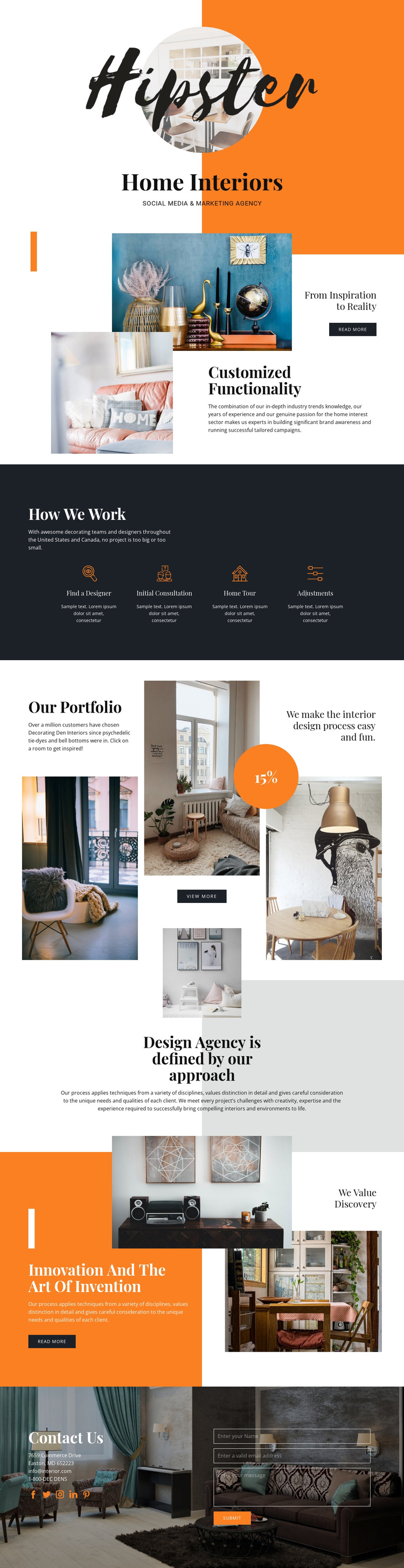
Process, Portfolio, and Contact Regions Suit Structured Interior Content
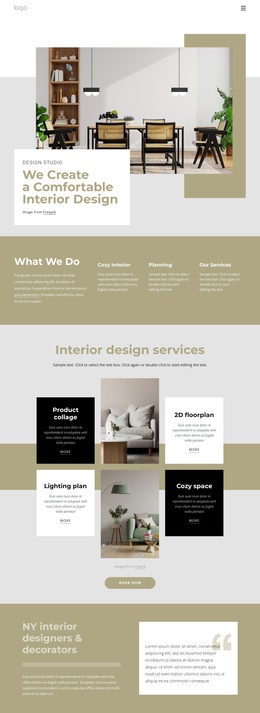
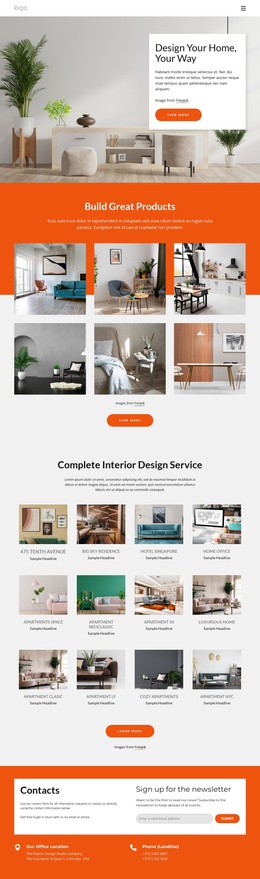
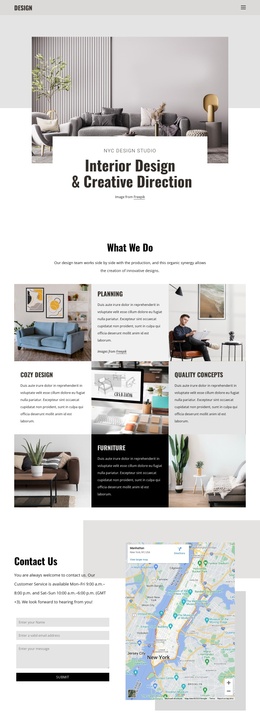
The four process labels divide the service explanation into clear informational units: Find a Designer, Initial Consultation, Home Tour, and Adjustments. In a Joomla-managed project, that structure can help organize recurring descriptions of how an interior design service is presented while keeping the steps visually coordinated. The labels are already grouped beneath How We Work, so the content relationship is clearer than a collection of unrelated promotional statements.
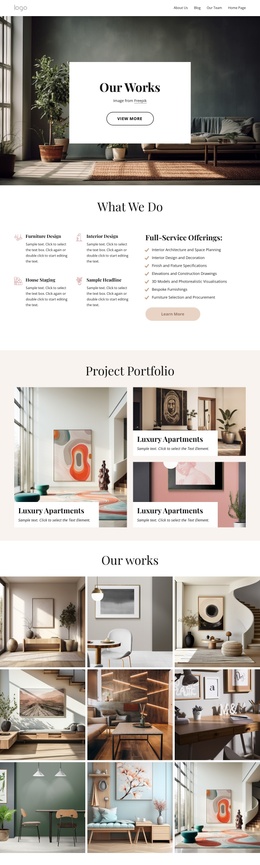
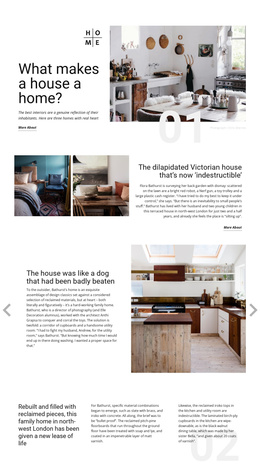
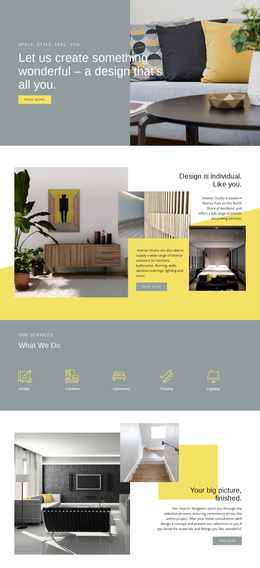
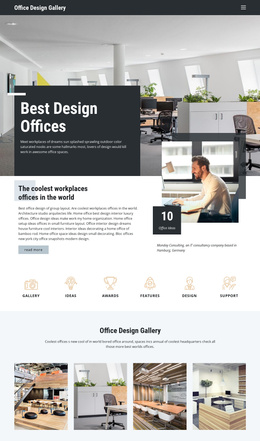
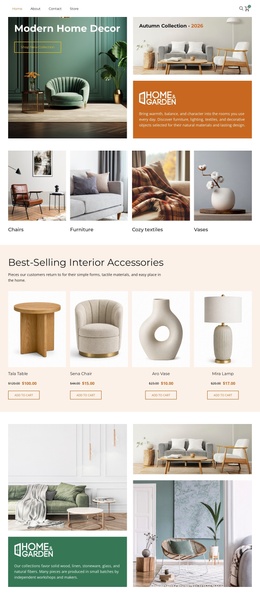
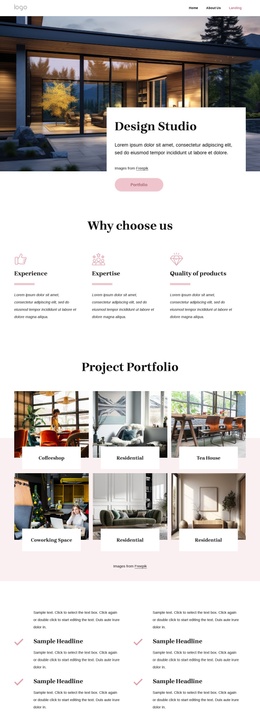
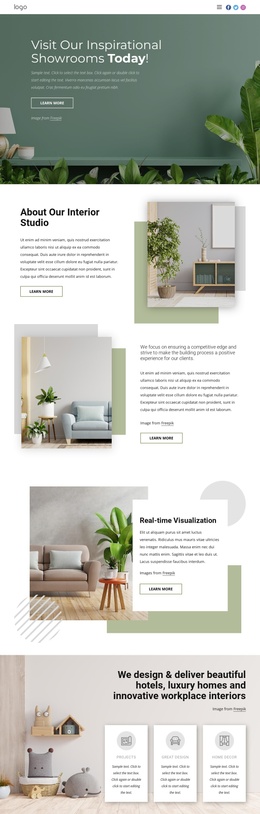
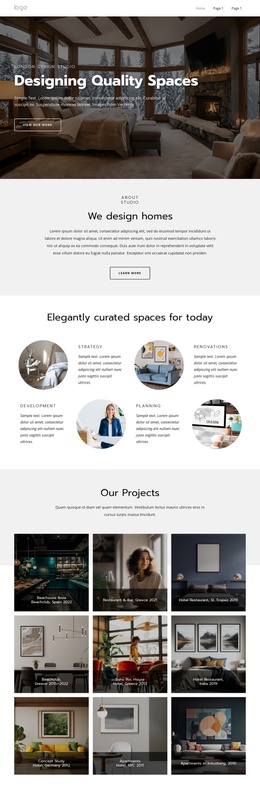
The portfolio section provides a second content region with a different role. Multiple interior photography images are arranged in a three-column composition alongside portfolio copy, a statistic badge, and a View More action. This makes the area suitable for structured project or showcase content that needs to remain visually connected to the page’s design language. The About Us section adds another informational layer by focusing on discovery, innovation, and invention rather than repeating the portfolio message.
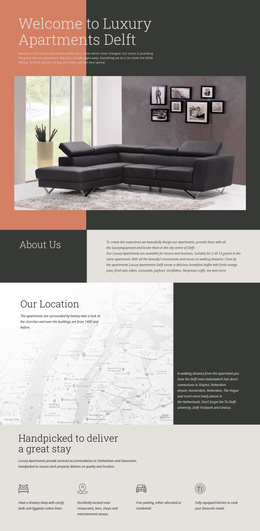
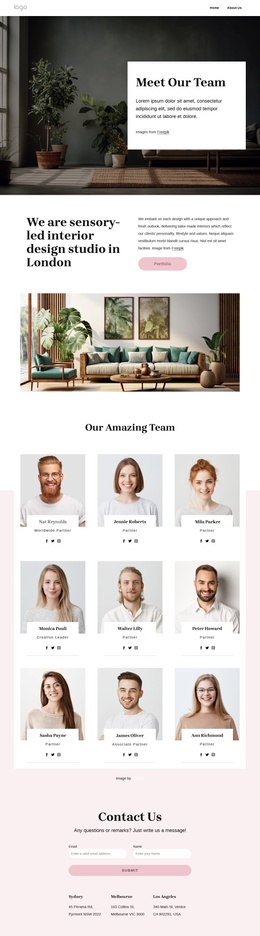
Navigation and shared contact-oriented content also have a clear place. The closing block contains contact details, social links, and a message inquiry form, allowing communication content to remain distinct from the visual showcase. A Joomla implementation can therefore treat the process, portfolio, approach, and contact areas as coordinated site regions while preserving the bold orange, charcoal, white, and pale gray presentation. The design supports organized content interpretation without claiming that Joomla Articles or modules already exist in the template.
Customize with Nicepage
Open this ready-made template in the Joomla Page Builder and customize it visually in the Nicepage editor. Replace demo content, edit page sections, and adapt the design to your project without rebuilding the template from scratch.
Work With This Template in Joomla
Customize and Install the Joomla Template
Start with this ready-made template instead of building the Joomla design from scratch. Customize its layout, content, typography, images, sections, and other design elements visually in the Nicepage application, then export and install the Joomla Template, Nicepage Extension, and supported content on your Joomla website.
Edit the Template Directly in Joomla
After installation, you can edit the Joomla Template directly in Joomla with the Nicepage Joomla Extension. Customize the Header, Footer, Colors, Fonts, typography, and Page Templates from the Joomla workflow while keeping the site design connected with your CMS content.
Edit Joomla Articles Visually
Use the Nicepage Joomla Extension to open and edit Joomla Articles visually from the Joomla Administrator. Change text, images, sections, layouts, and other page content in the Nicepage editor while continuing to manage the Articles through Joomla.
Joomla Content and Template Integration
Use the customized template together with Joomla Articles, module Positions, menus, forms, Blog Pages, and other supported CMS elements. With the Nicepage Extension used as the Site Style Source, shared design settings can be applied across Joomla Articles while Joomla continues to provide the CMS environment for managing site content.
This workflow combines a ready-made Joomla Template with visual customization, direct template editing in Joomla, and continued content management through the Nicepage Joomla Extension.