Interior brands Joomla Template


Edit Template Offline
2. Create new page and search for id 162417
Edit Template Online
Create Awesome Websites


Free Nicepage Builder
Keywords
Numbered topics and reusable content regions suit Joomla organization
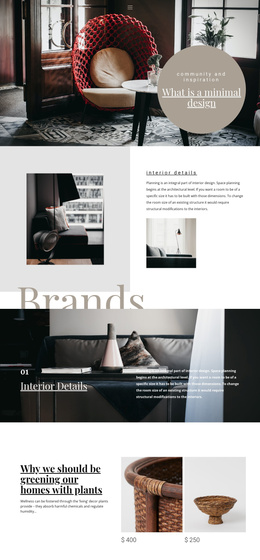
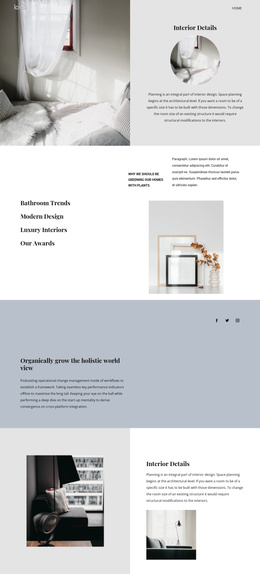
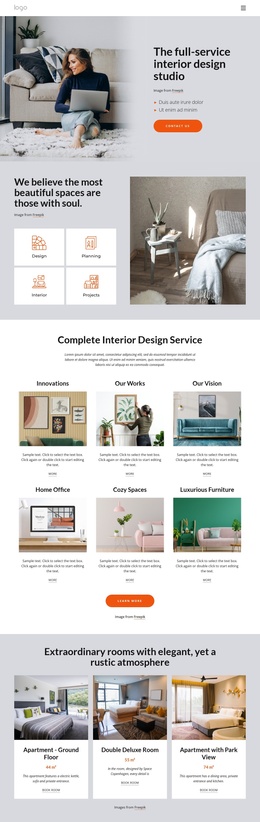
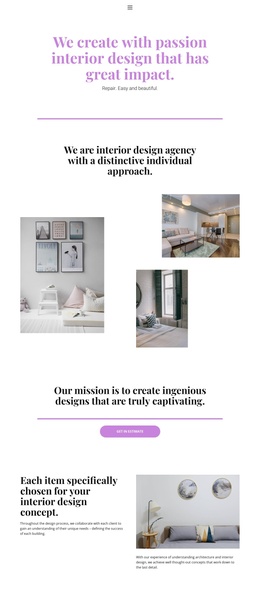
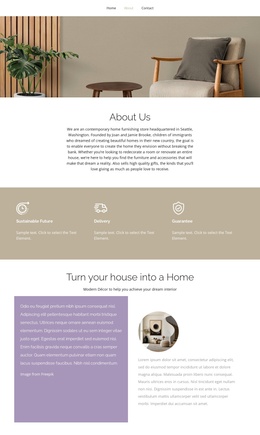
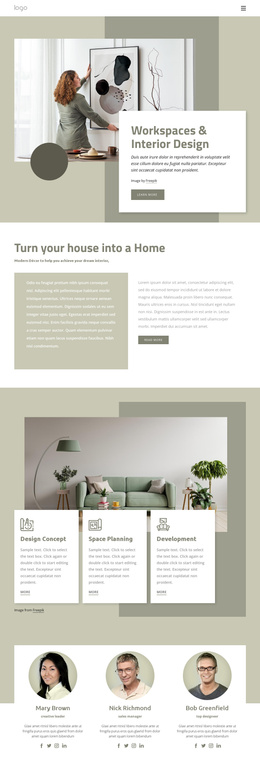
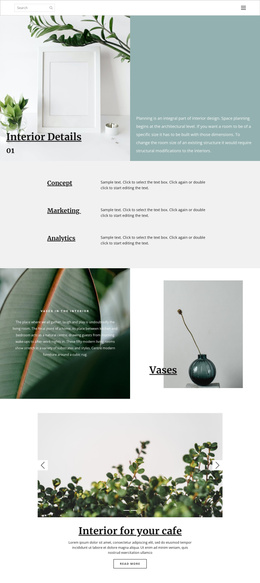
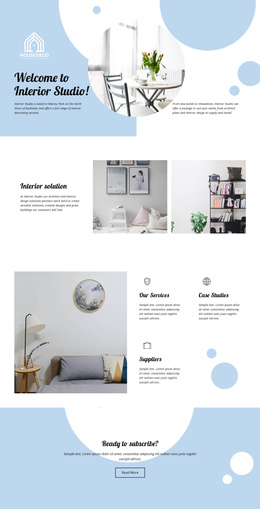
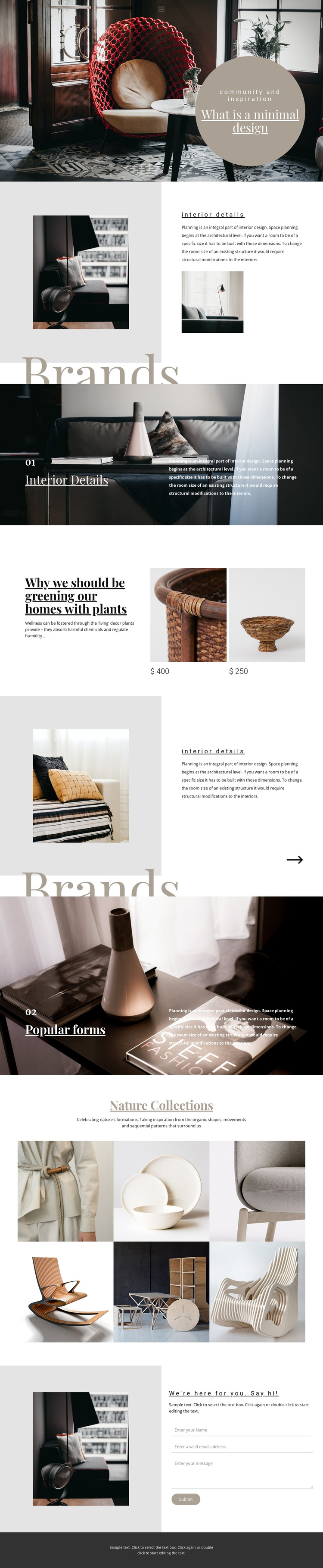
The page divides its interior subject into clear editorial regions that can be understood as managed content areas. The opening navigation and hero establish the page context, while the two split Interior Details sections pair planning-oriented text with room photography. Because the same explanatory treatment appears twice, the design has a repeated content pattern that can remain visually coordinated as related interior information is maintained.
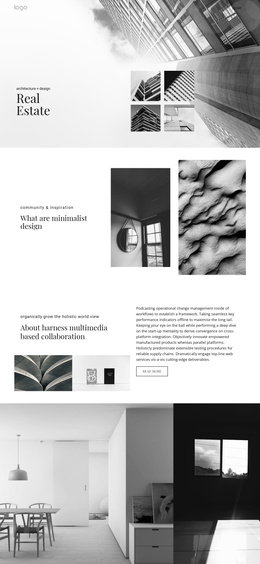
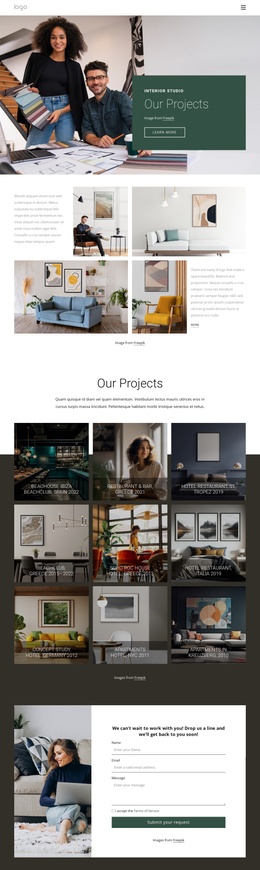
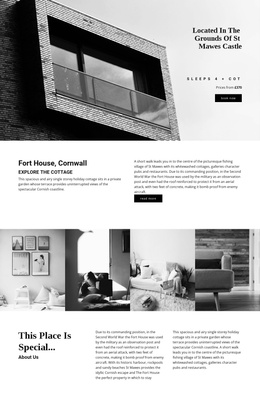
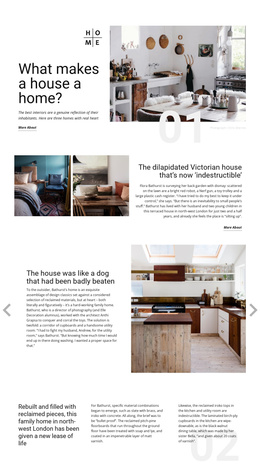
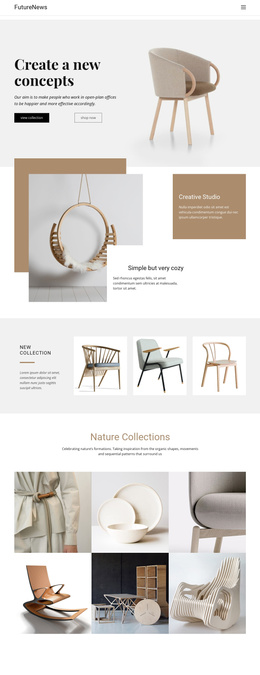
The Brands sections add another layer of organization. One numbered feature presents Interior Details and the other presents Popular forms, each using a large image with a dark overlay and supporting copy. These are distinct topic areas rather than one uninterrupted text block. The plant-focused decor feature adds two repeated image-and-price items, and the Nature Collections section supplies a six-image gallery for visual material. Together, these areas separate service-like explanation, product-style references, and image-led inspiration.
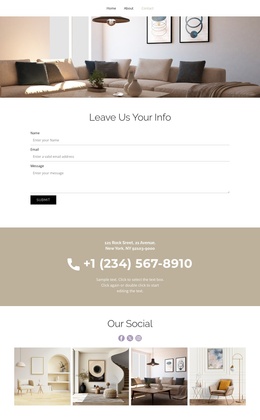
The final contact region provides a defined communication area with introductory text, an interior image, name, email, and message inputs, and a submit action. Alongside the top Page 1 navigation link, its responsive off-canvas alternative, and the shared dark footer, the page has recognizable site regions for navigation, content, visual media, and inquiry. In a Joomla project, that organization gives structured material a stable presentation without requiring the design to be reduced to a generic article layout.
Customize with Nicepage
Open this ready-made template in the Joomla Page Builder and customize it visually in the Nicepage editor. Replace demo content, edit page sections, and adapt the design to your project without rebuilding the template from scratch.
Work With This Template in Joomla
Customize and Install the Joomla Template
Start with this ready-made template instead of building the Joomla design from scratch. Customize its layout, content, typography, images, sections, and other design elements visually in the Nicepage application, then export and install the Joomla Template, Nicepage Extension, and supported content on your Joomla website.
Edit the Template Directly in Joomla
After installation, you can edit the Joomla Template directly in Joomla with the Nicepage Joomla Extension. Customize the Header, Footer, Colors, Fonts, typography, and Page Templates from the Joomla workflow while keeping the site design connected with your CMS content.
Edit Joomla Articles Visually
Use the Nicepage Joomla Extension to open and edit Joomla Articles visually from the Joomla Administrator. Change text, images, sections, layouts, and other page content in the Nicepage editor while continuing to manage the Articles through Joomla.
Joomla Content and Template Integration
Use the customized template together with Joomla Articles, module Positions, menus, forms, Blog Pages, and other supported CMS elements. With the Nicepage Extension used as the Site Style Source, shared design settings can be applied across Joomla Articles while Joomla continues to provide the CMS environment for managing site content.
This workflow combines a ready-made Joomla Template with visual customization, direct template editing in Joomla, and continued content management through the Nicepage Joomla Extension.