Interior design and architecture studio Joomla Template



Edit Template Offline
2. Create new page and search for id 4245242
Edit Template Online
Create Awesome Websites


Free Nicepage Builder
Keywords
Service categories and contact regions create clear Joomla content areas
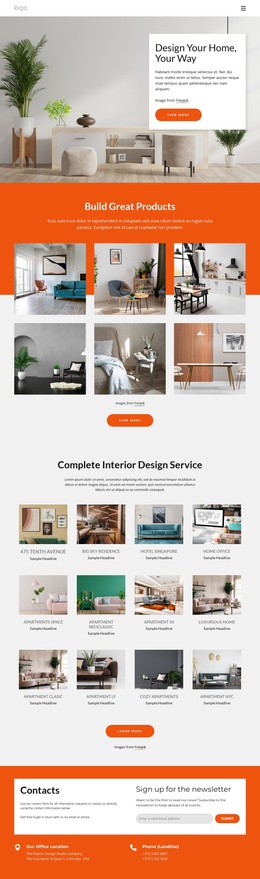
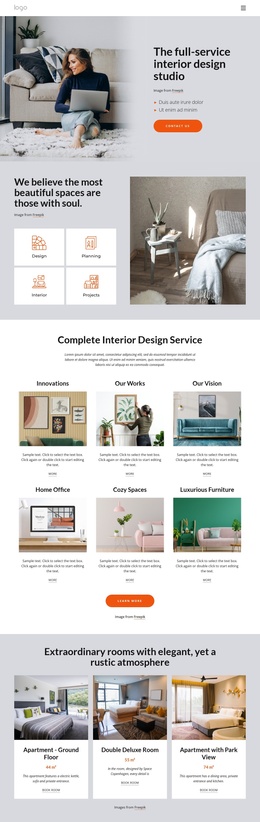
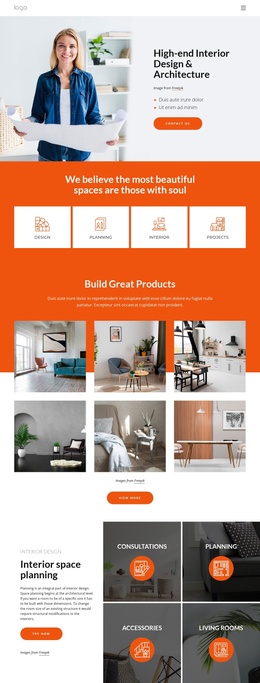
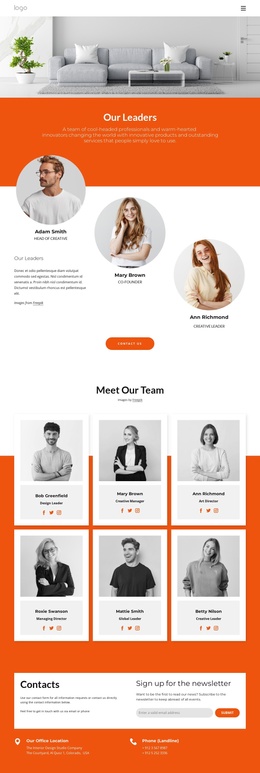
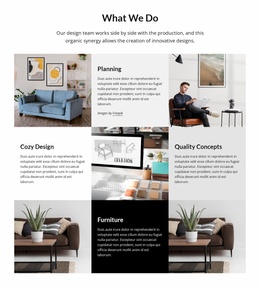
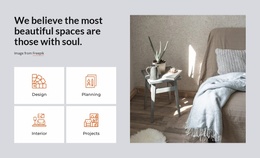
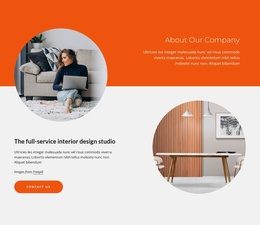
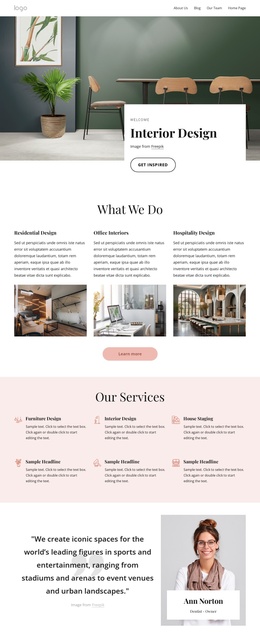
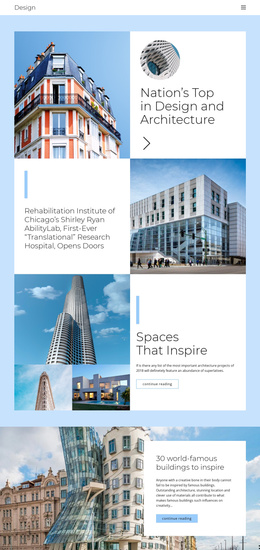
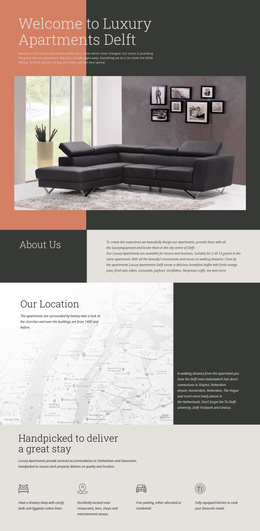
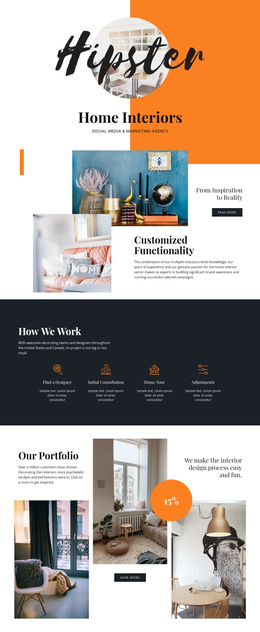
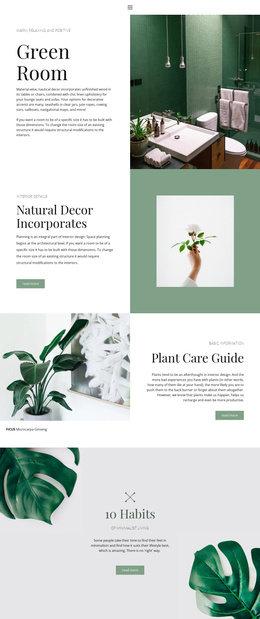
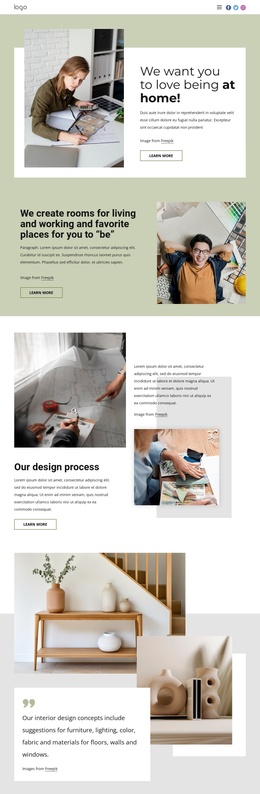
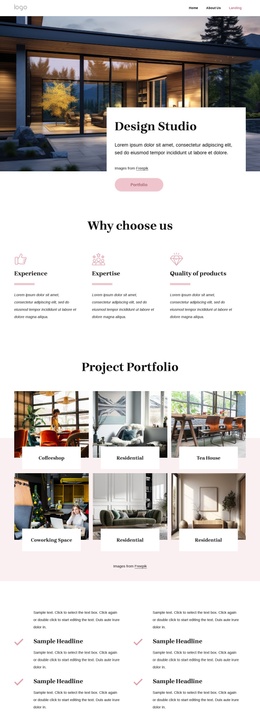
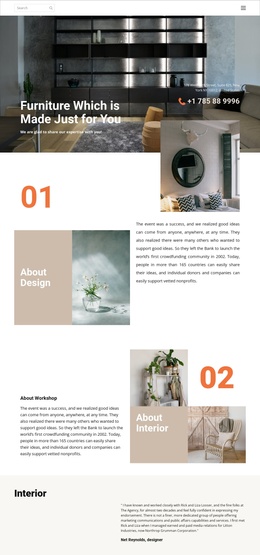
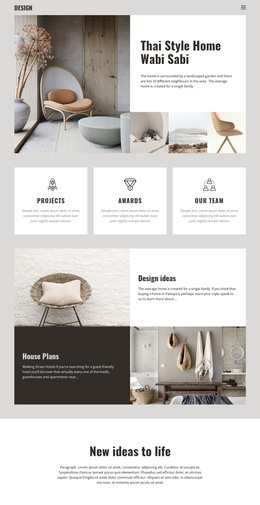
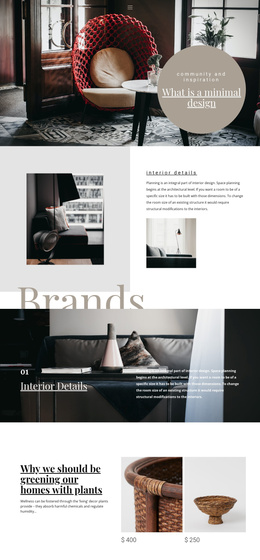
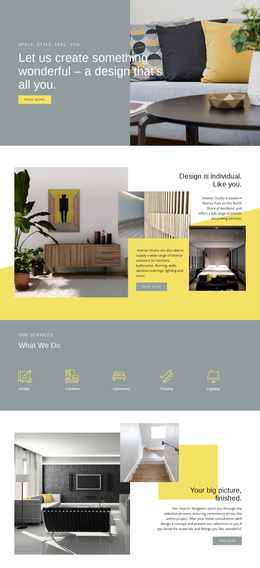
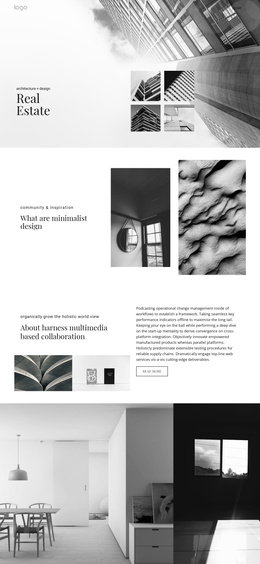
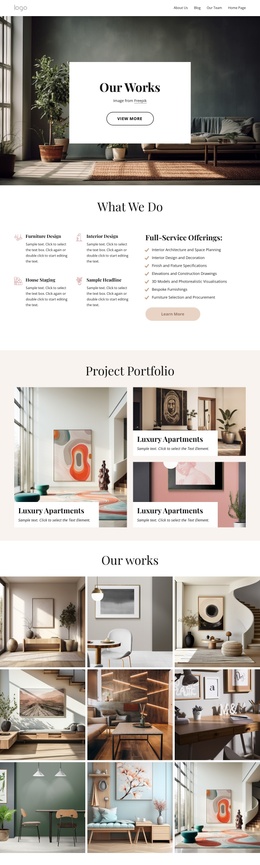
The four introductory cards divide the design into recognizable informational areas: Design, Planning, Interior, and Projects. That separation is useful for a CMS-managed service presentation because each category can retain its own heading, supporting copy, and visual treatment while remaining part of the same page system. The navigation reinforces the division by naming destinations such as Projects, Our Team, About Us, and Contact Us, although the template analysis confirms the navigation labels rather than separate completed pages.
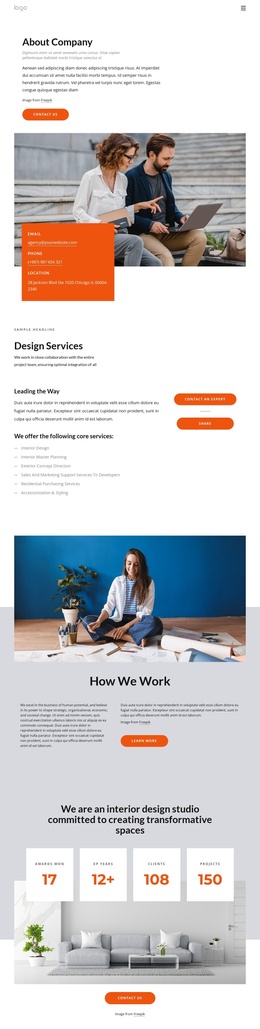
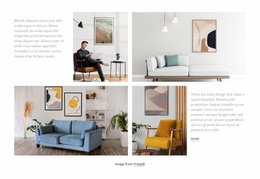
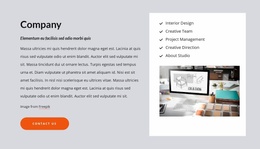
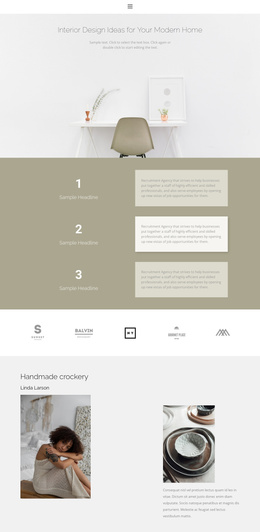
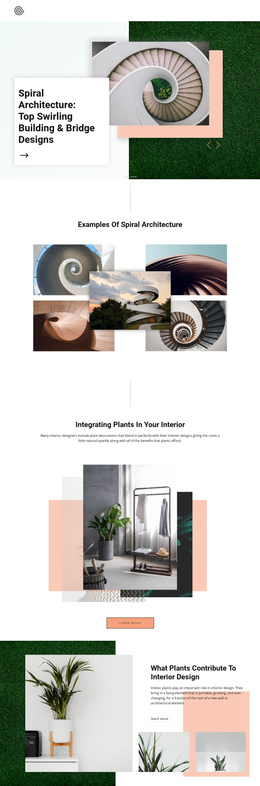
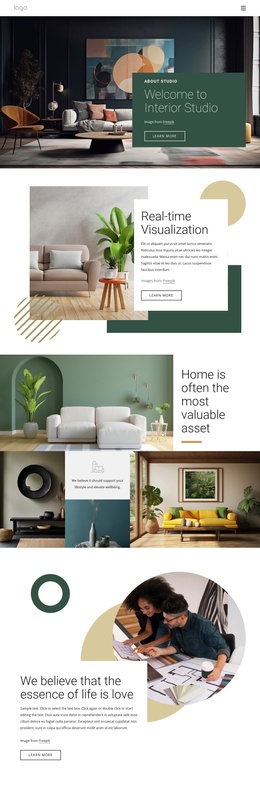
The six-image project gallery gives the content structure a visual showcase area, while the following space-planning section adds more specific service groupings for Consultations, Planning, Accessories, and Living Rooms. Together, these regions distinguish broad service information from image-led project content. The company section then introduces general contracting services, and the Building Services band provides a separate place for expert contact messaging.
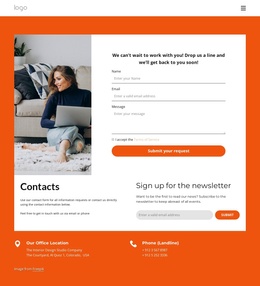
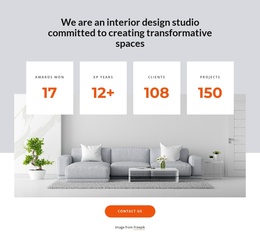
The lower page supplies reusable site regions and structured closing content: four displayed metric circles, a horizontal client-logo set, a contact area with office and phone details, and a newsletter subscription panel. In a Joomla project, these areas provide a practical basis for organizing editorial service content, gallery material, navigation, and contact information within one coordinated design. Sample figures, logos, addresses, and phone values should remain treated as replaceable demo content.
Customize with Nicepage
Open this ready-made template in the Joomla Page Builder and customize it visually in the Nicepage editor. Replace demo content, edit page sections, and adapt the design to your project without rebuilding the template from scratch.
Work With This Template in Joomla
Customize and Install the Joomla Template
Start with this ready-made template instead of building the Joomla design from scratch. Customize its layout, content, typography, images, sections, and other design elements visually in the Nicepage application, then export and install the Joomla Template, Nicepage Extension, and supported content on your Joomla website.
Edit the Template Directly in Joomla
After installation, you can edit the Joomla Template directly in Joomla with the Nicepage Joomla Extension. Customize the Header, Footer, Colors, Fonts, typography, and Page Templates from the Joomla workflow while keeping the site design connected with your CMS content.
Edit Joomla Articles Visually
Use the Nicepage Joomla Extension to open and edit Joomla Articles visually from the Joomla Administrator. Change text, images, sections, layouts, and other page content in the Nicepage editor while continuing to manage the Articles through Joomla.
Joomla Content and Template Integration
Use the customized template together with Joomla Articles, module Positions, menus, forms, Blog Pages, and other supported CMS elements. With the Nicepage Extension used as the Site Style Source, shared design settings can be applied across Joomla Articles while Joomla continues to provide the CMS environment for managing site content.
This workflow combines a ready-made Joomla Template with visual customization, direct template editing in Joomla, and continued content management through the Nicepage Joomla Extension.