We are leaders in industrial business Joomla Template
Edit Template Offline
2. Create new page and search for id 6011097
Edit Template Online
Create Awesome Websites


Free Nicepage Builder
Keywords
Solar Benefits and Projects Create Distinct Joomla Content Regions
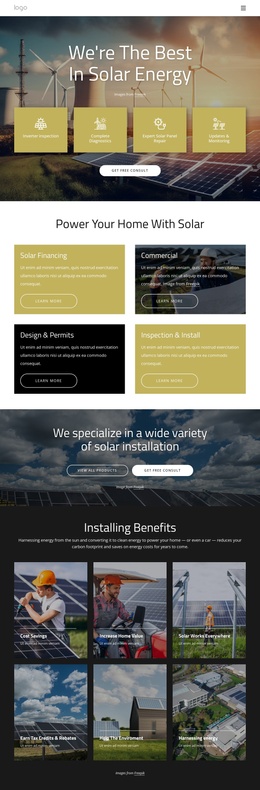
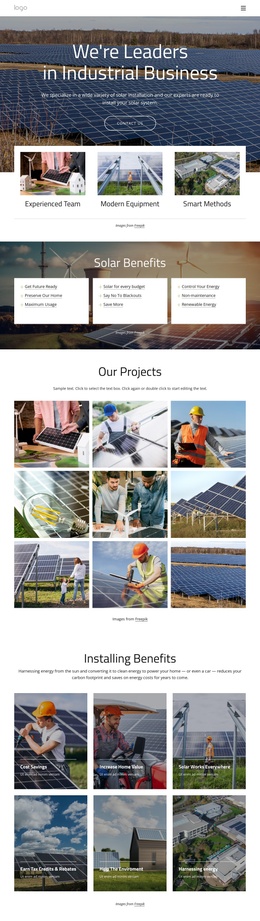
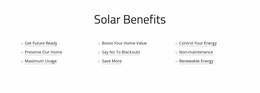
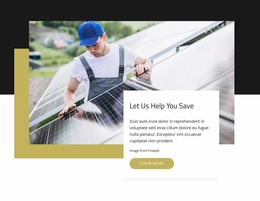
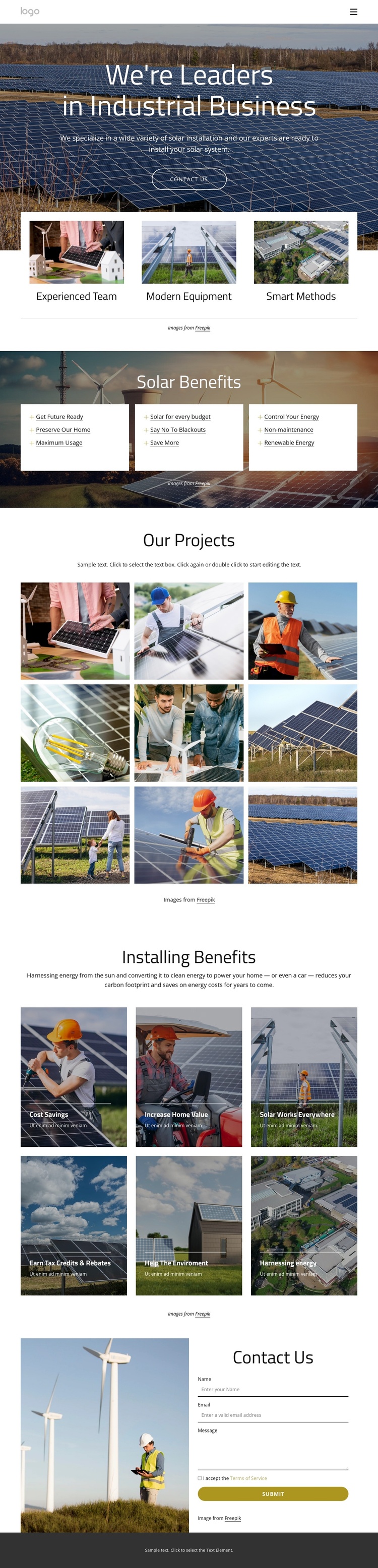
The page divides its renewable-energy message into several content areas that can be understood and maintained separately in a Joomla-oriented site. The hero establishes the installation subject and highlights an experienced team, modern equipment, and smart methods. After that introduction, three white cards on a dark photographic background group practical solar benefits such as controlling energy, saving more, avoiding blackouts, and using renewable power. The repeated card pattern gives structured informational content a consistent visual setting.
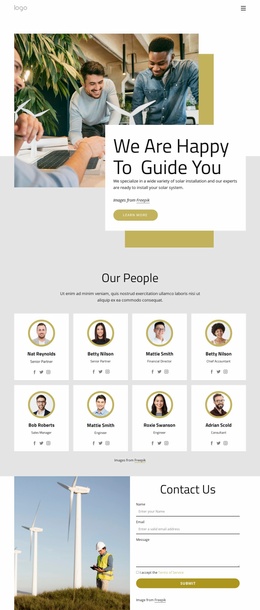
The Our Projects section provides a different kind of content region: a nine-image gallery that can represent completed or illustrative solar work without treating the sample imagery as verified business history. Six image-backed cards then organize installation-related topics, including cost savings, increased home value, solar use in different settings, tax credits and rebates, environmental benefits, and harnessing energy. Navigation at the top and the dark footer give these sections shared site regions around the page content. Near the end, the contact area combines an energy image with name, email, and message inputs, creating a clearly defined inquiry region. This separation between navigation, service explanation, project presentation, benefit groups, and contact content makes the design suitable for a CMS-managed solar site where different informational areas can be organized without losing their common visual direction.
Customize with Nicepage
Open this ready-made template in the Joomla Page Builder and customize it visually in the Nicepage editor. Replace demo content, edit page sections, and adapt the design to your project without rebuilding the template from scratch.
Work With This Template in Joomla
Customize and Install the Joomla Template
Start with this ready-made template instead of building the Joomla design from scratch. Customize its layout, content, typography, images, sections, and other design elements visually in the Nicepage application, then export and install the Joomla Template, Nicepage Extension, and supported content on your Joomla website.
Edit the Template Directly in Joomla
After installation, you can edit the Joomla Template directly in Joomla with the Nicepage Joomla Extension. Customize the Header, Footer, Colors, Fonts, typography, and Page Templates from the Joomla workflow while keeping the site design connected with your CMS content.
Edit Joomla Articles Visually
Use the Nicepage Joomla Extension to open and edit Joomla Articles visually from the Joomla Administrator. Change text, images, sections, layouts, and other page content in the Nicepage editor while continuing to manage the Articles through Joomla.
Joomla Content and Template Integration
Use the customized template together with Joomla Articles, module Positions, menus, forms, Blog Pages, and other supported CMS elements. With the Nicepage Extension used as the Site Style Source, shared design settings can be applied across Joomla Articles while Joomla continues to provide the CMS environment for managing site content.
This workflow combines a ready-made Joomla Template with visual customization, direct template editing in Joomla, and continued content management through the Nicepage Joomla Extension.