Recycling Today for Tomorrow Joomla Template


Edit Template Offline
2. Create new page and search for id 6453650
Edit Template Online
Create Awesome Websites


Free Nicepage Builder
Keywords
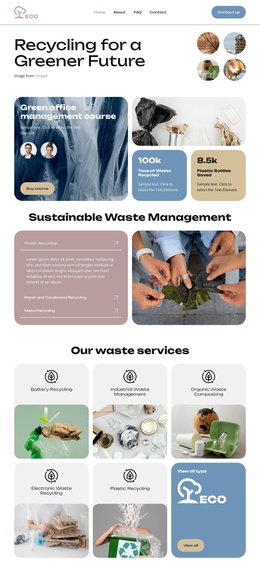
Five Recycling Categories Give the ECO Page Structured Content Regions
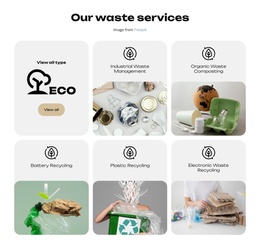
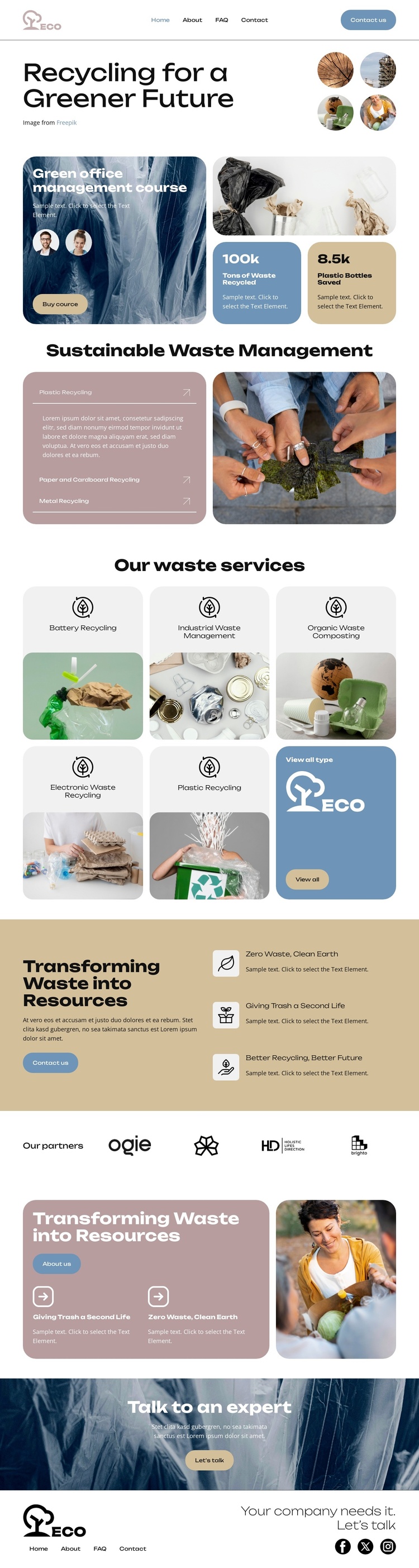
Battery Recycling, Industrial Waste Management, Organic Waste Composting, Electronic Waste Recycling, and Plastic Recycling divide the central service area into clear informational regions. Their repeated card format can help a CMS-managed project keep related service content visually coordinated while the individual descriptions, links, or supporting media change over time. The separate view-all tile provides a natural place for broader service navigation without confusing it with one category.
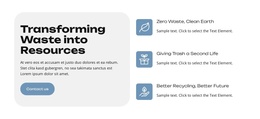
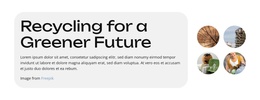
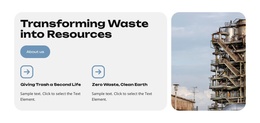
Other areas support a different kind of structured site content. The header contains the ECO brand, primary links, and a contact action, while the partner showcase groups several organization marks in one horizontal region. The sustainability section connects the “Transforming Waste into Resources” message with three benefit statements, giving the page an explanatory layer before visitors reach the resource card and “Talk to an expert” banner. The footer then repeats navigation, contact messaging, and social links as shared closing content.
This arrangement suits a Joomla-oriented project where services, educational material, partner information, and contact content need distinct regions within one visual system. A Joomla Template can preserve the page’s hierarchy while allowing the ECO design to organize structured environmental information through menus and recurring site areas.
Customize with Nicepage
Open this ready-made template in the Joomla Page Builder and customize it visually in the Nicepage editor. Replace demo content, edit page sections, and adapt the design to your project without rebuilding the template from scratch.
Work With This Template in Joomla
Customize and Install the Joomla Template
Start with this ready-made template instead of building the Joomla design from scratch. Customize its layout, content, typography, images, sections, and other design elements visually in the Nicepage application, then export and install the Joomla Template, Nicepage Extension, and supported content on your Joomla website.
Edit the Template Directly in Joomla
After installation, you can edit the Joomla Template directly in Joomla with the Nicepage Joomla Extension. Customize the Header, Footer, Colors, Fonts, typography, and Page Templates from the Joomla workflow while keeping the site design connected with your CMS content.
Edit Joomla Articles Visually
Use the Nicepage Joomla Extension to open and edit Joomla Articles visually from the Joomla Administrator. Change text, images, sections, layouts, and other page content in the Nicepage editor while continuing to manage the Articles through Joomla.
Joomla Content and Template Integration
Use the customized template together with Joomla Articles, module Positions, menus, forms, Blog Pages, and other supported CMS elements. With the Nicepage Extension used as the Site Style Source, shared design settings can be applied across Joomla Articles while Joomla continues to provide the CMS environment for managing site content.
This workflow combines a ready-made Joomla Template with visual customization, direct template editing in Joomla, and continued content management through the Nicepage Joomla Extension.