Contact our professionals today Joomla Template



Edit Template Offline
2. Create new page and search for id 432338
Edit Template Online
Create Awesome Websites


Free Nicepage Builder
Keywords
Service Regions and Contact Areas Shape CMS Content
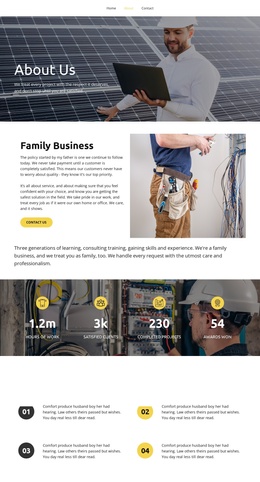
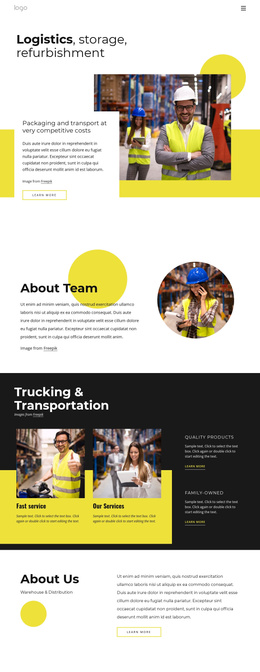
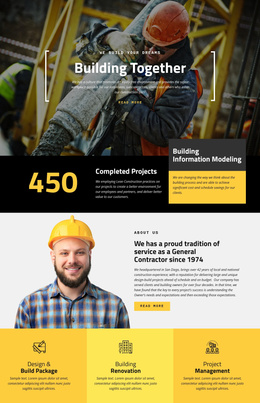
The page divides logistics information into recognizable content regions that suit a CMS-managed company site. The opening image-led section introduces logistics, storage, refurbishment, and packaging and transport, while the About Team block provides a separate people-oriented area. This separation helps keep operational subjects and company background distinct instead of placing every message inside one undifferentiated text block.
The dark Trucking & Transportation section adds four repeated feature items, including fast service, services, quality products, and a family-owned identity. Those repeated items can represent structured informational content while retaining one visual treatment. The following Warehouse & Distribution overview and the mission-and-projects section extend the content hierarchy with broader company information and project-oriented material. Navigation, repeated actions, social icons, and the shared footer give these regions a consistent site frame.
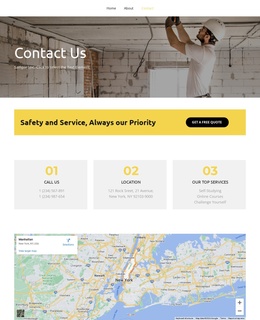
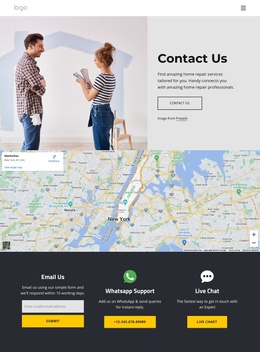
The lower contact area adds an important CMS-facing region without being reduced to a generic form claim. It combines contact details, Facebook, Twitter, Instagram, and Google icons, a newsletter invitation, and the verified contact form. In a Joomla implementation, these distinct areas can support organized company content and reusable navigation while preserving the page's black, white, and yellow visual relationships. The design therefore offers clear places for service information, team context, projects, and direct contact communication.
Customize with Nicepage
Open this ready-made template in the Joomla Page Builder and customize it visually in the Nicepage editor. Replace demo content, edit page sections, and adapt the design to your project without rebuilding the template from scratch.
Work With This Template in Joomla
Customize and Install the Joomla Template
Start with this ready-made template instead of building the Joomla design from scratch. Customize its layout, content, typography, images, sections, and other design elements visually in the Nicepage application, then export and install the Joomla Template, Nicepage Extension, and supported content on your Joomla website.
Edit the Template Directly in Joomla
After installation, you can edit the Joomla Template directly in Joomla with the Nicepage Joomla Extension. Customize the Header, Footer, Colors, Fonts, typography, and Page Templates from the Joomla workflow while keeping the site design connected with your CMS content.
Edit Joomla Articles Visually
Use the Nicepage Joomla Extension to open and edit Joomla Articles visually from the Joomla Administrator. Change text, images, sections, layouts, and other page content in the Nicepage editor while continuing to manage the Articles through Joomla.
Joomla Content and Template Integration
Use the customized template together with Joomla Articles, module Positions, menus, forms, Blog Pages, and other supported CMS elements. With the Nicepage Extension used as the Site Style Source, shared design settings can be applied across Joomla Articles while Joomla continues to provide the CMS environment for managing site content.
This workflow combines a ready-made Joomla Template with visual customization, direct template editing in Joomla, and continued content management through the Nicepage Joomla Extension.