Local home repair Joomla Template



Edit Template Offline
2. Create new page and search for id 3854218
Edit Template Online
Create Awesome Websites


Free Nicepage Builder
Keywords
Structured Repair Categories and Reusable Communication Regions
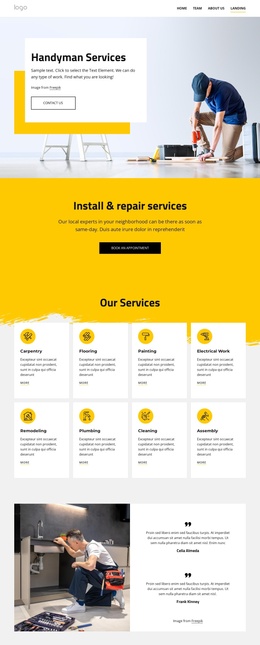
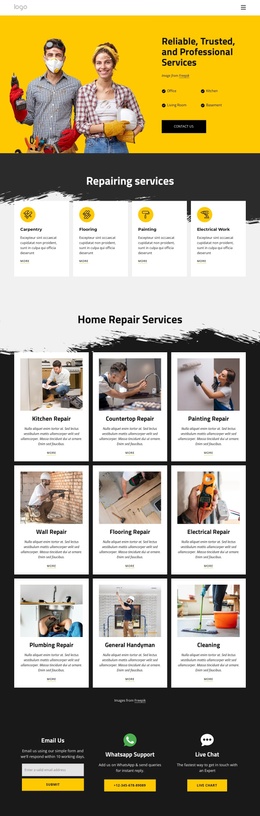
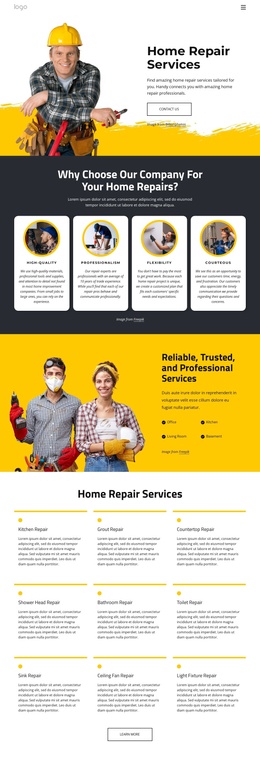
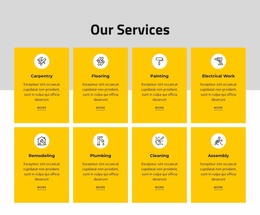
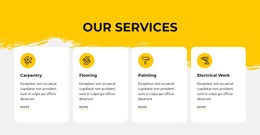
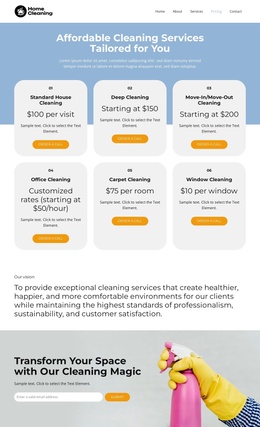
The detailed service grid gives the design a natural content structure for a CMS-managed repair site. Nine named areas—such as kitchen, gutter, countertop, bathroom, toilet, sink, ceiling fan, and light fixture repair—can be understood as distinct informational subjects rather than one undifferentiated paragraph. The neighboring category cards for carpentry, flooring, painting, and electrical work provide a second level of organization, allowing broader service information to remain visually separate from specific repair tasks.
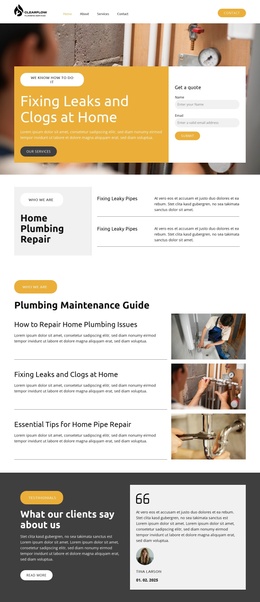
Navigation and shared page regions can connect those content areas to the opening promise and the closing response options. The reliability section, four benefit cards, and professional service cards reinforce recurring information about how the company presents its work, while the expert checklist gives a focused region for emergency repairs, circuit breakers, ceiling fans, and generators. The page therefore has both grouped service content and reusable communication context.
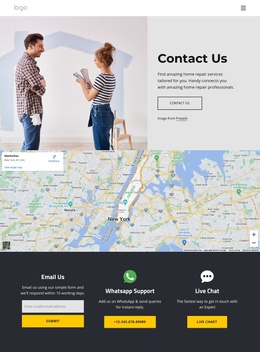
The two message cards are particularly relevant to structured site management because general inquiries and complaints already have different roles. Email, WhatsApp Support, and Live Chat add three further contact channels at the end of the page. In Joomla, this arrangement can serve as a clear visual framework for managed service and contact content. The Joomla Extension is an optional product bridge for creating and designing Articles, but the template itself does not claim that Joomla Articles or module positions are already present.
Customize with Nicepage
Open this ready-made template in the Joomla Page Builder and customize it visually in the Nicepage editor. Replace demo content, edit page sections, and adapt the design to your project without rebuilding the template from scratch.
Work With This Template in Joomla
Customize and Install the Joomla Template
Start with this ready-made template instead of building the Joomla design from scratch. Customize its layout, content, typography, images, sections, and other design elements visually in the Nicepage application, then export and install the Joomla Template, Nicepage Extension, and supported content on your Joomla website.
Edit the Template Directly in Joomla
After installation, you can edit the Joomla Template directly in Joomla with the Nicepage Joomla Extension. Customize the Header, Footer, Colors, Fonts, typography, and Page Templates from the Joomla workflow while keeping the site design connected with your CMS content.
Edit Joomla Articles Visually
Use the Nicepage Joomla Extension to open and edit Joomla Articles visually from the Joomla Administrator. Change text, images, sections, layouts, and other page content in the Nicepage editor while continuing to manage the Articles through Joomla.
Joomla Content and Template Integration
Use the customized template together with Joomla Articles, module Positions, menus, forms, Blog Pages, and other supported CMS elements. With the Nicepage Extension used as the Site Style Source, shared design settings can be applied across Joomla Articles while Joomla continues to provide the CMS environment for managing site content.
This workflow combines a ready-made Joomla Template with visual customization, direct template editing in Joomla, and continued content management through the Nicepage Joomla Extension.