Leak Detection and Repair Joomla Template


Edit Template Offline
2. Create new page and search for id 6475661
Edit Template Online
Create Awesome Websites


Free Nicepage Builder
Keywords
Five Maintenance Categories Form Reusable Joomla Content Areas
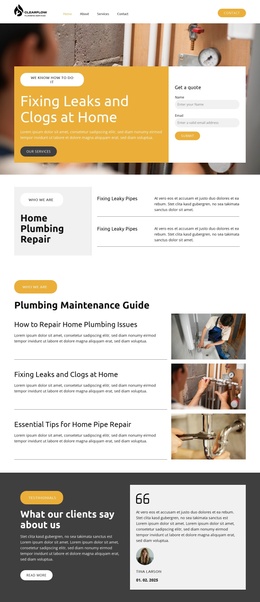
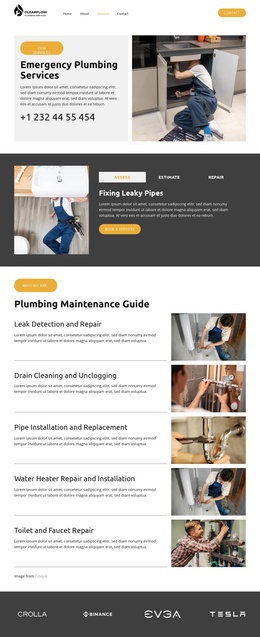
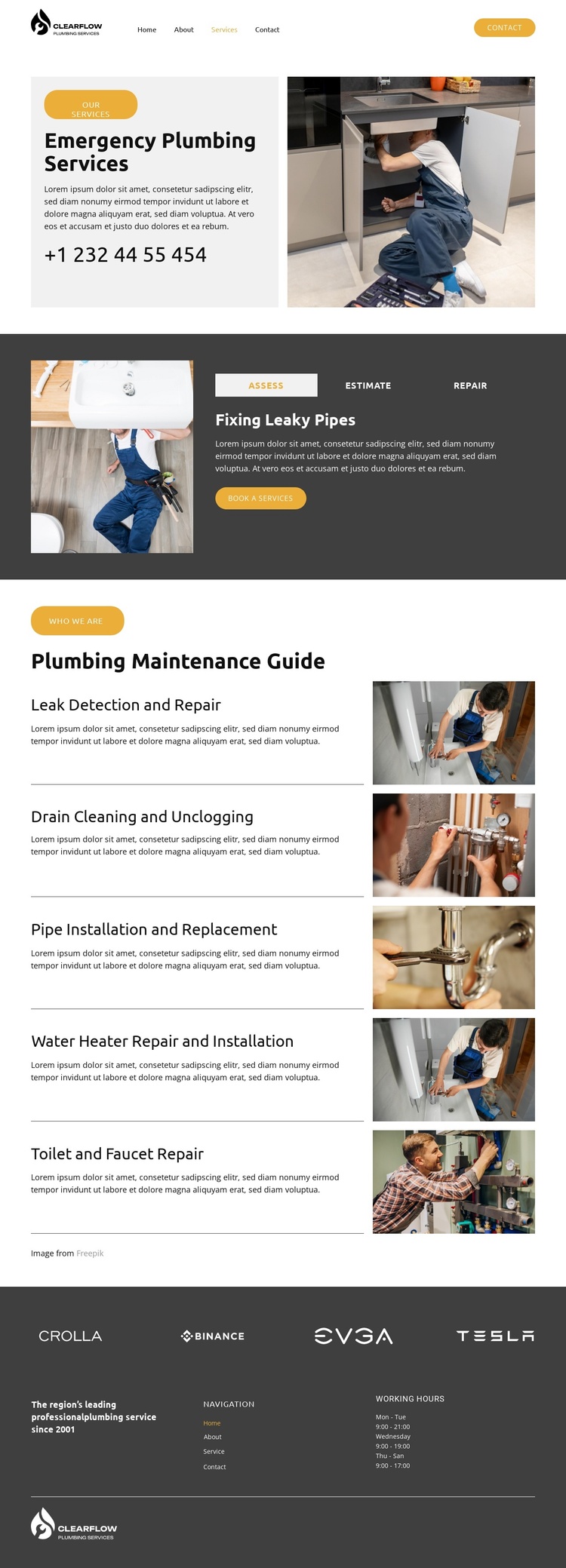
The five rows in the Plumbing Maintenance Guide divide the design into structured service information: Leak Detection and Repair, Drain Cleaning and Unclogging, Pipe Installation and Replacement, Water Heater Repair and Installation, and Toilet and Faucet Repair. These are more than isolated labels; together they create a set of recurring informational areas that can be maintained as organized plumbing content while retaining a shared visual treatment. The accompanying photographs give each category a consistent presentation zone.
The tabbed section provides another useful relationship between content and navigation. Assess, Estimate, and Repair group service actions inside one panel, with booking buttons connected to specific options such as leaky pipes, water heater fixes, and toilet leak repair. Above it, the emergency-services block supplies a prominent entry point, while the header contact button keeps contact access visible from the start. The footer adds navigation links and working-hours information as a shared closing region.
This structure suits a Joomla interpretation because the design separates recurring service information, navigation, contact access, and supporting brand content without requiring a new visual system for every category. The content can remain organized through Joomla while the page continues to present emergency response and maintenance services as related parts of one plumbing offering. If needed, the Nicepage Joomla Extension provides a product bridge, but the template-specific value lies in these clearly divided service regions and their relationships.
Customize with Nicepage
Open this ready-made template in the Joomla Page Builder and customize it visually in the Nicepage editor. Replace demo content, edit page sections, and adapt the design to your project without rebuilding the template from scratch.
Work With This Template in Joomla
Customize and Install the Joomla Template
Start with this ready-made template instead of building the Joomla design from scratch. Customize its layout, content, typography, images, sections, and other design elements visually in the Nicepage application, then export and install the Joomla Template, Nicepage Extension, and supported content on your Joomla website.
Edit the Template Directly in Joomla
After installation, you can edit the Joomla Template directly in Joomla with the Nicepage Joomla Extension. Customize the Header, Footer, Colors, Fonts, typography, and Page Templates from the Joomla workflow while keeping the site design connected with your CMS content.
Edit Joomla Articles Visually
Use the Nicepage Joomla Extension to open and edit Joomla Articles visually from the Joomla Administrator. Change text, images, sections, layouts, and other page content in the Nicepage editor while continuing to manage the Articles through Joomla.
Joomla Content and Template Integration
Use the customized template together with Joomla Articles, module Positions, menus, forms, Blog Pages, and other supported CMS elements. With the Nicepage Extension used as the Site Style Source, shared design settings can be applied across Joomla Articles while Joomla continues to provide the CMS environment for managing site content.
This workflow combines a ready-made Joomla Template with visual customization, direct template editing in Joomla, and continued content management through the Nicepage Joomla Extension.